


Cybersecurity services Australia
Cybersecurity services Australia
Cybersecurity services for businesses that need practical protection across Microsoft 365, email, endpoints, firewalls, backups and incident readiness. We find the gaps, fix the priorities, document the owner and keep security work tied to real staff, devices and data.
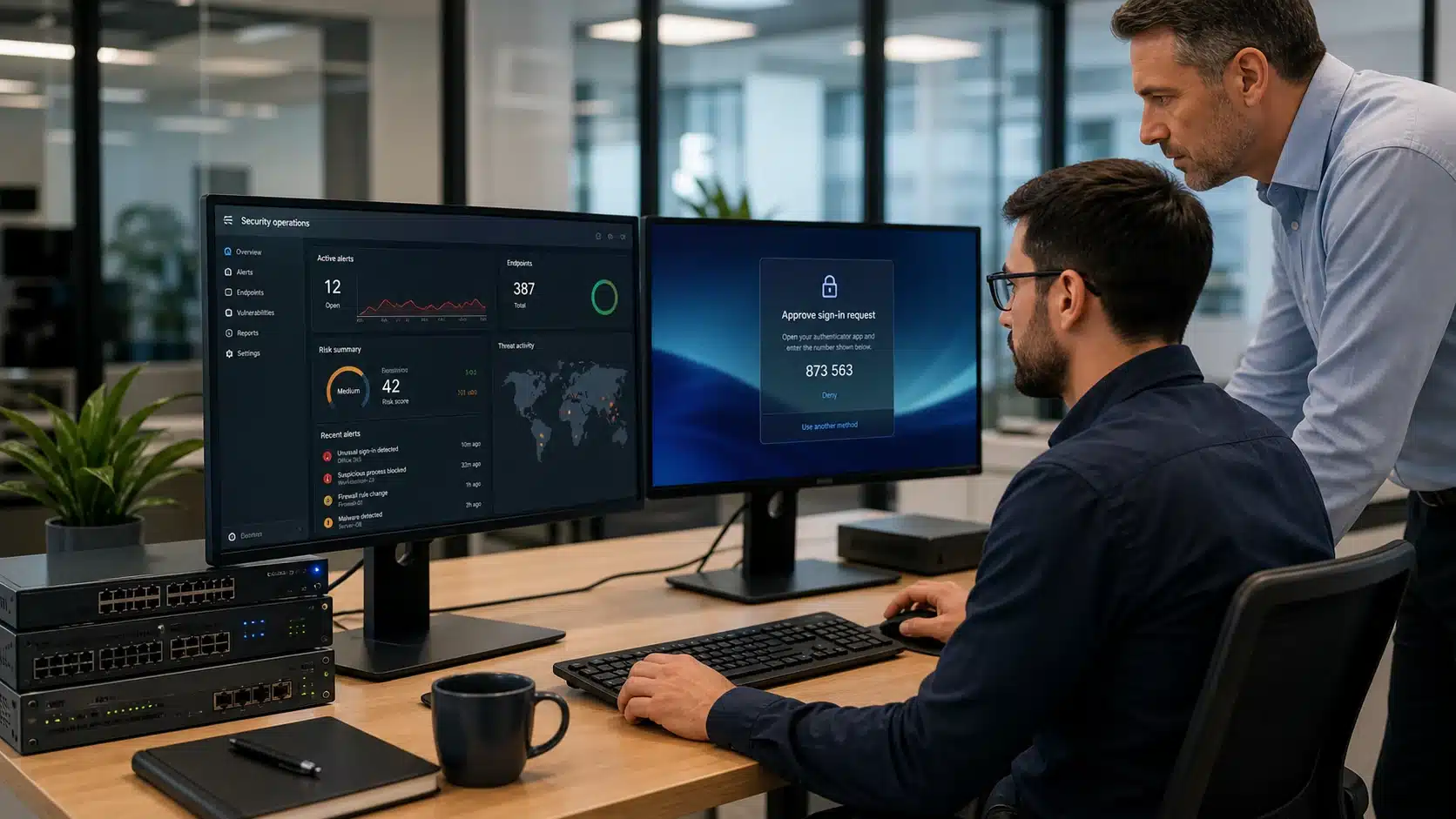






Practical cybersecurity services people can actually follow
Cybersecurity services Australia should reduce real business risk without turning every staff member into a security engineer. Compuloop focuses on the controls Australian businesses actually need: MFA, endpoint protection, email security, firewall hygiene, backup recovery and clear incident steps.
The work is deliberately practical. We check how users sign in, where business data lives, which devices are exposed, what happens when a suspicious email lands, and whether the business can recover cleanly when something breaks.
Cloud Security
Protect Microsoft 365, cloud apps, hosting and business data without slowing down normal work.
- Email protection
- IAM
- Cloud workload protection
- Data Security
- WAF
- Privileged Access Management
Cybersecurity services that fit how your staff actually work
Cybersecurity services Australia should start with the way the business runs: who signs in, where files live, how email is used, which apps matter and what happens if an account is compromised. Compuloop turns that into practical controls instead of vague risk talk.
For a typical Australian business, that means Microsoft 365 security, MFA, email protection, backup recovery, firewall hygiene and clear incident response notes all working together.
- Microsoft 365 and Entra ID sign-in review
- MFA coverage and risky admin access checks
- Email security, phishing and mailbox rule review
- Backup and recovery evidence before it is needed

M365 security

Identity + MFA

Recovery

Storage

Account takeover risk
A shared mailbox, weak MFA setting or stale admin account can become the easiest way into the business.
Email and cloud file exposure
We check forwarding rules, external sharing, sensitive data locations and practical recovery options.
Incident readiness
Staff need a simple path for suspicious email, lost devices, password resets and urgent access lockouts.
Endpoint Security
Keep laptops, desktops, mobile devices and servers patched, monitored and recoverable.
- Laptops
- Desktops
- Mobile Devices
- Servers
- Patch protection
- EDR response

Endpoint Protection across laptops, desktops, mobiles and servers
Endpoint protection is where security meets daily support. Staff devices need patching, EDR/XDR coverage, sensible admin rights, encryption and a clean process when a laptop is lost, stolen, infected or handed to a new starter.
Compuloop can align endpoint security with Microsoft Intune, Microsoft Defender, SentinelOne-style EDR, device onboarding and normal helpdesk processes so the controls are not forgotten after rollout.
- Windows 11 device hardening and patch follow-through
- Microsoft Intune enrolment and policy cleanup
- EDR/XDR visibility for laptops, desktops and servers
- Lost device, offboarding and admin-rights response steps

Device management
Defender + M365
XDR / EDR
Application control
New laptop setup
A new staff member should receive a secured device with the right apps, policies and cloud access from day one.
Suspicious activity
Endpoint alerts need a clear owner, documented response steps and a path to isolate the device quickly.
Leavers and device returns
Offboarding should remove access, confirm data safety and prevent old devices staying trusted forever.
Network Security
Secure the network layer and the applications that keep the business moving.
- Firewalls
- VPN
- IDS/IPS
- Network Monitoring
- Secure Coding
- Application Security
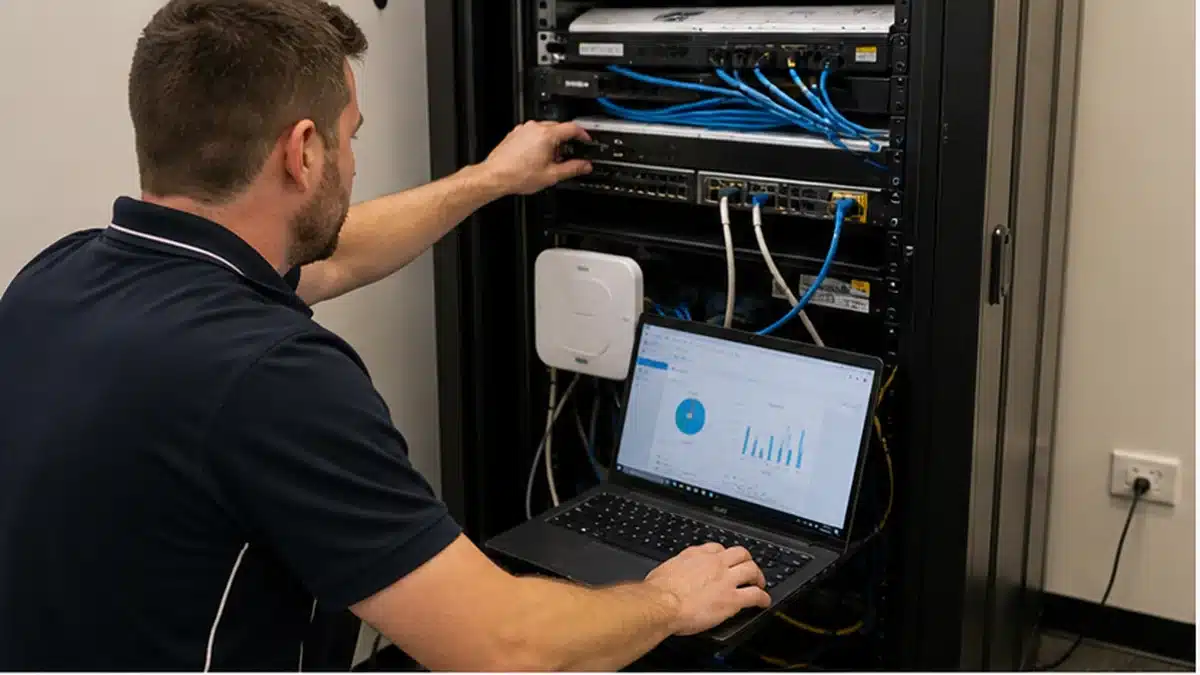
Network Security for firewalls, VPN, Wi-Fi and monitoring
Network security keeps the boring-but-critical layer honest: firewalls, VPN access, Wi-Fi, switches, segmentation, remote access and monitoring. When these drift, staff see slow internet, unreliable cloud apps or risky access paths that nobody remembers approving.
Compuloop supports MSP-friendly network stacks including Fortinet, Cisco, UniFi and backup-aware designs that protect offices, warehouses, clinics, retail sites and remote teams.
- Firewall policy review and secure remote access cleanup
- VPN, SD-WAN and site-to-site connectivity checks
- Wi-Fi and switch visibility for business locations
- Network monitoring, documentation and change control

Firewalls

Switching

Wi-Fi + gateways
Recovery planning

Office firewall drift
Old firewall rules, exposed services and forgotten VPN accounts can stay live long after the original project ended.
Branch and warehouse access
Multiple sites need stable connectivity without giving every device the same level of network trust.
Wi-Fi and guest networks
Business Wi-Fi should separate staff, guests, phones, printers and unmanaged devices where it matters.
Cybersecurity services checks tied to real business scenarios
These are not abstract cyber buzzwords. Each control has to map back to how staff use laptops, email, cloud files, phones, printers, remote access and line-of-business apps every day.

MFA and account access
Review Microsoft 365 sign-ins, MFA coverage, admin roles, recovery methods and shared mailbox access before attackers find the weak path.

Endpoint protection and response
Protect laptops, desktops and servers with monitored endpoint security, patch discipline and response steps for suspicious activity.
Firewall and secure access
Check firewall posture, VPN access, remote work paths, network segmentation and the rules that decide what devices can reach.

Backups and incident readiness
Confirm business data can be restored after deletion, ransomware, account compromise or a failed cloud workflow.
Managed cybersecurity services with clearer ownership
Security fails when nobody owns the boring pieces. Compuloop brings the daily support work and the risk work together, so onboarding, offboarding, password resets, device changes, firewall rules and backup checks do not live in separate silos.
That gives managers a clearer answer to simple questions: who has access, which devices are protected, what needs fixing first and what happens if something goes wrong. Managed cybersecurity services work best when the same team can see the support tickets, the security alerts and the business context behind both.
Control
MFA, endpoint protection, email security, firewall policy and backup coverage are reviewed as one working system.
Operate
Alerts, user requests, restore tests and security changes are documented so the next step is known before a messy day arrives.
- Microsoft 365 and Entra ID review
- Endpoint protection and EDR checks
- Email security and phishing response
- Firewall, VPN and remote access hygiene
- Backup recovery and restore expectations
- Admin access and offboarding cleanup
A practical cybersecurity services rollout path
Good cyber security services Australia-wide should move from visibility to action, then into normal business support. The goal is not another one-off audit; it is a repeatable security rhythm that survives staff changes, new devices, new cloud apps and busy weeks.
Baseline
Confirm users, devices, Microsoft 365, remote access, firewall posture, backup coverage and current security ownership.
Prioritise
Fix the gaps that reduce the most risk first: MFA coverage, admin access, unmanaged endpoints, weak email controls and untested recovery.
Implement
Apply practical changes with plain-English communication so staff know what is changing and why it matters.
Operate
Keep controls current through support tickets, review cycles, documentation, backup testing and regular security conversations.
Useful related Compuloop services include Essential Eight cyber security, Fortinet security services, business IT support and Microsoft Modern Workplace. For recognised external guidance, see the ACSC Essential Eight and Microsoft Security documentation.