


Microsoft 365 support for modern Australian teams
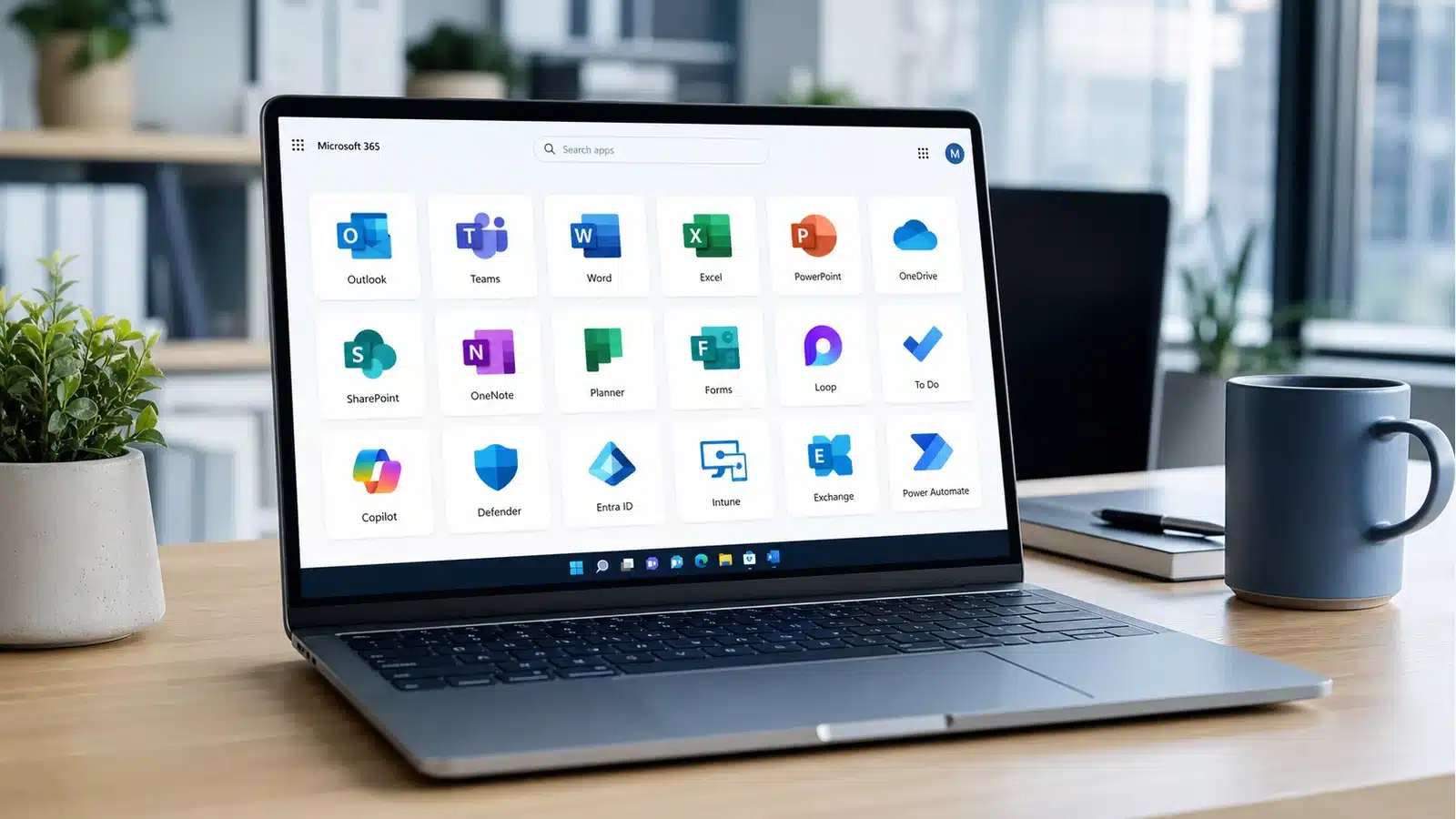
Microsoft 365 support for Australian businesses keeps Outlook, Teams, SharePoint, OneDrive, Windows 11, Intune, Entra ID, MFA and the Microsoft 365 apps working cleanly, securely and without daily staff friction.

- Contractor
- SMB
- Corporate
Microsoft 365 support should keep contractor work simple. Email needs to work. Also, files need to sync without daily friction.
Compuloop helps set up practical Microsoft Modern Workplace environments with business IT support, secure file sharing, OneDrive, SharePoint, Teams, device access and backup planning. As a result, contractors get less admin, cleaner collaboration and better control over client documents.
For contractors and small teams, the win is not more software. Instead, it is a Microsoft 365 setup that staff can use without putting business data at risk.
For SMB teams, Microsoft 365 problems usually show up in practical ways: Outlook issues, mailbox permissions, messy SharePoint folders, Teams confusion, weak MFA, old devices and scattered files.
Next, Compuloop helps Australian SMBs clean up Microsoft 365, improve identity and email security, support users, organise SharePoint and OneDrive, and connect Modern Workplace to cybersecurity, cloud hosting and everyday helpdesk support.
Therefore, good Microsoft 365 support should make the business easier to run, not create another system for staff to avoid.
For corporate teams, Microsoft 365 must scale across departments, permissions, devices, locations and security requirements. That means governance matters.
Compuloop supports Microsoft Modern Workplace projects with planning, user support, Teams and SharePoint guidance, OneDrive governance, identity controls, endpoint care and clear documentation for managers.
Finally, larger teams get controlled collaboration: faster work, fewer access problems and stronger protection around business data.
Microsoft Modern Workplace
Teams, SharePoint, OneDrive, devices and identity cleaned up into one practical way of working.
- Teams and SharePoint
- OneDrive sync
- Identity and MFA
- User support
Microsoft 365 support services Australian businesses actually use every day
Compuloop supports the Microsoft 365 services your team relies on every day—from Teams and SharePoint to OneDrive, Outlook, identity and device management. We connect those services to safer access, cleaner files, better devices and fewer recurring support issues.
Chat, meetings, channels and calling
Keep channels tidy, meeting rooms usable and team conversations connected to the files people actually need.
Document libraries and permissions
Build cleaner sites, libraries, sharing rules and ownership so documents are findable without turning access into a free-for-all.
Known folders and file recovery
Support desktop sync, personal work files, recovery expectations and user training before sync problems become a workday killer.
Mailboxes, calendars and shared access
Sort mailbox permissions, shared calendars, aliases, delivery issues, mobile Outlook and the daily email issues staff feel first.
Identity and access control
Use Microsoft Entra ID thinking for sign-ins, groups, conditional access basics, admin roles and safer account lifecycle management.
Windows 11 and device management
Prepare Windows 11 devices, policies, app installs, compliance settings and onboarding for staff laptops and mobile devices.
Right-sized Microsoft 365 plans
Review Business Basic, Standard, Premium and enterprise needs so the business pays for useful capability, not licence clutter.
Tenant, email and file moves
Plan mailbox, SharePoint, OneDrive, Teams and domain changes with fewer surprises, better communication and practical rollback thinking.
Microsoft Intune
Windows 11 laptops, app deployment and security policies made repeatable for new and existing staff.
- Windows 11 setup
- App deployment
- Device compliance
- Onboarding
Microsoft Modern Workplace solutions are only useful when staff can use them
Most businesses do not need a lecture about transformation. Instead, they need someone to set up Windows 11 properly, fix Outlook and Excel issues, clean up Teams and SharePoint, manage devices with Intune, and explain the next step in plain English.

Windows 11 workstation setup
Onsite technician setup for laptops, docks, Outlook, Teams, printers and the first-login bits staff should not have to fight.

Excel, Outlook and Teams support
Real support for spreadsheet issues, calendar friction, Teams meetings, shared files and the daily Microsoft 365 problems that slow people down.

Entra ID and Intune onboarding
Device staging, user groups, app installs, MFA prompts, policy basics and documented handover for new starters and replacement laptops.

SharePoint, OneDrive and MFA review
Permissions, secure sharing, admin access, MFA, recovery options and cloud backup conversations before sensitive files go wandering.
Microsoft 365
Licensing, mailboxes, calendars, Teams and security configured so the day runs smoother.
- Outlook and Exchange
- Licensing cleanup
- Mailbox permissions
- Backup checks
Managed Microsoft 365 support vs ad-hoc help
Area
Ad hoc Microsoft 365 help
Compuloop managed workplace support
Licensing
Licences are bought when someone complains, then rarely reviewed.
Business Basic, Standard, Premium and enterprise needs are reviewed against users, devices and security requirements.
Security
MFA is enabled unevenly and admin access is often unclear.
MFA, Entra ID roles, conditional access basics, recovery methods and admin ownership are documented.
Files
Files scatter across desktops, personal OneDrive folders and random Teams channels.
SharePoint sites, libraries, OneDrive sync, permissions and retention conversations are cleaned up around how the team works.
Devices
New laptops are built by memory and old devices keep odd settings.
Windows 11 setup, Intune policies, app deployment and onboarding steps are made repeatable.
Official Microsoft references: Microsoft 365 business plans, Microsoft Entra and Microsoft Intune licensing.
See Microsoft 365 security posture clearly
Microsoft Secure Score turns identity, device, application and data recommendations into a measurable action plan for MFA, legacy authentication and privileged access.

Microsoft 365 workplace support FAQs
What is Microsoft 365 support?
It is practical support for the Microsoft 365 environment a business relies on: Outlook, Teams, SharePoint, OneDrive, Entra ID, Intune, licensing, migrations, MFA, security settings, Windows 11 devices and user support.
Do you support Teams, SharePoint and OneDrive?
Yes. Compuloop helps with Teams structure, SharePoint sites and libraries, OneDrive sync, file permissions, sharing rules, staff training and recovery conversations.
Can you help with Entra ID, Intune and MFA?
Absolutely. We help review identity, admin access, MFA, device policies, Windows 11 onboarding and practical Intune settings for small and medium business environments.
Can you review Microsoft 365 licensing?
We can. Compuloop reviews licence usage, staff needs, Business Basic, Standard, Premium and enterprise plans so the business pays for capability it can actually use.
Do you handle Microsoft 365 migrations?
Before migration work starts, we help with mailbox planning, tenant changes, SharePoint and OneDrive file moves, domain readiness, user communication and post-migration support.
Need Microsoft Modern Workplace solutions cleaned up?
Tell us what is slowing the team down: Outlook, Teams, SharePoint, OneDrive, device setup, MFA, licensing, migration work or user support. We will map the practical next step.
Microsoft 365 modern workplace support from Compuloop helps Australian businesses clean up Outlook, Teams, SharePoint, OneDrive, Entra ID, Intune, Microsoft 365 licensing, migrations, MFA and day-to-day user support.
Microsoft 365 modern workplace support for identity, devices and data
First, Microsoft 365 support helps Teams and Outlook work with the identity, permissions, device health, information ownership and support processes behind them. As a result, Compuloop helps businesses turn Microsoft subscriptions into a workplace people can use safely.
Identity and access
Review MFA, privileged roles, joiner and leaver workflows, conditional access and recovery options so access is deliberate rather than inherited.

Use Microsoft Intune and platform enrolment services to apply suitable policies, deploy apps and reduce the number of unmanaged endpoints reaching business data.

Files and collaboration
Clean up Teams, SharePoint and OneDrive ownership, external sharing, permissions and lifecycle so staff can find the right information without copying it everywhere.
Microsoft 365 modern workplace support without the corporate theatre
Most teams do not need a giant transformation program. They need Microsoft 365 support that cleans up identities, protects devices, makes file sharing sensible, structures Teams and SharePoint properly, and helps staff move faster without weakening security.

Remote working
Secure access, MFA, Teams, file sharing and device support for staff working anywhere.
- Secure sign-in
- Teams calling
- SharePoint access
- Remote support
Microsoft 365 support and Copilot Readiness
Microsoft 365 support should come before AI rollout. For example, Microsoft’s 2024 Work Trend Index reported that 75% of knowledge workers were already using AI at work, while 78% of AI users were bringing their own tools. Therefore, the opportunity is real, but so is the risk of exposing poorly governed files, broad permissions and unmanaged accounts.
A practical readiness checklist
- Confirm identities, MFA and privileged access
- Review Teams, SharePoint and OneDrive ownership
- Find broad external sharing and stale permissions
- Define approved AI tools and sensitive-data boundaries
- Prepare device compliance and app-management controls
- Create a support and adoption plan staff can follow
75%
Of knowledge workers surveyed in Microsoft’s 2024 Work Trend Index said they used AI at work.
78%
Of AI users in that study said they were bringing their own AI tools to work.
One operating model
Identity, endpoint, collaboration and support decisions work better when they share ownership and review cycles.
WORK ANYWHERE
Work Anywhere
Work securely from the office, home or on the road with Microsoft 365 support across Teams, SharePoint and OneDrive configured around your business. Compuloop helps keep collaboration clean, permissions safer and everyday support easier.
- Access files, email and apps from any device
- Keep OneDrive and SharePoint permissions tidy
- Support hybrid teams without extra friction
UNIFIED TEAMWORK
Unified Teamwork
Bring chat, meetings, files and shared work into one practical Microsoft 365 setup. We help Teams, SharePoint and OneDrive make sense as part of Microsoft 365 support for how your staff actually work.
- Keep Teams, SharePoint and OneDrive in sync
- Create cleaner channels, libraries and sharing rules
- Help staff collaborate with fewer workarounds
SCALES YOUR BUSINESS
Scales Your Business
Scale Microsoft 365 as your team changes. Compuloop reviews licences, security, storage and support needs so Microsoft 365 support keeps users productive without losing control.
- Add or remove licences as staff change
- Pay only for what your team actually uses
- Review usage regularly so the plan stays useful
BUILT-IN SECURITY
Built-in Security
Microsoft 365 security works best when it is configured properly. We help with MFA, identity controls, secure sharing, endpoint policies and practical user guidance as part of Microsoft 365 support.
- Protect accounts with MFA and identity controls
- Tighten secure sharing and endpoint policies
- Monitor risky activity before it becomes downtime
Microsoft Modern Workplace FAQ
Modern Workplace FAQ
What exactly is Microsoft 365 and how is it different from Office 2019?
Microsoft 365 is cloud-connected and subscription based, so the business gets current apps, email, cloud storage, Teams, SharePoint, OneDrive, security features and ongoing updates. Office 2019 is a one-time app purchase and does not provide the same cloud collaboration or management controls.
Can I use Microsoft 365 on multiple devices?
Usually, yes. Most Microsoft 365 business plans allow staff to use apps across PCs, Macs, tablets and phones. Compuloop can help manage sign-ins, device access, MFA and user setup so convenience does not create a security problem.
Is my business data secure in Microsoft 365?
Microsoft 365 can be very secure, but only when identity, sharing, MFA, admin roles, device access and backup decisions are handled properly. Compuloop helps Australian businesses reduce common risks before they become support tickets or security incidents.
Do I need to be online to use the apps?
No. Word, Excel, PowerPoint and Outlook can work offline, and files can sync when the device reconnects. The important part is setting OneDrive, SharePoint and device policies correctly so staff know where files live and how they are protected.
How does Microsoft Teams fit into all of this?
Teams is the communication hub for chat, meetings, calls and file collaboration. Compuloop helps businesses set it up with sensible channels, permissions, external sharing controls and user support so Teams becomes useful instead of noisy.
Can Compuloop clean up SharePoint and OneDrive?
Yes. We can review file structure, permissions, sync issues, sharing settings and user habits, then simplify how staff store and access business documents across SharePoint and OneDrive.
What Microsoft 365 plan should I choose for my business?
It depends on staff count, email needs, device management, security requirements and how much control you need. Compuloop can compare Business Basic, Business Standard and Business Premium in plain English, then recommend the plan that fits the way your team works.
How often do Microsoft 365 updates happen, and will they disrupt work?
Microsoft 365 updates usually happen quietly in the background. Larger changes still need communication and support, especially when they affect Outlook, Teams, security prompts or file sharing. Compuloop helps keep staff informed and systems stable.