








Cyber risk is a business problem before it is a technology problem.
For Sydney CBD firms, one compromised mailbox or unmanaged device can interrupt client work, payments and access to cloud systems. The practical response is not more noise. It is clear ownership across identity, email, endpoints, networks, backups and incident readiness.
Australian national data from ASD's ACSC and the OAIC. Figures describe reported events and are not Compuloop performance claims.
What should your Sydney CBD security plan answer?
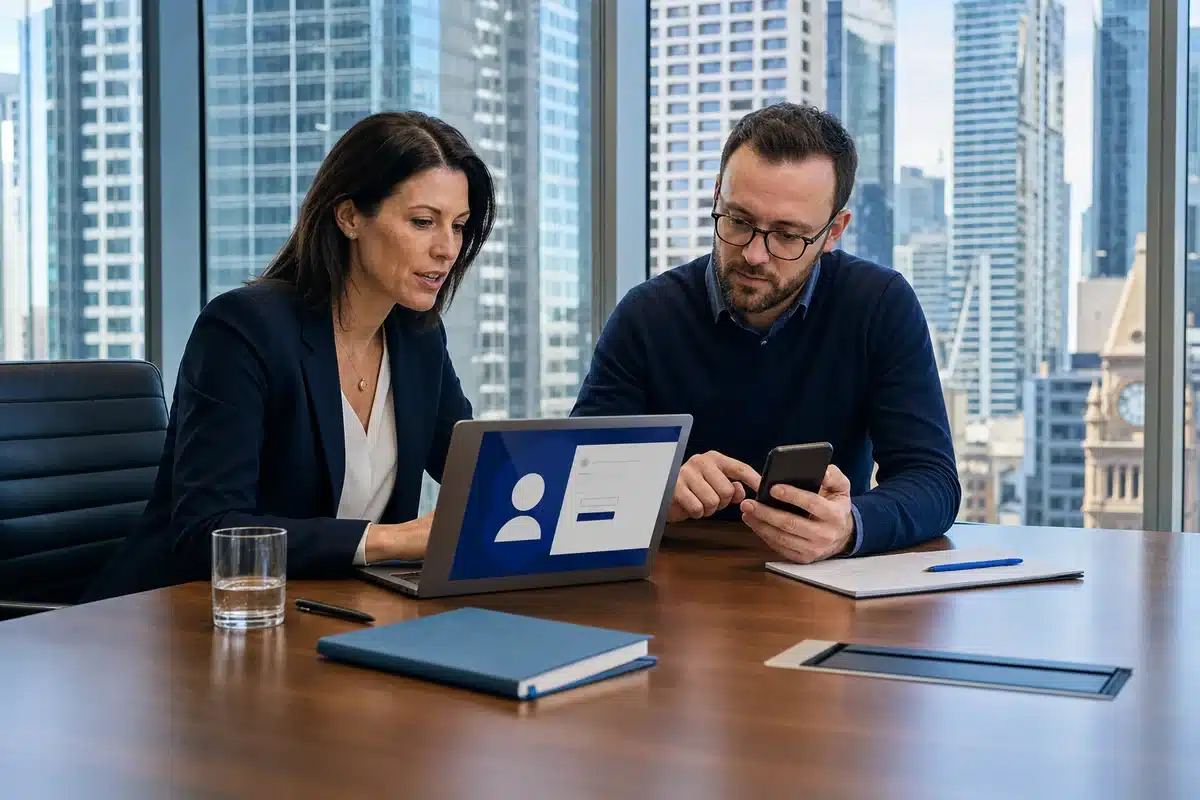
Professional services, finance and client-facing teams around Martin Place and Barangaroo work across shared inboxes, Microsoft 365, mobile devices, suppliers and hybrid locations. A review should show what matters most and who owns each next step.
- 01Which accounts, data and systems would stop work if they were unavailable?
- 02Can the business prevent or contain a compromised user account?
- 03Are laptops, mobiles and remote access managed consistently?
- 04Would backups and incident procedures work under real pressure?
- 05Can management see the remaining risk in plain English?
ASD lists professional, scientific and technical services and financial and insurance services among the ten most-reported sectors for cyber incidents. The OAIC also recorded 157 financial-services and 81 legal, accounting and management-services breach notifications in 2025.
Security layers, not a shopping list.
Tools only help when they are configured, monitored and connected to a clear response process. We review the controls already in place before recommending changes.
Identity and access
MFA, Conditional Access, sign-in risk, administrator roles, joiner and leaver controls.
Typical platforms: Microsoft Entra ID, Microsoft 365 and compatible identity tools.Email and phishing protection
Mailbox security, impersonation controls, suspicious-message handling and user reporting.
Typical platforms: Microsoft Defender for Office 365, Proofpoint and supported mail security services.Devices and endpoints
Device enrolment, patching, application control, endpoint protection and lost-device response.
Typical platforms: Microsoft Intune, Defender, ThreatLocker and supported endpoint tools.Network and remote access
Firewall policy, secure remote access, business Wi-Fi, segmentation and exposed services.
Typical platforms: Fortinet, Cisco and supported network security products.Backup and recovery
Backup coverage, access separation, restoration checks and practical recovery priorities.
Cloud and onsite recovery arrangements are assessed against operational needs.Visibility and response
Logging, alert ownership, escalation paths and the first actions to take during an incident.
Specialist testing or continuous monitoring is scoped before any recommendation is made.Microsoft security controls we can help configure and connect
 Entra ID
 Defender
 Intune
 Purview
 Microsoft 365
 Azure
AzureProduct suitability depends on licensing, risk and the existing environment. Product marks belong to their respective owners; their appearance does not imply certification or endorsement.
A practical Essential Eight uplift.
ASD recommends the Essential Eight as a baseline that makes systems harder to compromise. The useful part is not ticking eight boxes once. It is knowing the current maturity, choosing a realistic target and validating that controls keep working.
- Application control
- Patch applications
- Configure Microsoft Office macros
- User application hardening
- Restrict admin privileges
- Patch operating systems
- Multi-factor authentication
- Regular backups
Confirm the environment, crown-jewel systems, current controls and evidence.
Separate urgent exposure from longer-term improvement and business dependencies.
Apply agreed changes in a sequence that keeps staff productive and informed.
Check that the control works, record ownership and schedule the next review.

Clear actions, owners and priorities.
A useful security review should leave management with a decision document, not a dashboard full of unexplained warnings.
- A plain-English summary of the most important exposures.
- A prioritised 30, 60 and 90-day remediation plan.
- Immediate actions for accounts, devices, email, network and backups.
- Named owners and responsibility boundaries for each action.
- Incident contact and escalation steps the team can actually follow.
- Options for project work or ongoing cybersecurity support.

Start with the security question that is already on your mind.
Compuloop supports Sydney CBD businesses from our Martin Place hub. Tell us what is worrying you and we will help map the fastest sensible next step.
Business support hours: 08:00-18:00, Monday to Friday.