

Construction IT support
IT Support for Construction Companies
Construction IT support keeps builders, site offices and project teams connected with Microsoft 365, construction site Wi-Fi, secure project files and backups.
Construction IT support has to move between the office, the site and the road. When project files stop syncing, a supervisor loses access, email is compromised or a laptop fails before a deadline, the delay impacts more than one person. Compuloop supports builders, contractors and project teams with practical IT help across Microsoft 365, devices, cloud systems, cybersecurity and backup.
- Support for office, site and mobile teams
- Microsoft 365, Teams and project-file access
- Cybersecurity, device care and backup checks
Get a Construction IT support plan
Tell us what is slowing the project team down. We will come back with clear next steps for Microsoft 365, site connectivity, cybersecurity, backups, devices or ongoing support.
Construction IT support across office and site
Keep laptops, tablets, email, printers, Wi-Fi, remote access and user accounts working as people move between locations.
Construction IT support for project information
Help teams reach current drawings, contracts, photos, variations and shared files without creating a maze of duplicate folders.
Construction IT support for a changing workforce
Protect accounts and devices through staff changes, subcontractor access, payment requests and the daily pressure of project delivery.
Construction IT support built around construction work
A construction business rarely works from one tidy network. Estimators and Quantity Surveyors may be in the office one day and one site the next, supervisors manage the day to day site operations, directors are travelling and subcontractors need limited access to specific information. The systems behind that work must stay available with permissions controlled for appropriate access.
Compuloop helps construction teams clean up Microsoft 365, manage accounts and devices, improve file sharing, protect email, check backups and reduce the recurring technical issues that interrupt project delivery.

Need reliable Construction IT support?
Talk to Compuloop about Microsoft 365, site and office users, cybersecurity, project files, backups and practical support that keeps work moving.
Construction IT support cybersecurity
Construction companies handle tender information, contracts, staff records, supplier invoices, project photos and payment instructions. Attackers know that deadlines and changing relationships can make a convincing email feel urgent.
Compuloop focuses on controls the team can live with: MFA, safer admin access, endpoint care, email protection, backup testing and a clear process for suspicious requests.
Common pressure points worth fixing
- Shared or stale accounts left active after project changes
- Changed payment details accepted without a second check
- Project files spread across personal drives and inboxes
- Lost devices with weak access controls or unclear ownership
- Backups that exist but have never been restoration-tested
Construction IT support keeps project teams connected
Construction information moves between estimators, project managers, supervisors, subcontractors and clients. Site conditions change, temporary offices move and devices are exposed to dust, damage and inconsistent connectivity. The support model has to account for that reality.
Compuloop can help connect Microsoft 365, project files, site Wi-Fi, mobile devices, backups and security controls. We focus on straightforward ownership: who can access each project, how site connectivity fails over, what happens when a contractor leaves and where critical records can be recovered.

1. Map the work
Identify the offices, active sites, mobile users, project systems, suppliers and deadlines that shape the support requirement.
2. Close the obvious gaps
Prioritise access problems, unstable devices, risky accounts, backup uncertainty and recurring issues that cost the team time.
3. Put ownership around IT
Agree what is monitored, who approves access, how staff changes are handled and where the team goes when something breaks.
Construction IT support by project type
Commercial, retail and industrial projects each need practical support for devices, connectivity, project files and site handover.

COMMERCIAL
Office, mixed-use and commercial projects need reliable site connectivity, clean file access and supported devices from tender through handover.
RETAIL
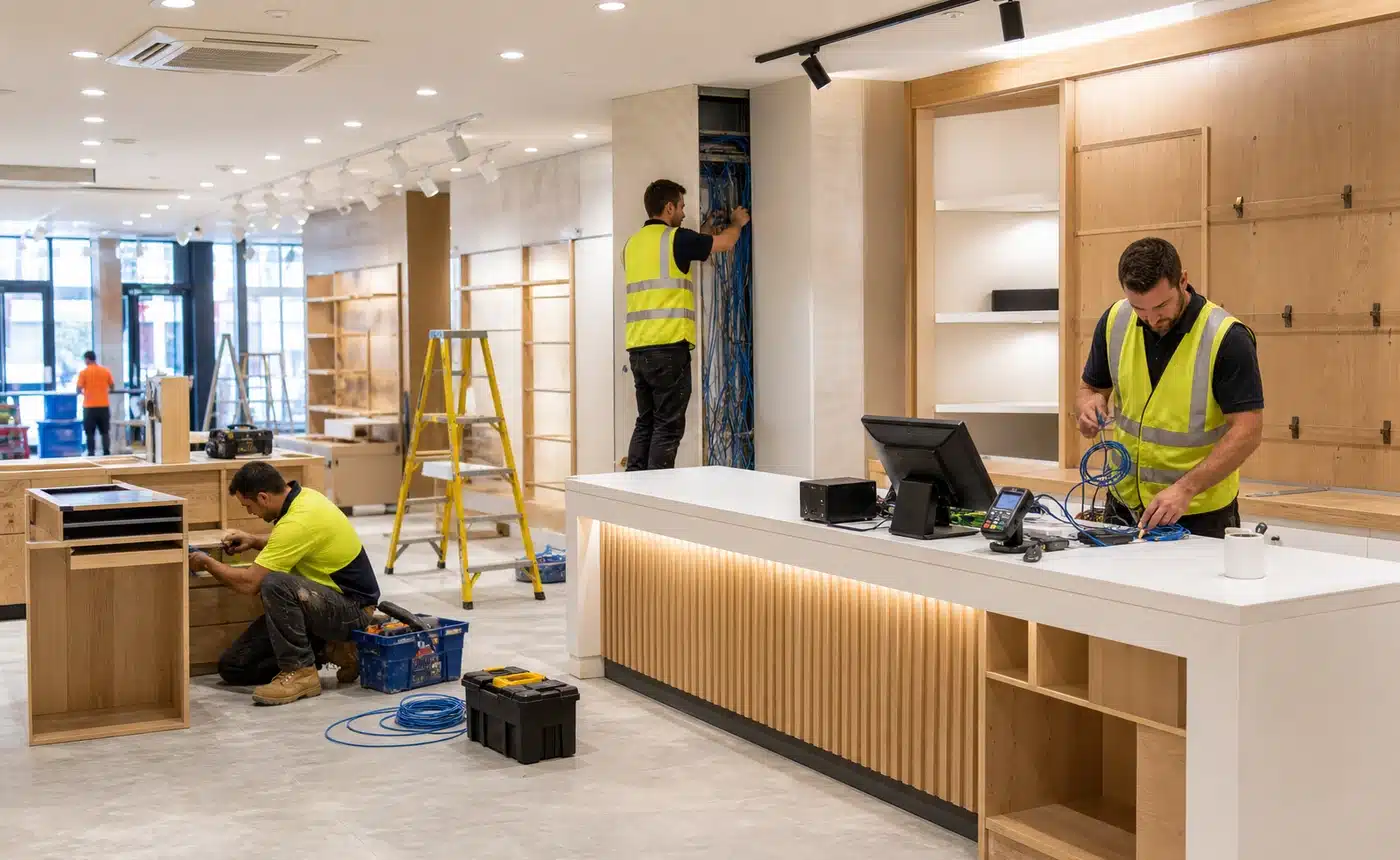
Retail fit-outs need coordinated support for cabling, point-of-sale readiness, Wi-Fi, staff access and opening deadlines.
INDUSTRIAL
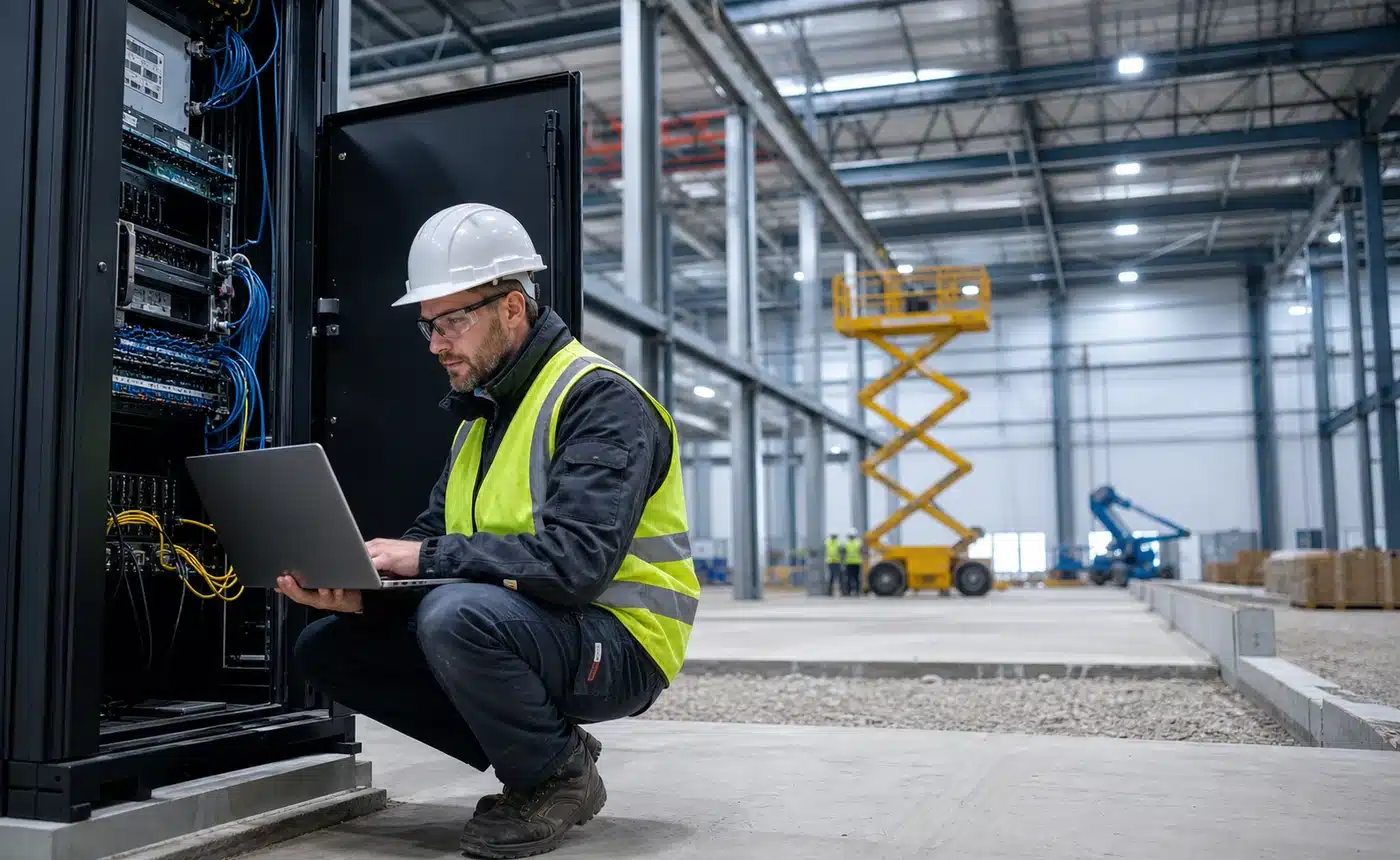
Warehouses and industrial sites need practical support for rugged networks, cabinets, connected equipment and operational continuity.
Construction IT support technology foundations
The stack should remain manageable as sites open, move and close. Compuloop can design around your existing project tools rather than forcing a new platform into every workflow.

Microsoft 365
Teams, SharePoint, OneDrive, email and identity.

UniFi
Site Wi-Fi access points, switches and managed networks.

Fortinet
Firewall, secure remote access and network segmentation.

Cisco Meraki
Cloud-managed networking for selected multi-site environments.
Construction IT support for temporary site offices
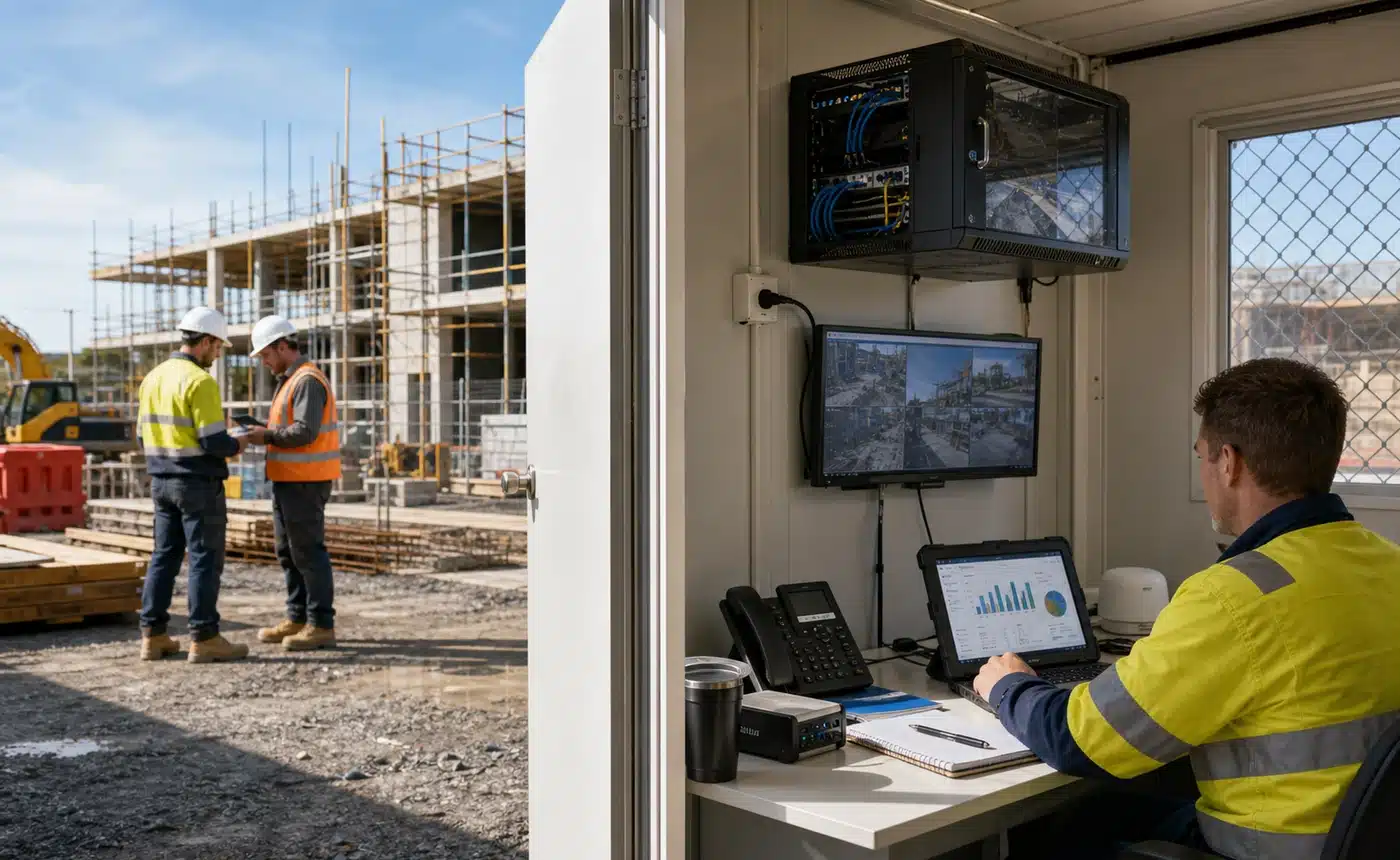
Construction sites change quickly, but the information handled there can remain commercially sensitive for years. Project teams need reliable access to drawings, email, Teams and cloud applications without sharing passwords or leaving unmanaged links behind.
Compuloop can help combine fixed, cellular or satellite connectivity with managed Wi-Fi, switching, Microsoft 365 access and documented offboarding. The setup can move with the project while the controls remain consistent.
Opening a site, cleaning up access or standardising project technology?
Bring us the current setup, the sites involved and the recurring support problems. We will map practical priorities for connectivity, Microsoft 365, devices, security and backups.
Construction IT support for site connectivity
Construction sites often need internet before fixed services are ready, and some projects move faster than carrier lead times. A practical setup may combine 4G or 5G mobile routers, managed switches, temporary site Wi-Fi and secure access back to Microsoft 365 and project files.
Compuloop designs the wireless side properly too. 2.4 GHz can help with range and difficult corners, while 5 GHz gives better performance for laptops, tablets and site offices when coverage is planned. The aim is not just signal bars; it is a site network that can be supported, documented and closed down cleanly when the project finishes.
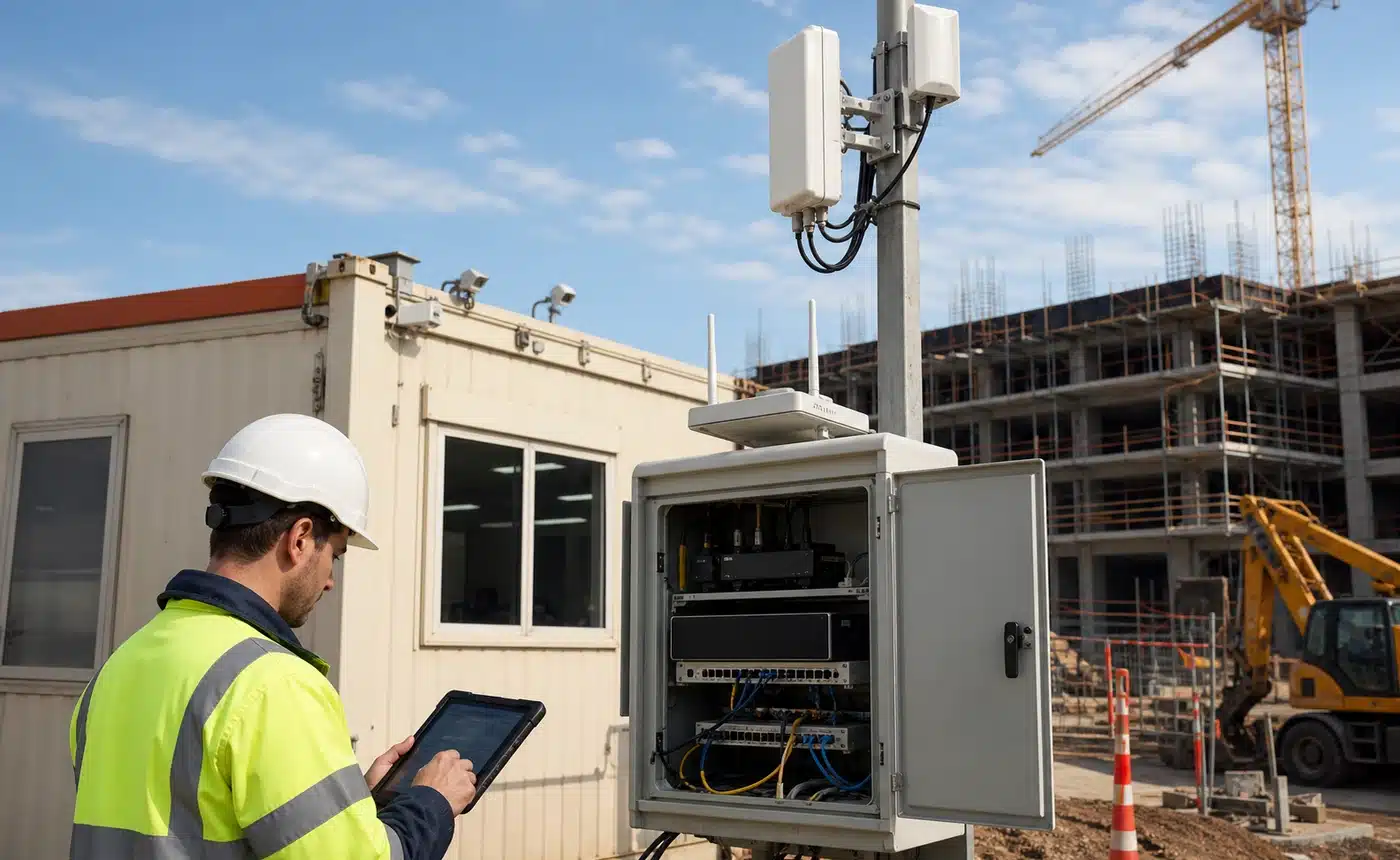
Site connectivity
Managed Wi-Fi, switching and backup uplinks help project teams remain productive when conditions change.
Project devices
Rugged laptops, tablets and shared devices need clear ownership, updates and support pathways.
Files and access
Teams, SharePoint and OneDrive permissions should follow project roles and be reviewed when contractors leave.
Construction IT support FAQs
Yes. We support office, remote and mobile users, then help coordinate onsite assistance when a physical visit is needed.
Yes. We can review Microsoft 365 access, Teams, SharePoint, OneDrive, shared folders, permissions and the way staff find and share project information.
We help establish a practical joiner, mover and leaver process so access follows the person's role and can be removed when the project changes.
Yes. We can strengthen email and account controls and help the business define an independent verification process for changes to bank details or payment instructions.
Yes. We can plan fixed internet, cellular, 4G/5G, Wi-Fi, firewalls and handover documentation so site offices remain supportable.
Yes. We can help with setup, security baselines, Microsoft 365 access, printer/scanner issues, device replacement and remote support for site staff.
Yes. Network maps, account ownership, passwords, MFA, equipment records and support contacts can be cleaned up so the project does not inherit unmanaged IT.
We can help with network access, secure viewing paths, storage planning and vendor coordination around cameras and monitoring systems.
Yes. Support can include Microsoft 365, user and device care, cybersecurity, backups, cloud systems, monitoring and escalation for onsite work.
Call 1300 007 613 or fill in the contact form. Tell us where the team is losing time and we will outline practical next steps.