


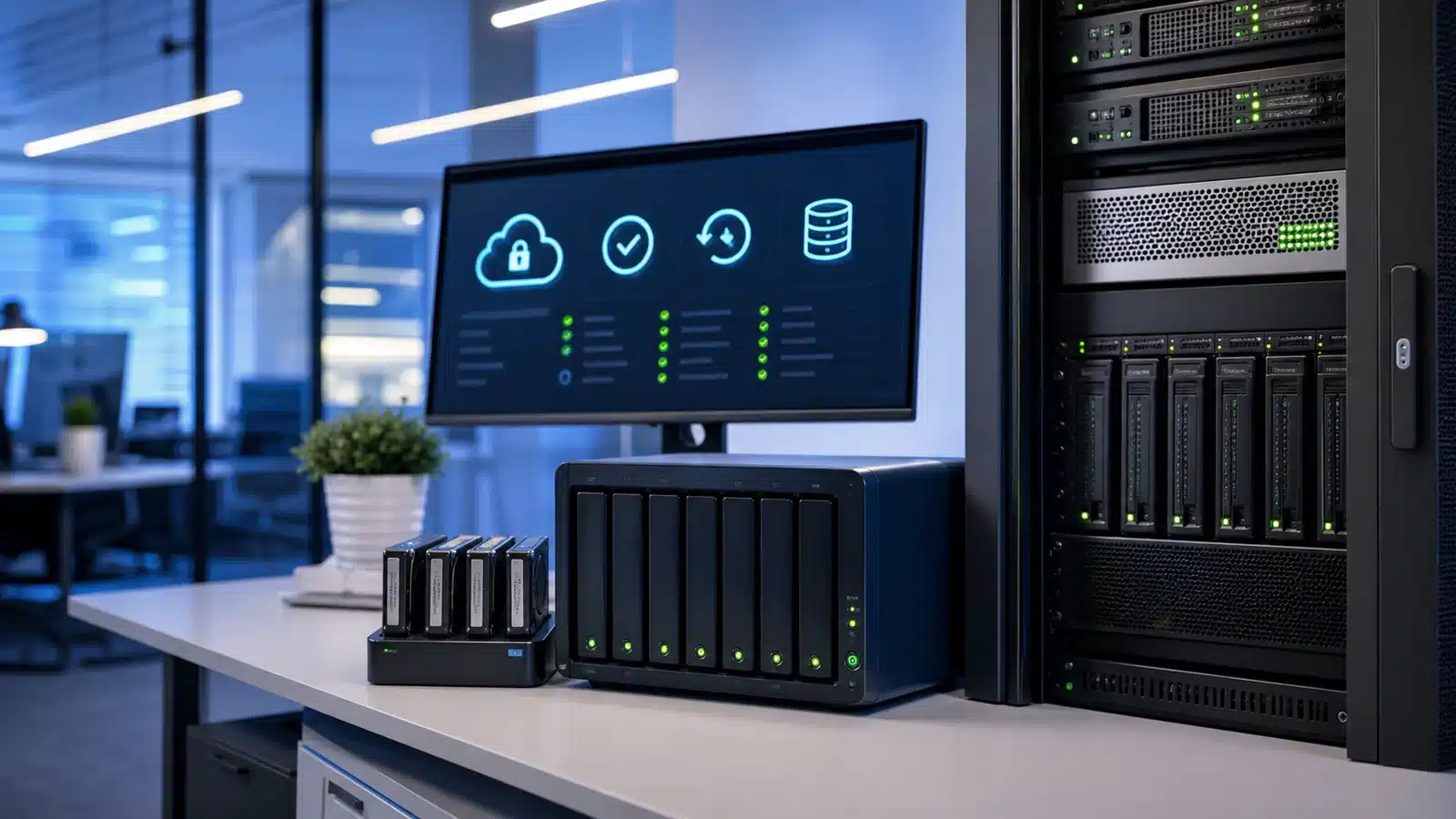




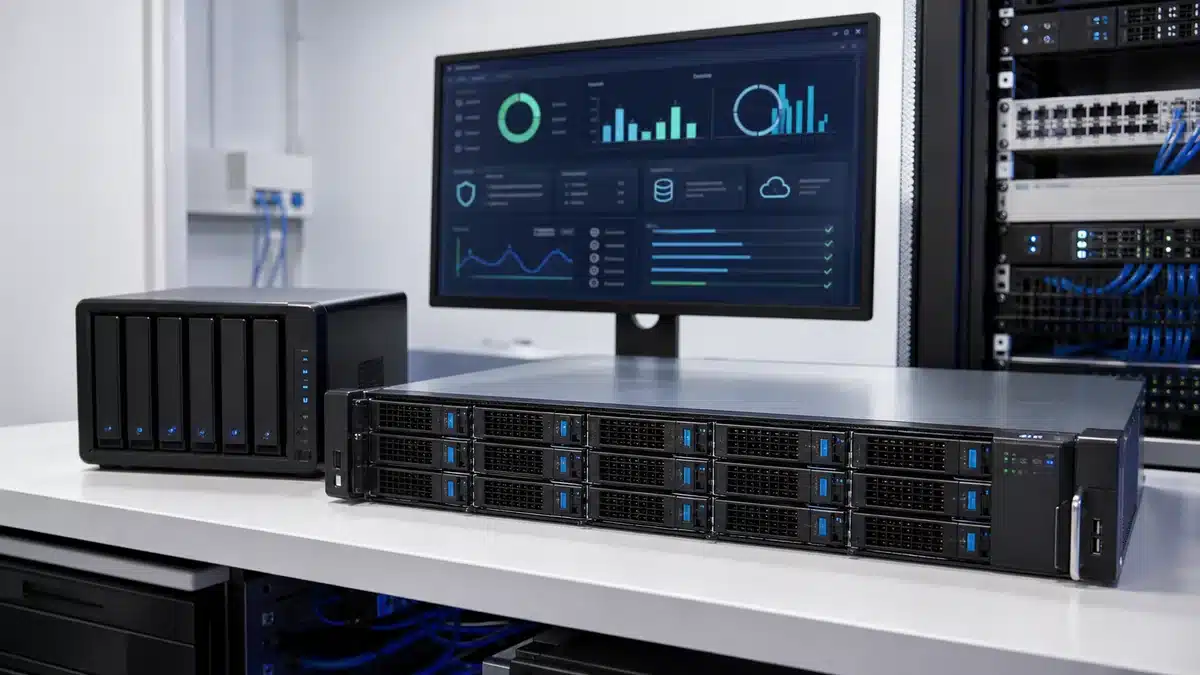
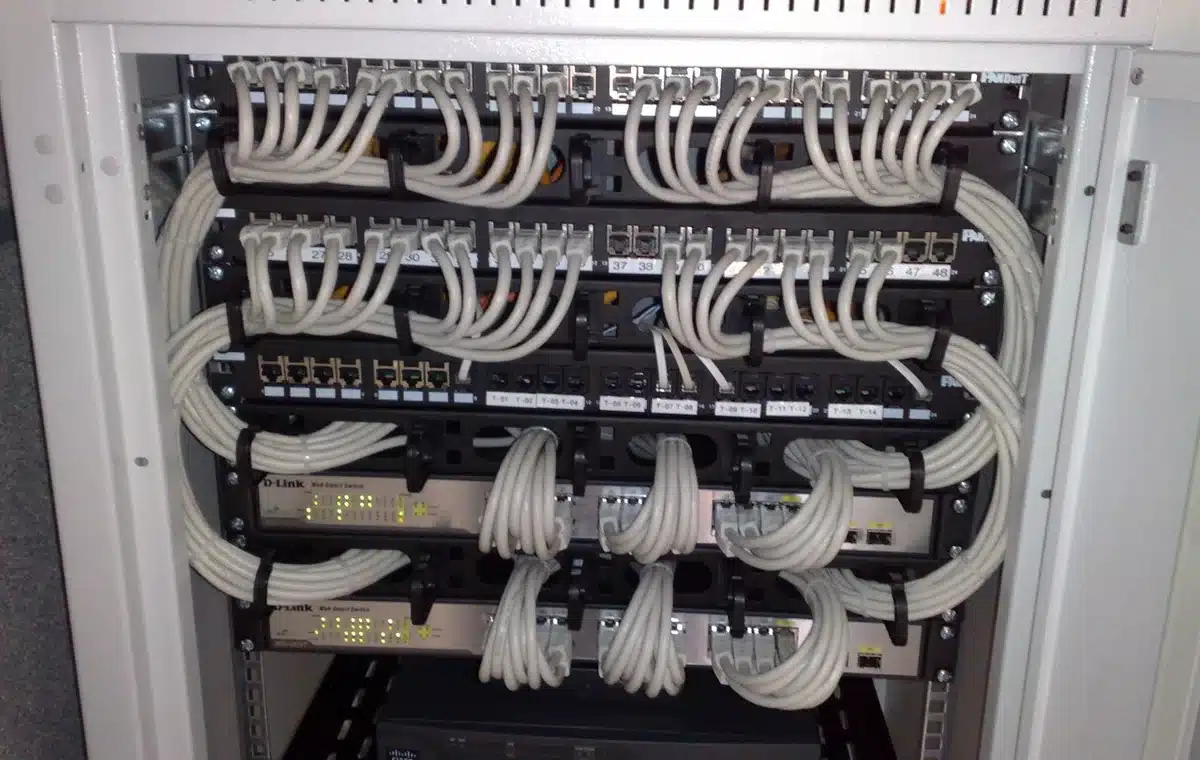
Data backup solutions Australia
Data Backup Solutions Australia for Fast Recovery
Data backup solutions Australia support for servers, Microsoft 365, cloud workloads, NAS backup, restore testing and recovery planning.
We Backup All Devices
PC / Laptop Backups
- End‑User Experience
- Threat & Risk Insights
- Backup Architecture
- RecoveryStrategy
Server Backups
- Infrastructure Protection
- Backup Architecture
- Risk Monitoring
- Disaster Recovery
Mobile Backups
- Seamless User experience
- Secure Backup
- Threat Monitoring
- Rapid Recovery
Reliable Data Backup Solutions
Protect your data, secure your operations, and recover from anything. Boost business resilience with secure off‑site backups, real‑time monitoring, ransomware‑resistant protection, and expert management across your entire network. Contact us today for a free Backup & Data Protection Assessment and safeguard your business from data loss.
Backups need to cover the systems your business actually uses
Data backup solutions only work when they match the real environment. That means servers, laptops, mobile devices and cloud apps all need review. Microsoft 365, Google Workspace, databases, websites and file shares also need clear backup decisions.
As a result, Compuloop helps Australian businesses document what is protected. We also record where backup copies live, how long they are retained and how restores are tested. Sync is not the same as backup, and a backup that has never been restored is still an assumption.
Data backup solutions recovery planning
Know what is protected and where your copies live. Then confirm how quickly your team can work again after an outage, ransomware event or hardware failure.
- Server backups
- Cloud backup review
- Device recovery
- Ransomware resilience
Recovery planning matters because incidents are real
ASD’s 2024-25 cyber threat reporting shows Australian organisations continue to face ransomware, data breaches and malicious activity. IBM’s 2025 breach research also puts the global average breach cost at USD 4.4 million, with ransomware breaches averaging higher.
Those numbers do not mean every small business faces the same cost. They do show why restore testing, access control and clear recovery ownership matter. The goal is simple: know what can be recovered before the pressure starts.
1,700+
ASD proactive notifications
46%
Malware or ransomware linked
AUD 5.08M
Average ransomware breach
Backup coverage Compuloop can help review
Different systems need different backup and recovery decisions. A proper plan connects them into one supportable recovery process.
Microsoft 365 and Google Workspace
Email, SharePoint, OneDrive, Teams and Drive need retention decisions. These data backup solutions must also support recovery beyond normal account access.
Servers, SQL and databases
Server images, databases and application data need documented retention. In addition, restore points need regular recovery testing.
Laptops, mobiles and endpoints
User devices need protected documents and identity controls. They also need a clear plan for lost, stolen or replaced hardware.
Backup stats matter only when recovery is tested
Backup recovery pathways
Choose the data backup solutions review that fits the risk
Not every backup problem is the same. Pick the area that feels most exposed, and Compuloop can help check retention, recovery steps and ownership.
Server & database backups
For businesses running SQL, file servers or hosted apps. These data backup solutions help document restore points for critical systems.
- Retention and restore point review
- Database and application recovery planning
- Restore testing schedule and ownership
Microsoft 365 cloud backups
For teams relying on Exchange, SharePoint, OneDrive and Teams where normal account access is not a recovery plan.
- Mailbox and SharePoint recovery gaps
- OneDrive and Teams retention checks
- Admin access and recovery permissions
Endpoint & device recovery
For laptops, mobiles and staff devices where lost hardware, user files or access issues can slow the business down.
- Device replacement and access steps
- User file protection and recovery
- Identity controls for lost devices
Why business backups matter
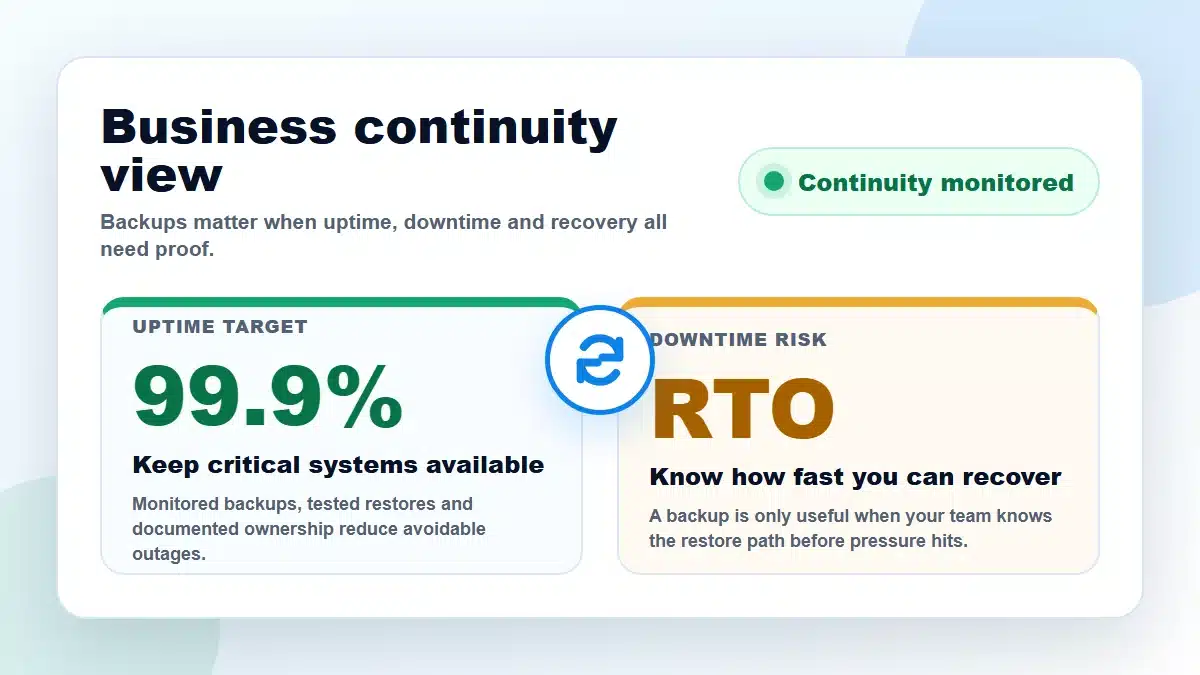
Backups are business continuity, not just storage
A backup plan should answer one hard question. How quickly can the business work again when a system, account or device fails?
For an MSP, the work is not only copying files. Instead, it means identifying revenue systems. It also means checking recovery ownership and proving restores work before the pressure is on.
Downtime has a cost
Lost invoices, missed orders, idle staff and delayed client work can cost more than the backup platform itself.
Restore tests expose gaps
A restore drill shows missing permissions, stale data and weak documentation while there is still time to fix them.
Ownership prevents panic
Someone should know who approves restores, who calls vendors and which systems come back first.
Security changes the plan
Ransomware, account compromise and accidental deletion need encrypted protected copies, clean credentials and clear escalation.
Not sure your backups will restore?
Compuloop can test restores and document ownership. We can also build practical data backup solutions using onsite storage, encrypted cloud copies and server tape backup drives where needed.
- Restore testing
- Encrypted offsite copies
- Microsoft 365 backup
- Backup monitoring
Good backups vs bad backups
Data backup solutions should look boring on a good day
Good backups are monitored, encrypted, documented and tested. Bad backups are usually discovered when a loose drive, failed job or forgotten password turns a small issue into downtime.
What good backup looks like
Good data backup solutions give your business clear recovery options before there is a problem.
- Encrypted copies onsite, offsite or in cloud storage.
- Backup jobs monitored with failed tasks reviewed.
- Restore tests documented before an incident.
- Owners, passwords and escalation steps recorded.
What bad backup usually looks like
Bad backup habits often look cheap until the business needs a restore and nobody knows what still works.
- Loose USB drives or dusty external disks beside the server.
- No encryption, no offsite copy and no immutable retention.
- Failed backup alerts ignored or sent to old inboxes.
- Restores never tested until ransomware or hardware failure.
Backup type options
Data backup solutions can use push, pull, agents, onsite, offsite and cloud
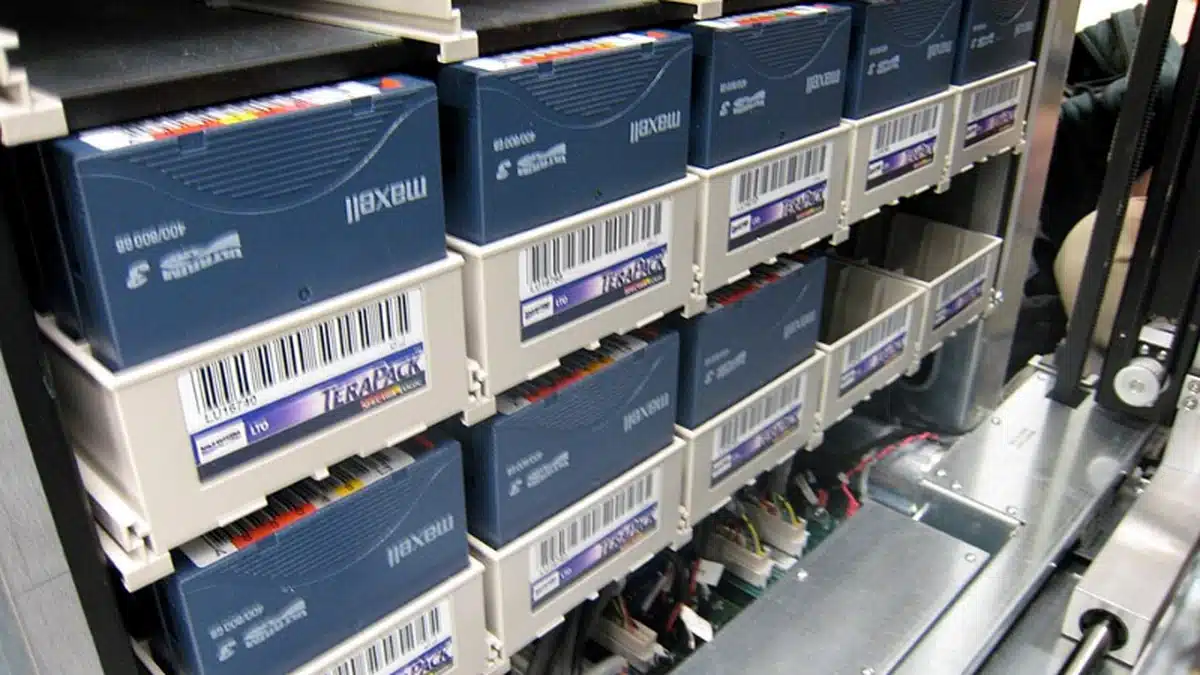
The right design usually combines methods. For example, a simple business may need Microsoft 365 backup and endpoint recovery. A larger site may need image backups and database-aware agents. It may also need onsite storage, encrypted offsite replication, immutable cloud copies and server tape backup drives.
Agent-based backups
Installed agents protect servers, databases and endpoints. They provide system-aware backups, scheduling and restore controls.
Push and pull designs
Push jobs send data out. Pull jobs collect data from a protected platform. Therefore, the choice affects access, security and monitoring.
Disk, NAS, USB and server tape drives
Local storage can speed restores. Meanwhile, removable media and LTO-style server tape backup drives can help with isolation, archiving and ransomware resilience.
Cloud, immutable and encrypted copies
Offsite cloud copies help protect against site loss. Encryption should protect backup data at rest and in transit. Meanwhile, immutable retention stops compromised accounts deleting every restore point.
Onsite recovery speed
Onsite backups can bring servers and files back faster. This helps when internet links are slow or data sets are large.
3-2-1 style redundancy
Keep multiple encrypted copies and more than one storage type. Then keep at least one offsite or isolated copy and test the restore path.
Compuloop can turn the options into a supportable plan.
We help choose the right mix and document the restore process. Finally, we schedule testing so business owners are not guessing during an incident.
Data Backup Solutions FAQ-
Data Backup Solutions FAQ
Why do I need data backups when I already keep all my important files in secure cloud storage?
Cloud storage isn’t the same as a backup. Backups protect you from accidental deletion, corruption, ransomware, and sync errors. Compuloop works with clients to implement the most efficent and cost effective solution.
How often does the system back up my files?
Most business backup solutions run automatically on a schedule — often daily or continuously — so your data stays protected without manual effort. Compuloop will work with you to establish your backup schedule.
Can I restore a single file, or do I have to recover everything?
Compuloop clients often just need to restore individual files, folders or emails that they have accidentally deleted or saved over. Occasionally, clients may need to restore or recover entire systems. Either way, we are just a call or email away.
How long does it take to recover my data?
Recovery time depends on the size of the data and the type of backup, but most restores are quick and can be done remotely.
Are Microsoft 365 files automatically backed up?
No — Microsoft 365 has retention, not full backups. Compuloop provides a dedicated backup solution ensuring your emails, OneDrive, SharePoint, and Teams data are fully protected.
Which devices can my business back up?
We can back up desktops, laptops, servers, mobile devices, tablets, and cloud platforms like Microsoft 365
Is my backup data encrypted and secure?
Yes — business‑grade backups use strong encryption and secure storage to keep your data protected from unauthorized access.
How do I protect my business if my system crashes or ransomware encrypts my data?
Your data can be restored from clean backup versions, allowing you to recover quickly and avoid costly downtime.


