MANAGED IT SERVICES AUSTRALIA

Managed IT services for Australian businesses

Managed IT services for Australian businesses

IT services should feel clear, practical and properly owned. As a result, Compuloop connects managed support, Microsoft 365, cybersecurity, cloud hosting, backups, network management and business VoIP phone systems and API integration and automation into one service model for Australian teams.

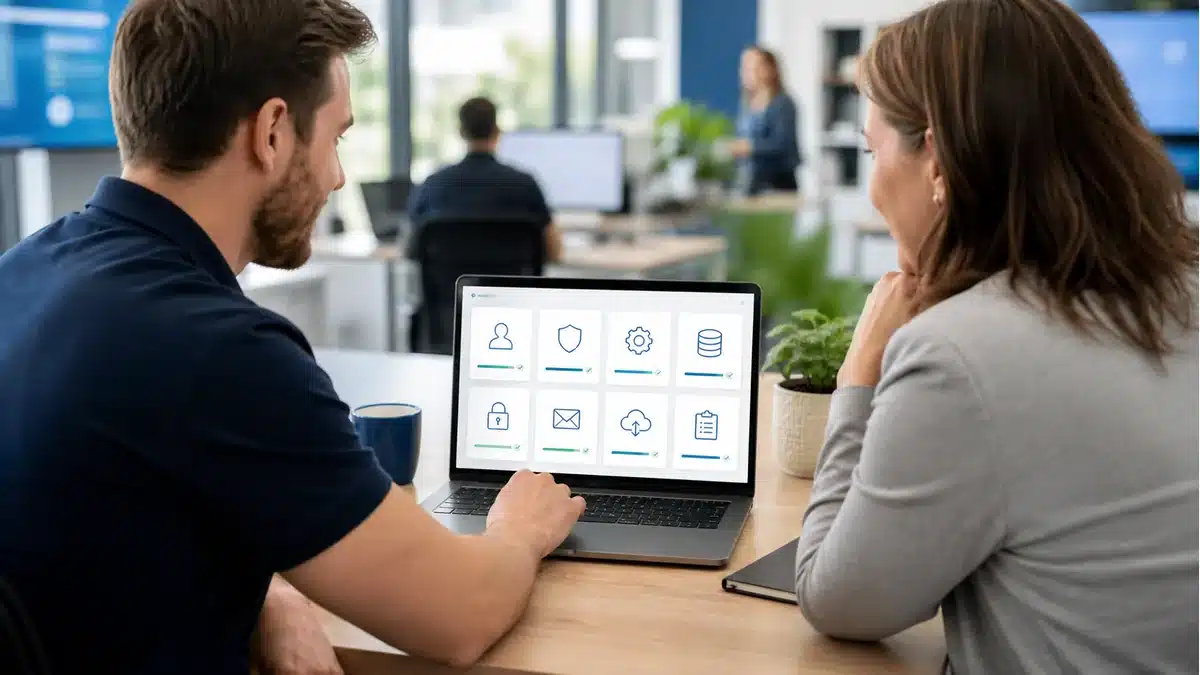
Managed IT consultant reviewing support cybersecurity cloud backup hosting Microsoft 365 and AI automation services with an Australian business owner

IT services that work better together

Compuloop IT services are designed to connect cleanly. For example, a support request might reveal a Microsoft 365 permissions issue, a backup gap, a firewall rule or an endpoint security risk. As a result, the right service mix gives your team one practical operating model instead of separate fixes that drift apart.

New staff and growing teams IT onboarding with Microsoft 365 device rollout

New staff and growing teams

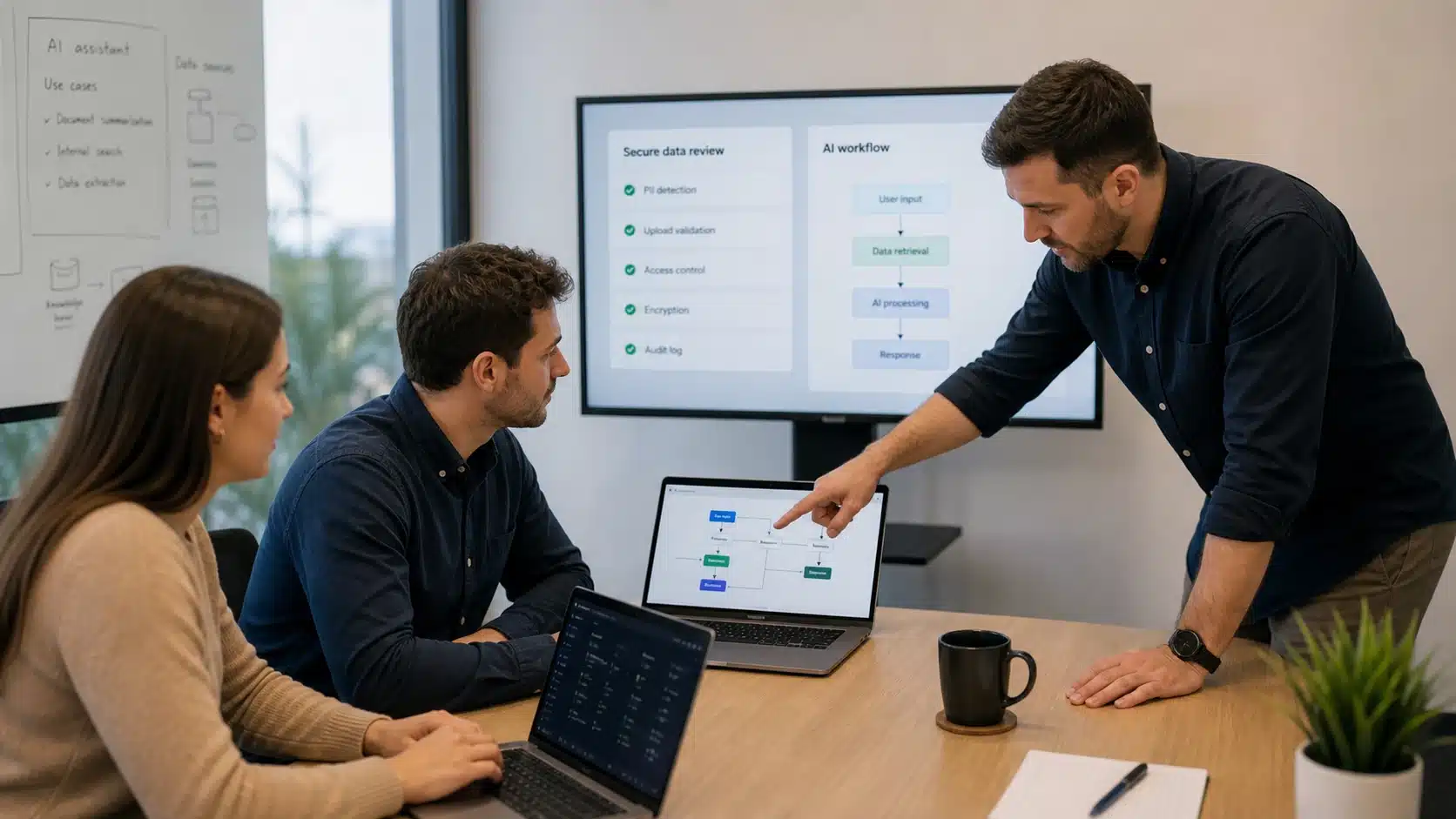
Also, combine user onboarding, device setup, Microsoft 365 licensing, mailbox access, Intune policies, business VoIP phone setup, API integration and support handover so new starters work cleanly from day one.

Essential Eight cyber security uplift review for MFA endpoint protection patching backups and business access control

Security and compliance uplift

Join cyber security services with Essential Eight planning, Fortinet firewall support, UniFi network visibility and Microsoft 365 identity checks. For external guidance, see the Australian Cyber Security Centre Essential Eight.

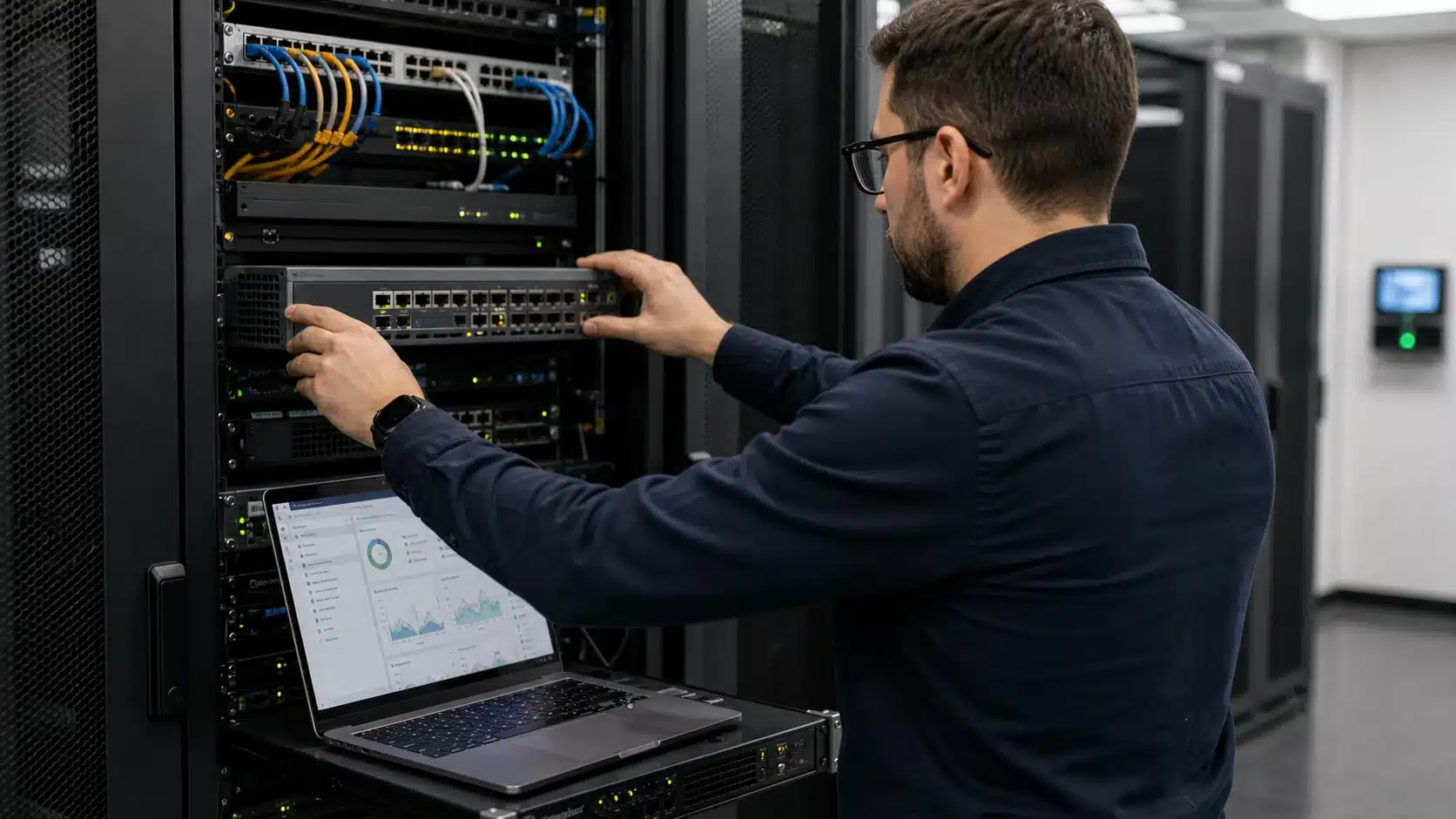
Reliable cloud backup and hosting technician working on server infrastructure

Reliable cloud, backup and hosting

Then tie cloud hosting, SQL, web hosting, DNS, DMARC and backup planning together so business data is recoverable and customer-facing systems stay dependable.

Managed IT services backed by proven vendor platforms

Compuloop builds IT services around Microsoft 365, cybersecurity, secure networks and tested backup recovery. These platforms help Australian businesses keep identity, email, Wi-Fi, firewalls and data protection under one practical support model.

For example, helpdesk, onsite and remote support can cover users, devices, email, Microsoft 365, printers, Wi-Fi and recurring business IT issues.

Modern Workplace

Also, Microsoft 365 support covers Outlook, Teams, SharePoint, OneDrive, Entra ID, Intune, licensing, migration and secure collaboration.

In addition, managed cloud hosting can support business websites, SQL, Windows, Linux, backups, monitoring and performance-sensitive applications.

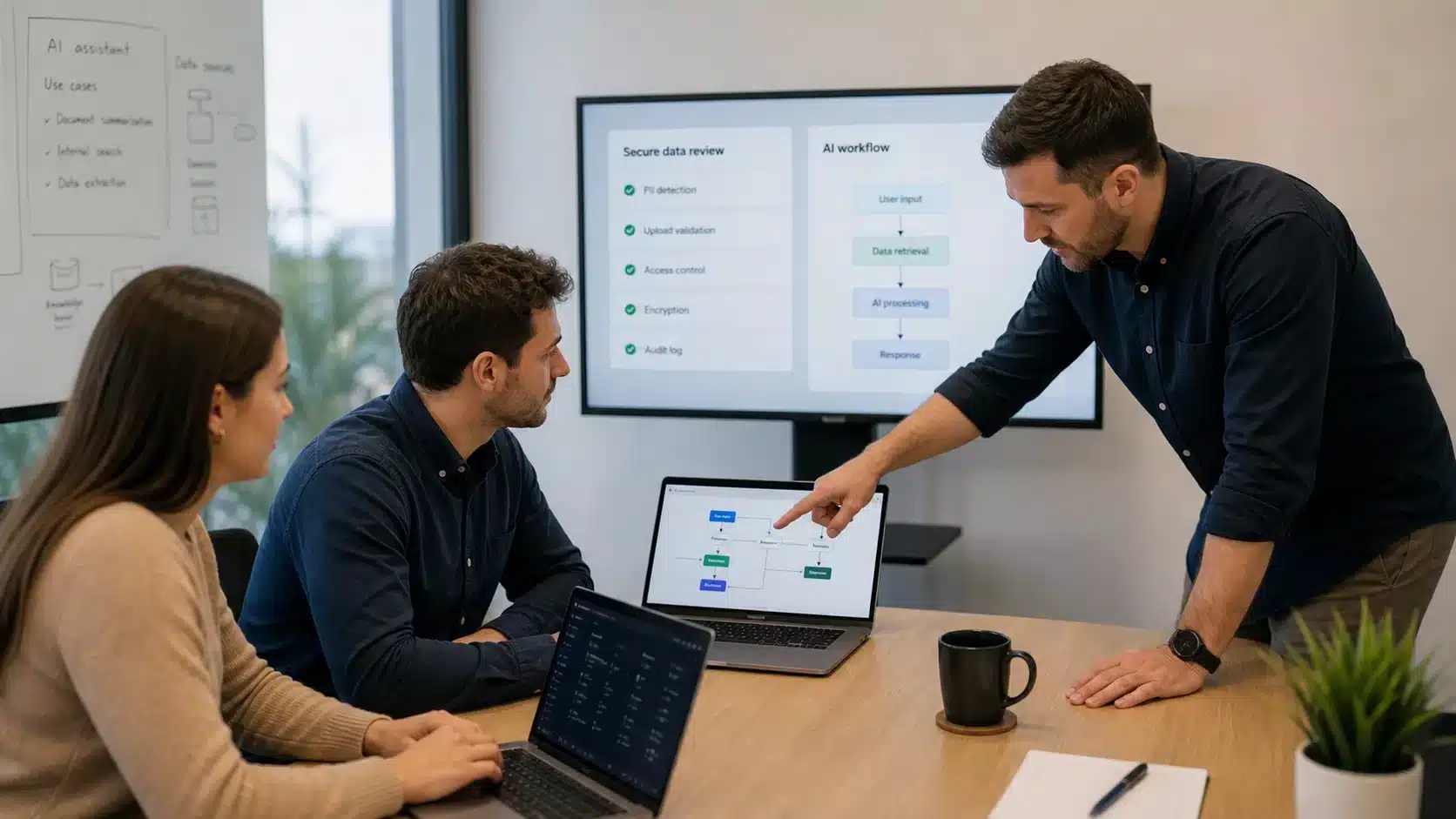
For example, practical AI automation can help with reporting, repeat admin, Microsoft 365 workflows, staff productivity and safer business adoption.

Connect CRM, finance, Microsoft 365, helpdesk and industry systems with secure APIs, webhooks and supported workflow automation.

Where to start with IT services

Start with the closest business problem. From there, Compuloop can join the dots across support, security, cloud and backup services.

Support issue

Staff need help with laptops, email, Microsoft 365, Wi-Fi, printers or day-to-day technical problems.

Security or access issue

You are worried about accounts, file permissions, MFA, backups, DMARC, DNS or cybersecurity risk.

Growth or systems issue

You need cleaner hosting, automation, AI workflow help, service packages or a sensible technology roadmap.

IT technician installing network cables in a server cabinet for small business IT support

UniFi Managed Wi-Fi

Managed UniFi networking for Wi-Fi, switching, secure access, cameras, office coverage and network visibility across sites.

Fortinet security services Australia technician configuring firewall appliance and network security policies

Fortinet Secure Networking

Meanwhile, Fortinet security services can cover FortiGate firewalls, secure access, FortiAnalyzer visibility, firewall posture and network protection.

Cybersecurity services Australia team reviewing laptop security and business account risk in an office meeting

Cybersecurity Services

As a result, cybersecurity services can connect MFA, endpoint protection, email security, secure access, monitoring, backup readiness and risk reduction.

Business cybersecurity consultant reviewing Microsoft 365 MFA and identity access with a client

Essential Eight Cyber Security

Essential Eight cyber security support for patching, MFA, admin controls, backups, application hardening and practical maturity uplift.

Need the cleanest place to start?

Finally, book a short review and we will map the IT services that actually fit: support, Microsoft 365, cybersecurity, cloud hosting, backups, networking and remote work.

  • Find the noisy support gaps
  • Separate urgent risk from nice-to-have work
  • Turn services into a practical roadmap
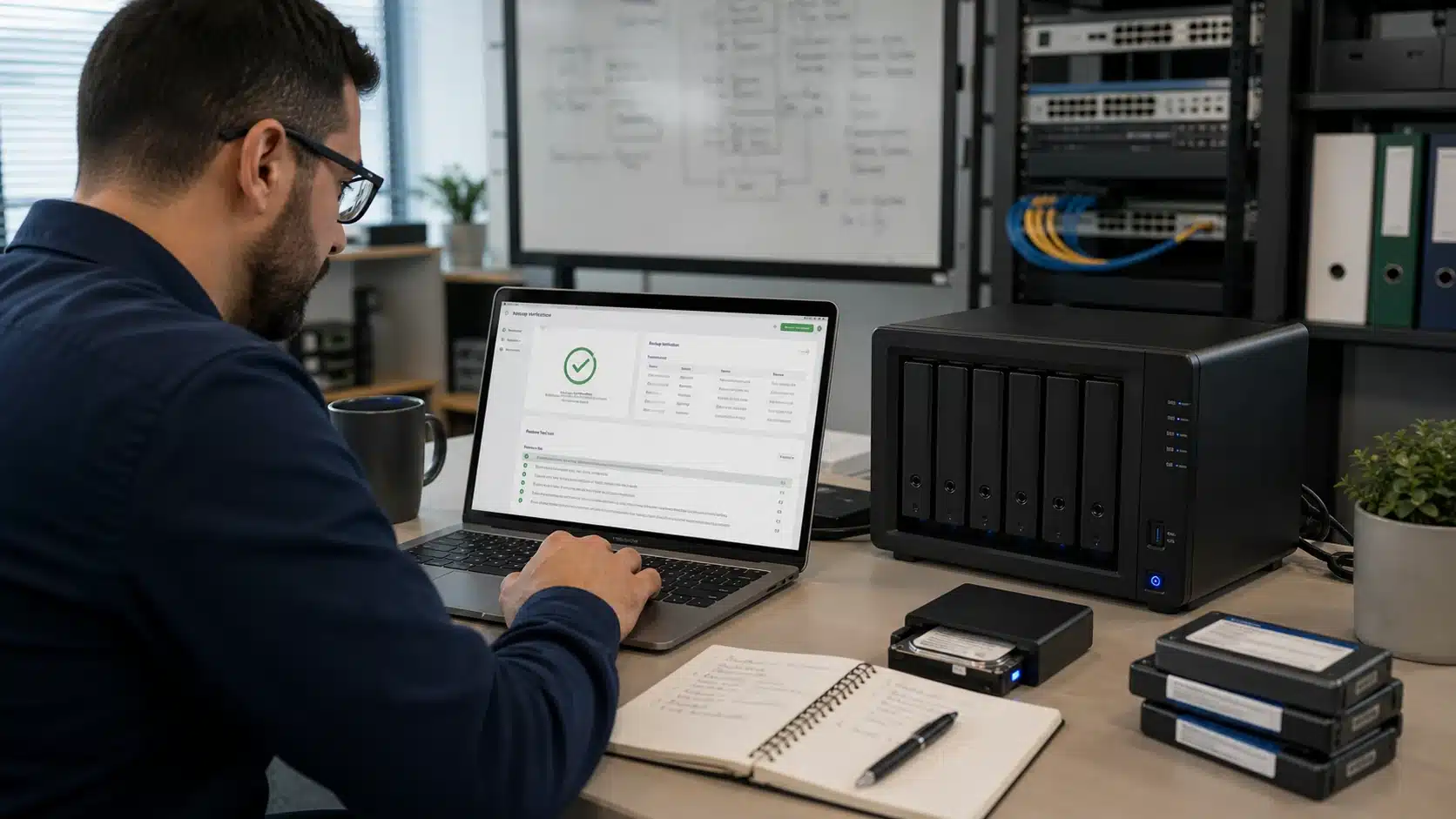
Data backup solutions Australia technician testing NAS backup restore and recovery status

Data Backup Solutions

Backup and recovery planning for servers, laptops, Microsoft 365, Google Workspace, databases and business-critical files.

Managed web, email and SQL hosting with access control, backups, DNS support, monitoring and performance care.

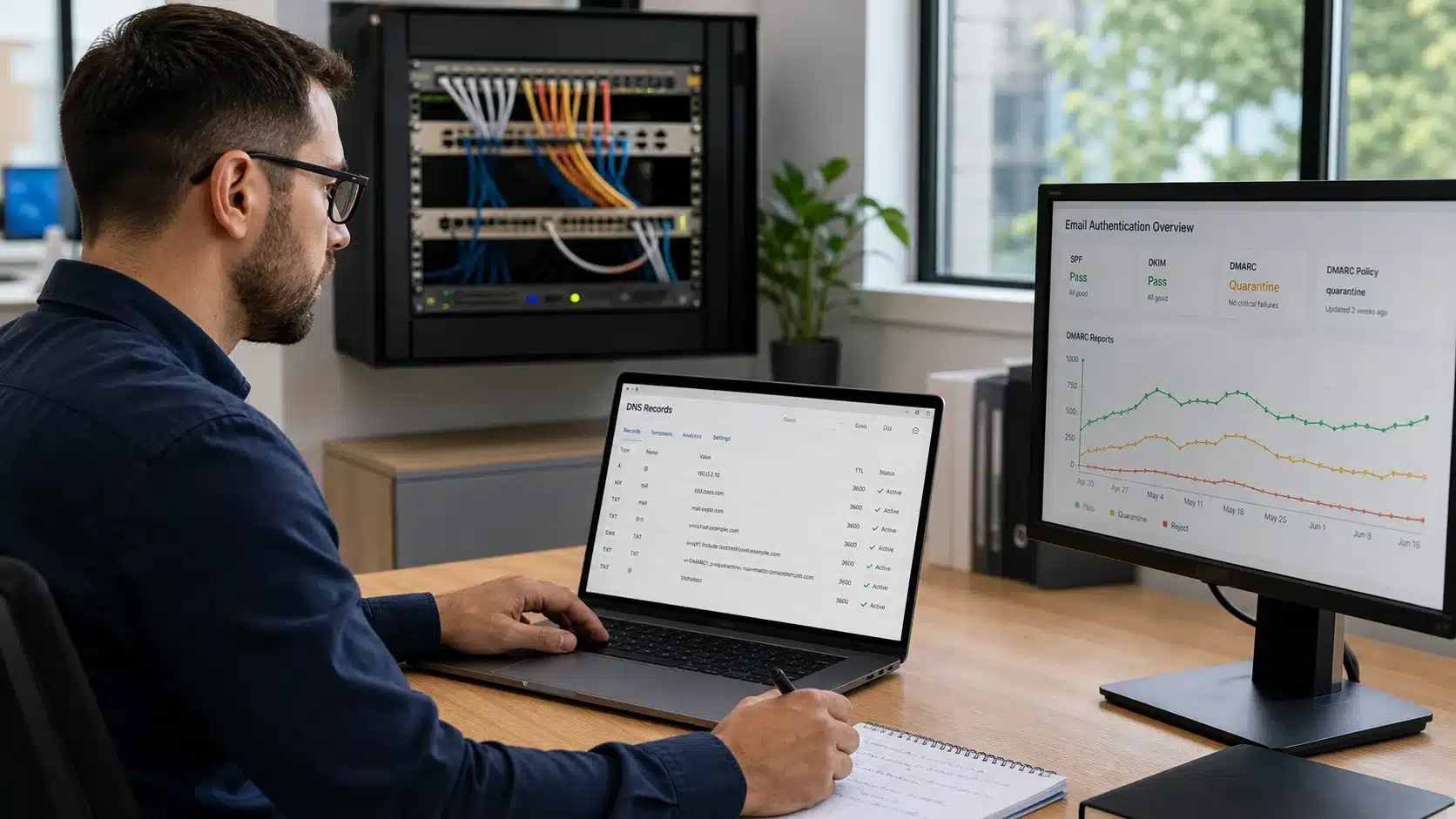
DMARC and DNS hosting Australia technician configuring SPF DKIM DMARC and email authentication

DMARC and DNS Hosting

DMARC, SPF, DKIM and DNS hosting support to improve email trust, domain hygiene and delivery confidence.

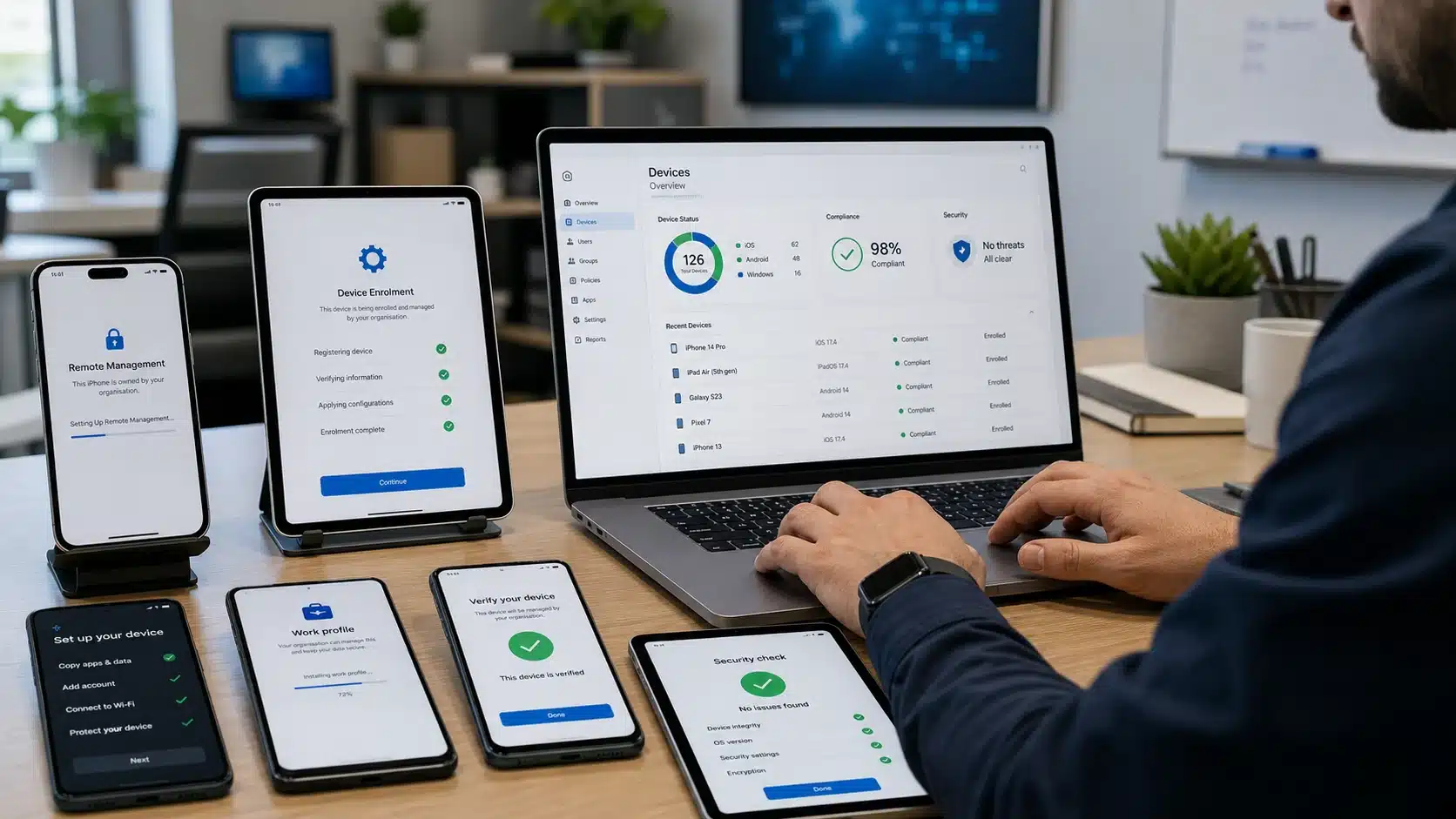
Mobile device management services technician enrolling Apple iPad Android phones and business mobile devices into MDM

Mobile Device Management

Mobile device management for Apple, Android, Windows and Intune device onboarding, compliance, security and offboarding.

Start with the problem your team can feel

Not sure which service page to open first? Pick the symptom. Then Compuloop connects the right IT services path: support, Microsoft 365, cloud, networking, cybersecurity or backup.

01

Staff keep asking for IT help

Start with responsive business IT support for users, devices, Wi-Fi, printers, accounts, onboarding and everyday problems.

02

Microsoft 365 feels messy

Use the Microsoft Modern Workplace path for Outlook, Teams, SharePoint, OneDrive, Entra ID, Intune, licensing and migrations.

03

Security is unclear

Start here when MFA, email protection, endpoints, admin access, firewalls and backup readiness need clear ownership.

04

Cloud or backups need proof

Move into business cloud hosting and backup planning when websites, SQL, files, Microsoft 365 data and recovery paths matter.

Microsoft Modern Workplace

Microsoft 365 Modern Workplace

Compuloop helps your business get more from Microsoft 365 with secure, seamless, and fully managed cloud productivity. We handle setup, migration, security hardening, and ongoing management so your team can work efficiently and stay protected.

From email and identity to devices and collaboration, we keep your Microsoft 365 environment running smoothly and securely.

Choose the right IT services by business problem

Most businesses do not need every IT service at once. Start with the pressure you can see, then connect the related services as the environment matures. This services index points Australian businesses to the right support path without forcing every issue into one package.

DAILY SUPPORT

Staff, devices and helpdesk

Also use this when users need practical help with laptops, email, printers, Wi-Fi, onboarding, offboarding and everyday business IT support.

MICROSOFT 365

Teams, SharePoint and identity

Use this path when Microsoft 365, Outlook, Teams, SharePoint, OneDrive, Entra ID, Intune or licensing needs clearer ownership.

SECURITY

Accounts, endpoints and risk

Start here when MFA, email protection, endpoint security, firewall posture, backups, admin access or cyber risk needs attention.

CLOUD AND RECOVERY

Hosting, backup and continuity

Meanwhile, this fits when websites, SQL, business apps, Microsoft 365 data, file recovery or hosting performance must be protected and monitored.

Compuloop services FAQ

Use these quick answers to decide where to start. However, if more than one answer fits, start with the service that affects staff productivity or business risk first.

Which Compuloop service should a small business start with?

For most small businesses, start with business IT support if staff are blocked day to day. Start with cybersecurity if you already know accounts, devices, backups or remote access are risky.

Is Microsoft 365 support separate from managed IT support?

It can be separate, but it usually works best alongside managed IT support. Microsoft 365 touches email, files, Teams, identity, devices, security and user access.

Do these services cover remote and hybrid teams?

Yes. Remote working, Microsoft Modern Workplace, VPN, cloud access, endpoint protection and backup planning can be combined so staff work securely outside the office.

Can Compuloop help with both networking and cybersecurity?

Yes. Network security, UniFi Wi-Fi, Fortinet firewalls, endpoint protection, monitoring and identity controls are connected areas, not separate technical islands.

Does this services page replace the detailed service pages?

No. Instead, this page is the IT services index. Use it to choose a direction, then visit the detailed service page for scope, examples, FAQs and next steps.

What if the problem spans cloud hosting, backups and Microsoft 365?

That is common. As a result, Compuloop can map the services together so hosting, backup, DNS, Microsoft 365 access and support responsibilities are documented.


Managed IT Services Australia