

UniFi managed networking Australia
UniFi Managed Networking Australia for Wi-Fi and Security
UniFi managed networking Australia for businesses that need reliable Wi-Fi, clean switching, secure gateways, firewall rules, cameras and network support without guesswork.
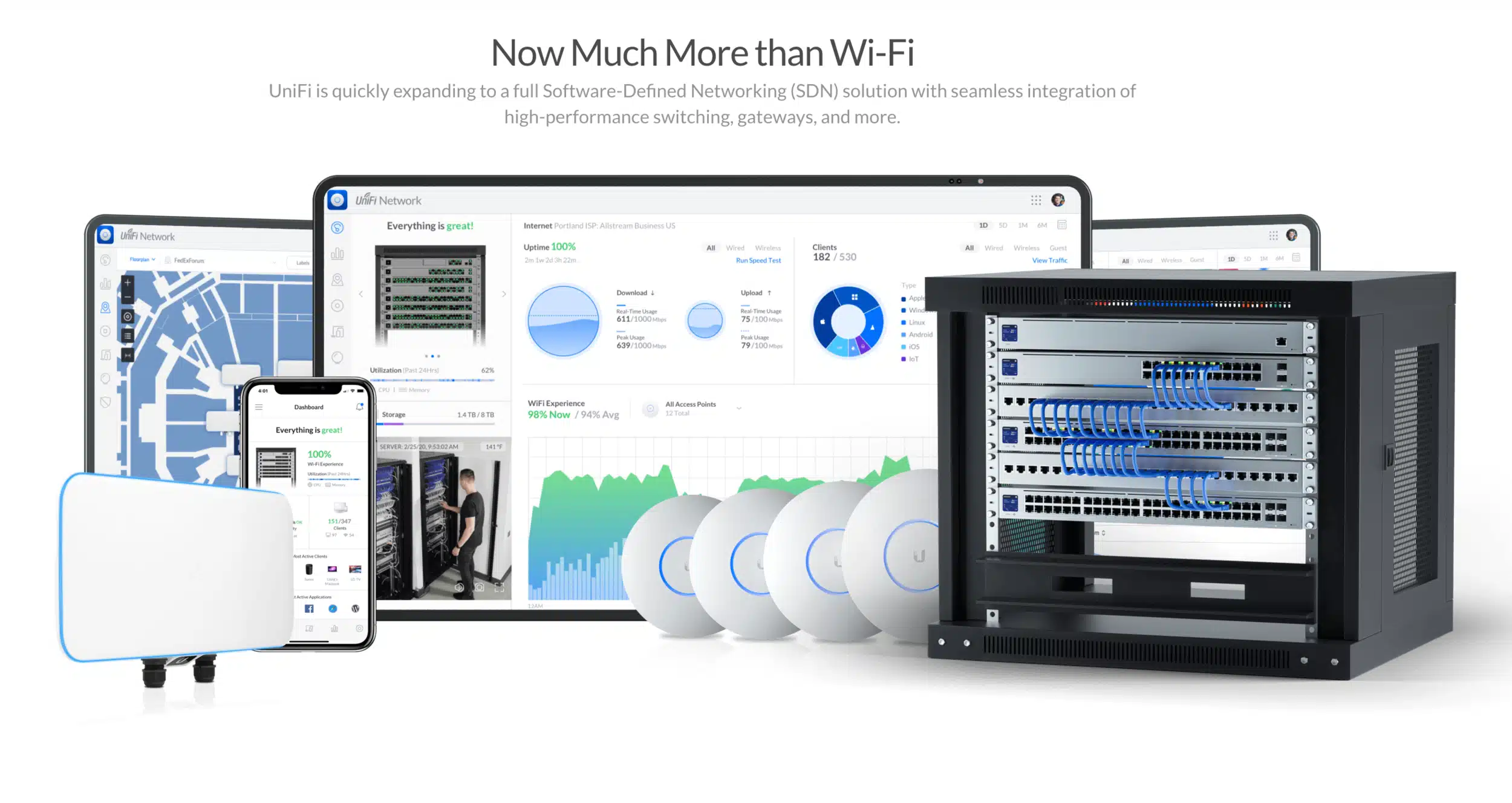
What Compuloop Can Help You Build with UniFi Managed Networking Australia
Start with the outcome: stronger Wi-Fi, cleaner gateways, safer camera access, better guest networks, simpler remote support and a network your staff are not afraid to touch. Compuloop plans UniFi managed networking Australia around the building, devices, risk profile and support path.
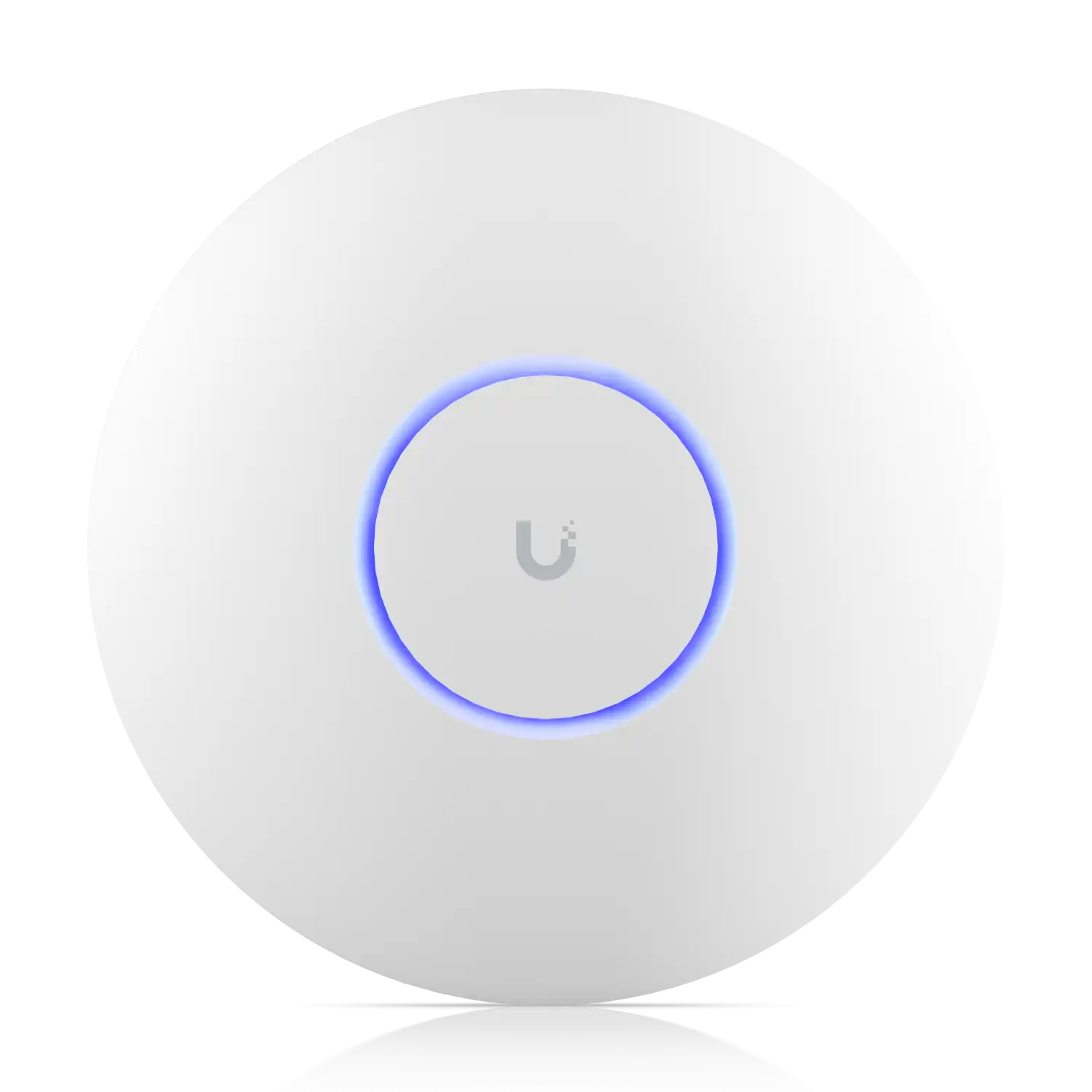
Wi-Fi access points for real offices
UniFi’s Wi-Fi range includes modern access points for office, education, retail, warehouse and high-density spaces. Compuloop designs around coverage, roaming, cabling, mounting, channel planning and the devices your team actually uses.
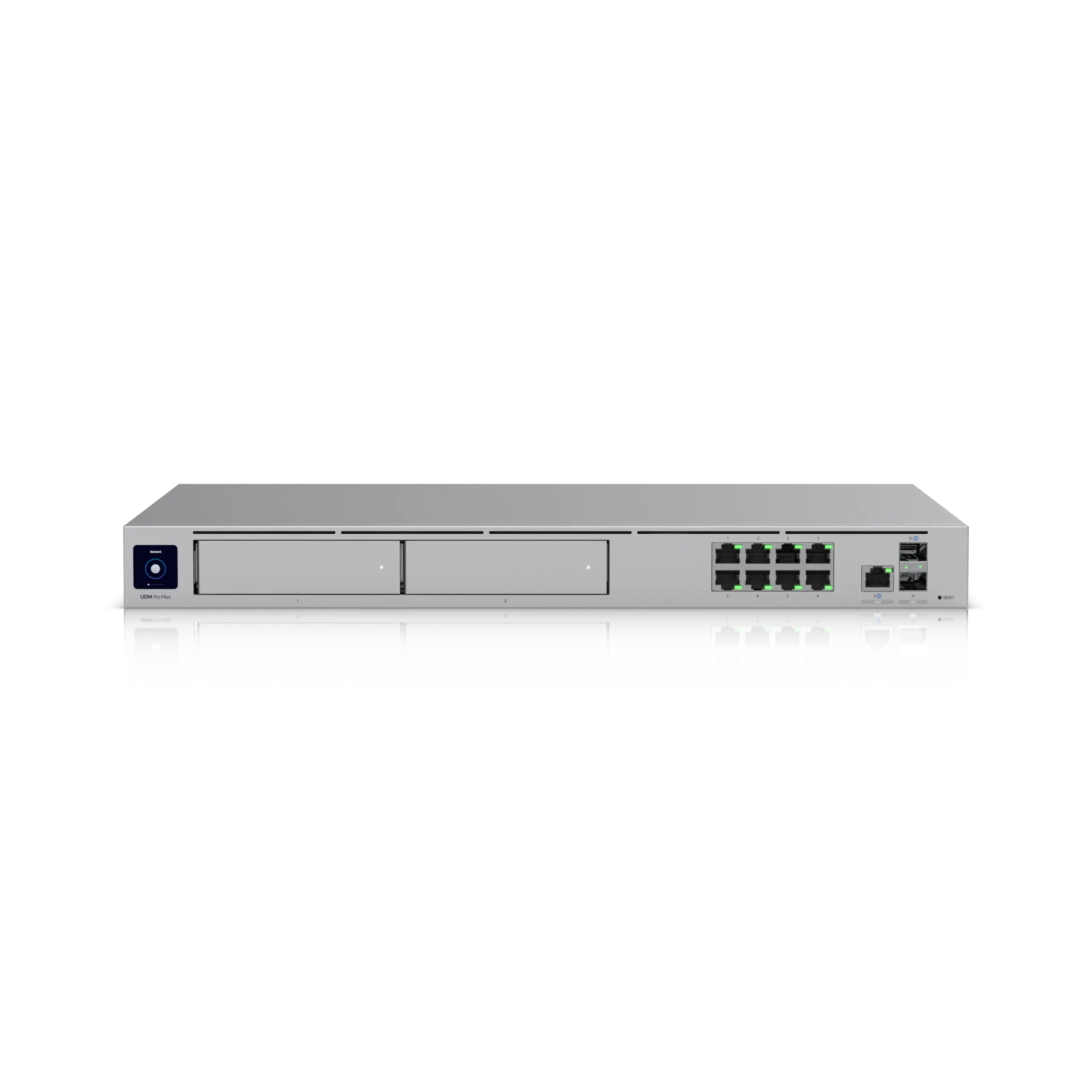
Gateway, firewall and application planning
UniFi Cloud Gateways can run the UniFi application suite and sit at the centre of routing, firewall, VPN, Wi-Fi and camera workloads. We size the gateway around business needs instead of guessing from a glossy product page.
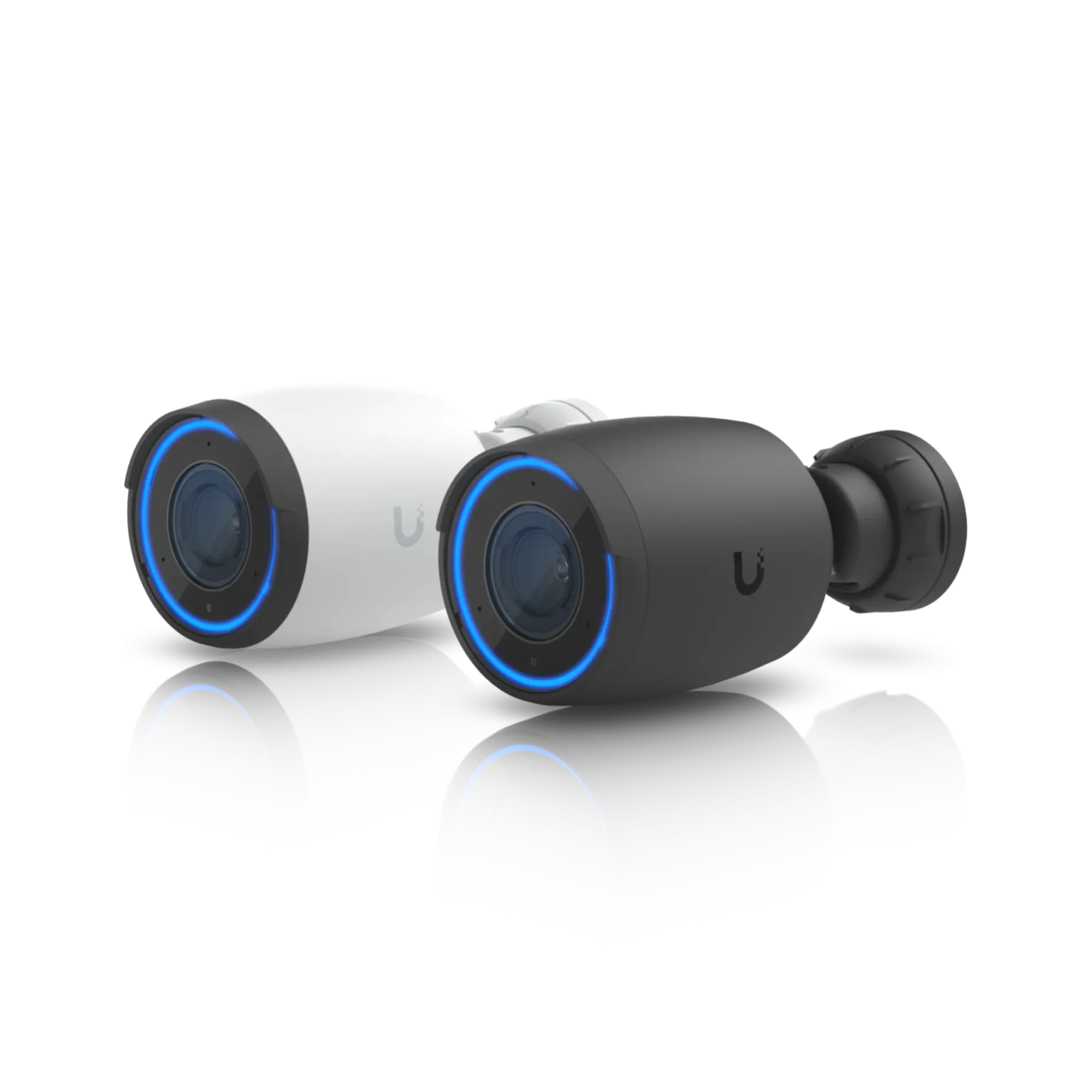
UniFi Protect camera deployments
For suitable sites, UniFi Protect can simplify camera management. Compuloop plans camera placement, viewing rights, storage expectations, privacy boundaries, network separation and who gets secure remote access.
Need a UniFi network that still feels professional after installation?
Compuloop can help with UniFi Wi-Fi, cloud gateways, switches, Protect cameras, segmentation, monitoring, documentation and secure support.

UniFi Managed Networking Australia Should Be Designed as a System
A UniFi deployment is more than a few access points. A practical design includes internet handoff, gateway capacity, switch uplinks, PoE budget, VLANs, guest access, staff Wi-Fi, camera traffic, remote admin, firmware policy and documentation. For higher-risk sites, Compuloop also reviews how UniFi sits beside Microsoft 365, endpoint security, backups and business continuity.
UniFi managed networking Australia should be easy to support after installation day. We document device names, port use, Wi-Fi roles, admin accounts, remote access and change windows so the network does not become tribal knowledge. You can also review the official UniFi product range before choosing access points, gateways, switching or camera hardware.
Useful UniFi Managed Networking Australia Planning Notes
The missing image in this section has been replaced with an official UniFi Wi-Fi visual. Use these notes as planning inputs, not fake performance guarantees. Real results depend on building layout, cabling, interference, device support, uplinks, switch capacity, gateway model, firmware policy and configuration quality.
For Australian businesses, UniFi managed networking Australia often works best when Wi-Fi, switching, routing and camera traffic are planned together. That means separating staff, guests, IoT and cameras where appropriate, checking PoE budgets before hardware is ordered, and making sure someone owns firmware updates, backups and administrator access.

Physical security without turning the network into a mess
UniFi’s physical security ecosystem can include camera security and access-control style workloads. Compuloop focuses on practical boundaries: who can view footage, where recordings live, what happens when an account leaves, how cameras are separated from staff traffic and what alerts matter.
That keeps the installation useful after day one, not just impressive in a demo.
Camera planning: field of view, retention, storage, privacy, remote viewing, user permissions and network separation.
Where UniFi Managed Networking Australia Fits in a Business Network
These are the common UniFi areas Compuloop can review, deploy or support for Australian businesses. The goal is practical UniFi managed networking Australia that staff can rely on without making the environment harder to manage.
Wi-Fi design and access points
U6, U7 and enterprise access point decisions should follow floor plans, user density, roaming needs, cabling and device compatibility.
Switching, PoE and gateways
Switches, PoE cameras and gateways need a clean topology, spare capacity, firmware process and a support path that survives staff changes.
Segmentation and remote access
Staff, guest, IoT, voice and camera networks should be separated where appropriate so convenience does not weaken business systems.
See network health before users feel the problem
UniFi telemetry gives Compuloop a practical way to investigate WAN stability, wireless congestion, retries, segmentation and network visibility.

UniFi Managed Networking Australia FAQs
Yes. Compuloop can help with planning, deployment, configuration, documentation and ongoing support for suitable UniFi environments.
Yes. We can review or support UniFi access points, cloud gateways, switching, VLANs, guest networks, alerts and remote administration.
Yes. We can help plan UniFi Protect camera networks, viewing access, storage expectations, privacy boundaries and secure remote viewing.
No. UniFi is a strong fit for many businesses, but some higher-risk or specialist environments may need Fortinet, Cisco, Microsoft security controls or other enterprise tooling alongside it.
Yes. We can review controller access, firmware, topology, switches, AP placement, VLANs, guest access, cameras and documentation.