


Managed IT support across Australia and New Zealand
Service areas for Compuloop cover Australian and New Zealand business teams that need practical managed IT support, Microsoft 365, cybersecurity, backups, cloud hosting and clear help when staff are stuck.
✓ Australia and New Zealand business teams
✓ Sydney, Melbourne, Auckland and Christchurch hubs
✓ Remote help first, onsite when needed
Service areas across Australia and New Zealand
Compuloop supports business teams across Australia and New Zealand with practical IT support, Microsoft 365 administration, cybersecurity, backup planning, cloud hosting and responsive help when staff need work to keep moving.

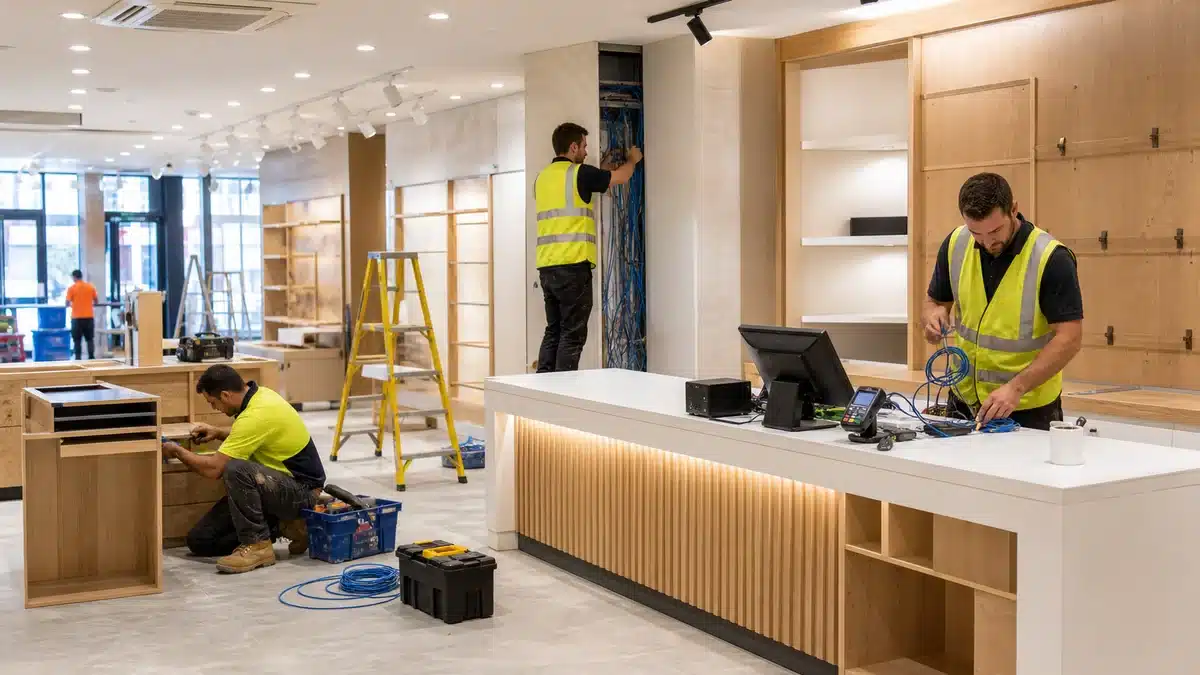
Helpdesk support, laptop setup, onsite hardware checks, user access, onboarding and practical troubleshooting for Australian and New Zealand business teams.
Support for Outlook, Teams, SharePoint, OneDrive, mailbox permissions, Microsoft 365 security basics and cleaner collaboration across staff devices.

Cybersecurity Support
Practical security reviews across MFA, endpoint protection, firewall posture, email security, password hygiene, backup readiness and clear next steps.

Business cloud hosting, email hosting, SQL hosting, backups, migrations and support for cloud systems when performance or access gets in the way.
Australia and New Zealand service area maps
Start with the country your team operates in, then choose the city hub that best matches your users, offices and onsite support needs.
Australia business IT support
Support for Australian business teams across Sydney, Melbourne and nearby commercial areas. Use the city buttons when you need a local page for managed IT, Microsoft 365 or cybersecurity support.
New Zealand business IT support
Support for New Zealand business teams across Auckland, Christchurch and nearby commercial areas. Choose the local hub that fits where your staff, sites and support requirements are based.
Need practical IT support for your Australia or New Zealand team?
Talk to Compuloop about the everyday technology problems that slow staff down. We will help you choose the right country and city support path for your team.
Choosing service areas for managed IT support
These pages are built for business owners and managers who want a clear regional starting point. Start with Australia or New Zealand, then choose the closest city hub when you need local detail. From there, Compuloop can map the support path around Microsoft 365, staff devices, cybersecurity, cloud hosting, backups, internet access and the everyday helpdesk requests that slow people down. However, the right answer is not always a bigger package. Sometimes the fastest win is cleaning up accounts, documenting ownership, checking backup recovery or fixing Wi-Fi coverage before the next outage. Therefore, each local page gives a practical starting point without forcing every business into the same story.
Just as importantly, the country and city pages help separate remote-first support from work that needs hands-on planning. A mailbox permission issue may only need a quick admin change, whereas a new office, unreliable Wi-Fi, firewall replacement or backup redesign needs clearer scoping. Because of that, Compuloop uses the local path to discuss users, sites, devices, vendors and risk before recommending the next practical step. That makes the conversation faster, clearer and easier for owners who do not want technical guesswork or repeated support confusion.
Australia IT support and cybersecurity
For Australian businesses with teams around Sydney, Melbourne and surrounding commercial areas. Use these hubs for managed IT support, Microsoft 365 help, cybersecurity and practical onsite planning. First, we look at the systems your staff depend on every day. Next, we check who owns the domain, Microsoft tenant, firewall, backup portal and support process. For official security context, Australian businesses can also review the Australian Cyber Security Centre Essential Eight guidance.
New Zealand IT support and cybersecurity
For New Zealand businesses with teams around Auckland, Christchurch and nearby commercial areas. Use these hubs for local support context, Microsoft 365 cleanup, security basics and cloud planning. Meanwhile, growing teams can use the pages to compare remote help, onsite work, account ownership, device support and backup expectations. For extra local guidance, New Zealand businesses can review Own Your Online business advice.
Questions businesses usually ask first
Do you only support CBD businesses?
No. Most support can start remotely, so we can help businesses across Australia and New Zealand. If a job needs hands-on work, onsite help can be arranged where practical. That means your team can still get help with Microsoft 365, email, backups, cybersecurity, cloud hosting and device issues without waiting for a technician to visit first.
Can you handle Microsoft 365 and security together?
Yes. Many problems cross over between identity, email, file sharing, devices and endpoint security, so we look at the way the team works instead of treating every ticket as a separate island. As a result, Microsoft 365 support often includes MFA checks, mailbox permissions, Teams and SharePoint structure, offboarding and practical security improvements.
What is the fastest way to get help?
Call 1300 007 613 or send an enquiry. We will help work out whether you need urgent support, a Microsoft 365 clean-up, a security review, hosting help or an ongoing managed IT plan. After that, we can point you to the right country or city support page so the next step is clear.