


Mobile device management Australia
Mobile Device Management Services for Apple, Android and iPad Fleets
Mobile device management services help businesses enrol, secure and support iPhones, iPads, Android phones, tablets and laptops with clear MDM policies, app control, compliance checks and remote support.
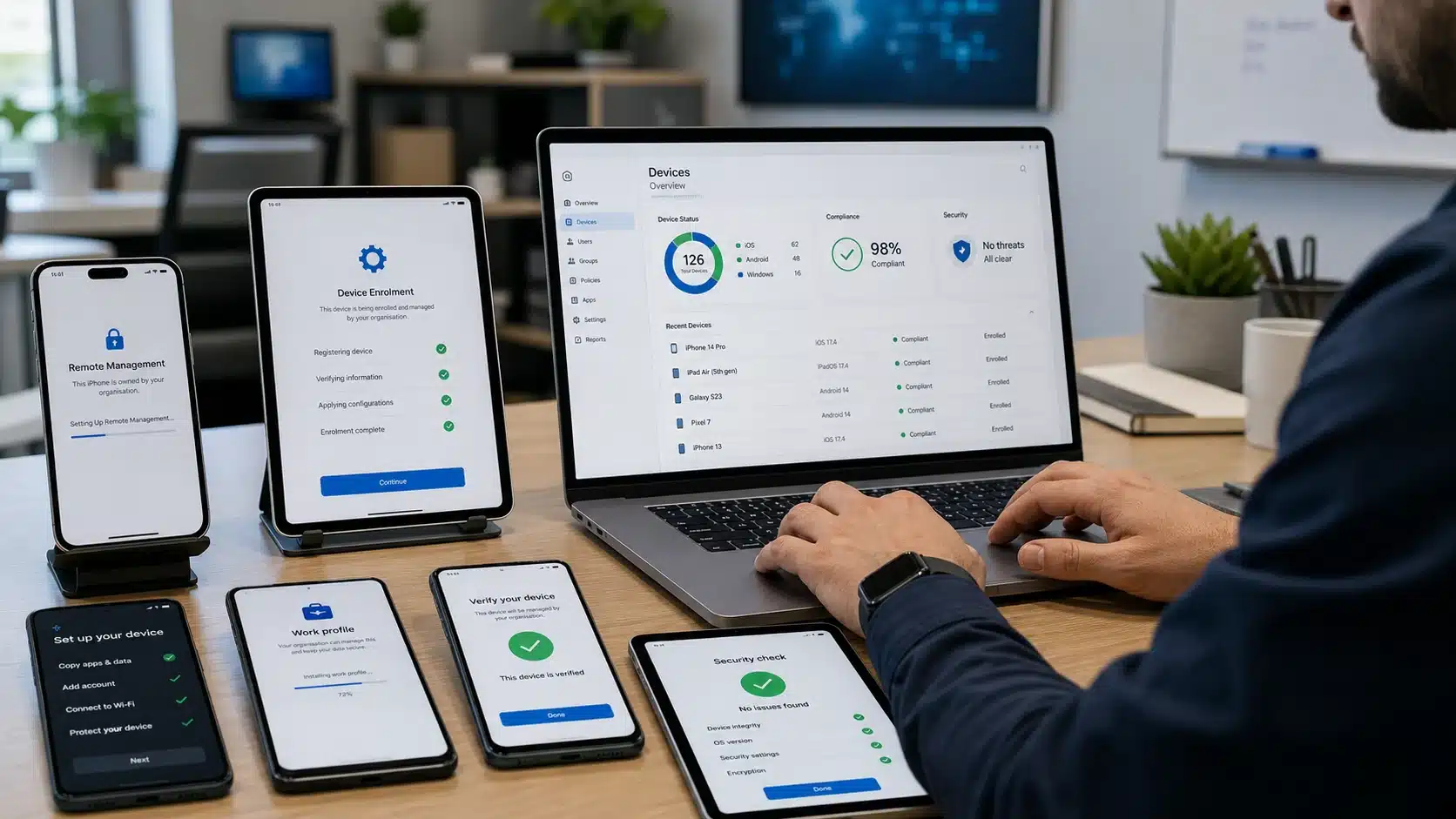
Apple deployment
Use Apple Business Manager or Apple School Manager with an MDM platform to automate enrolment and manage organisation-owned devices.
Android Enterprise
Choose work profiles, fully managed or dedicated-device patterns based on ownership and operational use.
Bring device compliance, app management, configuration and conditional-access signals into the Microsoft cloud environment.
Mobile Device Management Services Australia
Device management is not just about locking a lost phone. A useful MDM design covers procurement, enrolment, identity, configuration, apps, data protection, updates, compliance, support and offboarding. The policy should match who owns the device and what business information it can reach.
Compuloop works across Microsoft Intune, Apple Business Manager, Apple School Manager and Android Enterprise. We can help prepare tenant settings, connect enrolment programs, create practical configuration profiles and document the process so new devices do not become one-off projects.
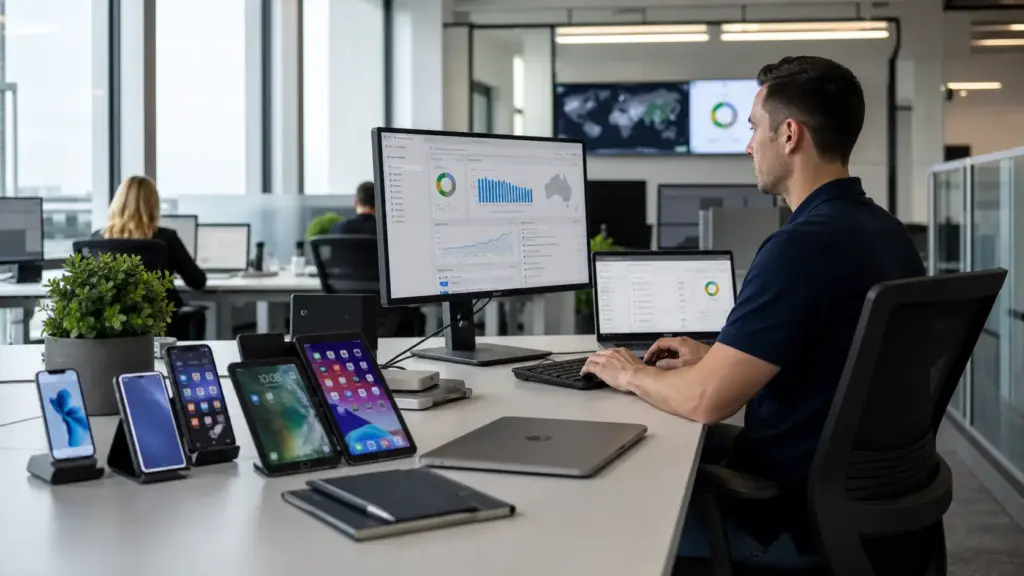
Platform reality
Different ownership models need different controls
A good MDM rollout starts with use cases rather than applying the strictest policy to every person and device.
3 ownership patterns
Corporate-owned, personally owned and shared/dedicated devices need different enrolment and privacy decisions.
4 major platforms
Windows, macOS, iOS/iPadOS and Android can be managed through Microsoft Intune with platform-specific capabilities.
One offboarding moment
Access, apps, data and device actions should be defined before a staff member leaves or a device changes hands.
What Compuloop can help with
MDM services from enrolment to compliance
The controls vary by platform, but the operating goal is consistent: known devices, suitable access and recoverable ownership.
Tenant readiness, enrolment, configuration profiles, compliance, app deployment and conditional-access coordination.
Apple Business Manager
Organisation setup, automated device enrolment, Apps and Books and integration with the selected MDM platform.
Apple School Manager
Education-focused enrolment and content workflows coordinated with device management and account requirements.
Android Enterprise
Work profiles, fully managed devices, dedicated devices, managed Google Play and practical app controls.
App and data management
Deploy approved apps, apply data-sharing controls and separate business information where the platform allows it.
Device retirement
Documented wipe, retire, reassignment and ownership steps so devices and accounts do not linger after use.
Bring your device fleet under practical control
Talk to Compuloop about Microsoft Intune, Apple Business Manager, Android Enterprise, app deployment and secure device lifecycle management.
A controlled rollout
A practical MDM rollout
1. Inventory
Identify device types, ownership, operating systems, applications, identity and current enrolment state.
2. Design policies
Agree what must be enforced, what can be monitored and where user privacy or operational flexibility matters.
3. Pilot and deploy
Test with representative users and devices, correct enrolment issues, then expand in controlled stages.
Mobile device management questions
Microsoft Intune is the current product name for Microsoft’s cloud endpoint-management platform. Older documentation may still refer to Microsoft Endpoint Manager.
No. Apple Business Manager connects procurement, automated enrolment, managed accounts and content workflows to an MDM platform. The MDM platform applies device settings and policies.
Depending on platform and enrolment type, work-profile or app-protection approaches can separate business controls from personal use. The privacy design should be explained before enrolment.
Yes, but re-enrolment, app ownership, tokens, certificates, identity and device supervision need careful planning. Some migrations require user action or device resets.
Make every business device easier to enrol, support and retire
Mobile device management works best when it follows the whole device lifecycle. Procurement, enrolment, identity, applications, updates, compliance and offboarding should be planned together so each new phone, tablet or laptop does not become a separate project.
Compuloop can help connect Microsoft Intune, Apple Business Manager or Apple School Manager, Android Enterprise and Microsoft Entra ID. Policies are matched to ownership and risk: a shared warehouse tablet should not be treated like a personally owned phone, and a corporate laptop should not leave with business access still active.

Useful numbers for planning
These figures turn the service into practical design decisions rather than decorative technology.
6 OS families
Microsoft documents Intune support across Android, iOS/iPadOS, Linux, macOS, Windows and Chrome OS, with platform-specific limits.
3 Android patterns
Work profile, fully managed and dedicated-device approaches suit different ownership and operational needs.
1 lifecycle
Enrolment, applications, compliance, support and offboarding should be designed as one operating process.
Device management platforms that work together
Compuloop helps configure the management foundations and handover process around the platforms already used by your business.

Microsoft Intune
Configuration, compliance, applications and endpoint actions.
Microsoft Entra ID
Identity, access decisions and conditional access signals.

Apple Business
Automated enrolment and managed Apple deployment.

Android Enterprise
Work-profile, fully managed and dedicated-device options.
Stop rebuilding the setup every time a device changes hands
We can review your device estate, ownership models and current Microsoft, Apple or Android settings, then map a rollout that your internal team can actually maintain.
Manage the whole device lifecycle, not just the first login
A useful MDM service starts before the device reaches the user. Compuloop can help define ownership, automated enrolment, required applications, security settings, support actions and the final offboarding step.
That gives staff a repeatable setup and gives the business a practical answer when a device is lost, replaced, shared or returned.


Use compliance signals to protect business access
MDM does more than install apps. A managed platform can report whether a device is encrypted, locked, updated and still enrolled. Those signals can then support access decisions for Microsoft 365 and approved cloud services.
Compuloop keeps the design proportionate. Policies are matched to device ownership and business risk, with clear exception and recovery processes for users who genuinely need help.
Apple, Android and Microsoft management choices
The right enrolment model depends on who owns the device, how it is used and which business systems it can reach.
Apple Business Manager
Automated Device Enrolment and managed app distribution for company-owned Apple devices. It suits businesses that need consistent setup and controlled assignment.
Apple School Manager
Education-focused enrolment, roles and learning workflows for supported schools. It is distinct from Apple Business Manager and should be configured around education responsibilities.
Android Enterprise
Work profile, fully managed and dedicated-device models cover personal phones, corporate devices, kiosks and shared operational hardware.
Supported device families and practical use cases
Microsoft documents Intune support across major desktop and mobile platforms, with capability differences that should be checked before rollout.
Windows and macOS
Corporate laptops can receive configuration, security baselines, application deployment and compliance checks.
iPhone and iPad
Supervised and automated enrolment can create a cleaner experience for managed Apple devices.
Android
Work profiles, fully managed phones and dedicated devices support different ownership models.
Zero-touch deployment should still feel personal
Staff should receive a device that is ready for work, not a box of setup instructions. Compuloop can coordinate automated enrolment, approved applications, security settings, ownership records and a clear support path.
The management model can cover company-owned phones and tablets, shared operational devices and supported bring-your-own arrangements without treating every device the same.
