


Aged care IT support
IT Support for Aged Care and Retirement Living
Aged care IT support keeps resident connectivity, staff devices, Microsoft 365, secure Wi-Fi, backups and cybersecurity practical for retirement living teams.
Aged care IT support has to support residents, staff, families and service providers without becoming another source of stress. Compuloop helps aged-care and retirement-living organisations manage Microsoft 365, secure Wi-Fi, shared devices, endpoints, backups, cybersecurity and responsive support with clear ownership and plain language.
- Support for care, administration and resident-facing systems
- Secure Wi-Fi, Microsoft 365 and managed devices
- Calm remote support with onsite help by arrangement
Get an Aged care IT support plan
Tell us where technology is interrupting staff or residents. We will map sensible priorities around continuity, access, security and support.
Aged care IT support for staff systems
Keep identity, email, shared files, devices and everyday access working across administration and care teams.
Aged care IT support for resident connectivity
Plan Wi-Fi and guest access around privacy, coverage, support boundaries and a wide range of device confidence.
Aged care IT support security
Use MFA, endpoint controls, backups, email protection and clear incident steps without making routine work impossible.
Aged care IT support that respects people and continuity
Aged-care and retirement-living environments combine business systems, care operations, resident connectivity, family communications, contractors and shared devices. Support needs to be responsive, but it also needs to respect privacy, access boundaries and the fact that not every user is confident with technology.
Australia’s ageing population makes reliable digital services increasingly important. The Australian Institute of Health and Welfare reported 4.7 million Australians aged 65 and over at 30 June 2024, representing 17% of the population. Compuloop focuses on the practical technology layer: reliable access, recoverable data, secure devices and support that people can understand.


Microsoft 365
Identity, email, Teams and shared information.

UniFi
Managed Wi-Fi, switching and separated guest access.

Apple
Managed iPad and iPhone deployment for approved use cases.

Fortinet
Firewall, secure access and network visibility.
Review Aged care IT support risks before they become resident-facing problems
Start with a practical review of Wi-Fi, Microsoft 365, devices, backups and support ownership. We will give you clear priorities without turning the exercise into a compliance lecture.
Aged care IT support behind resident care
Retirement living technology has to serve several groups at once: care and administration teams, residents, visiting families, contractors and support partners. That makes clear network boundaries and simple support pathways more valuable than a pile of disconnected tools.
Compuloop can review Microsoft 365 access, shared devices, Wi-Fi coverage, backups and endpoint protection as one operating environment. The aim is practical continuity: staff can reach the systems they need, residents can connect safely, and management has a documented response when a service fails.

Practical controls around phishing, privileged access, endpoint care, backups and incident response readiness.
Connectivity resilience
Internet-path reviews and backup options, including Starlink where location and service availability make it appropriate.
Backup and recovery checks
Review what is protected, who owns recovery and whether important business data can be restored when required.
Make Aged care IT support easier for staff and residents
Talk to Compuloop about Microsoft 365, Wi-Fi, device management, cybersecurity, backups and responsive retirement-living IT support.
Separate resident access from the systems staff rely on
Retirement living environments often serve residents, guests, care teams, administration staff and contractors on the same site. They do not all need the same network access or support pathway.
A practical review can map Wi-Fi zones, shared devices, Microsoft 365 access, backups and vendor connections. This reduces avoidable disruption while keeping daily operations straightforward for facility staff, management and approved service providers.

1. Map people and systems
Identify locations, staff roles, resident services, vendors, shared devices and the systems that cannot quietly fail.
2. Fix recurring friction
Prioritise unstable access, unmanaged devices, weak account controls, Wi-Fi gaps and unclear backup ownership.
3. Document and support
Set clear responsibilities, escalation paths and routine reviews so staff know who to contact and what happens next.
Aged care IT support networks that keep care moving
Reliable, secure and resilient networks help care teams reach phones, resident systems, Wi-Fi, clinical applications and family communication when the facility is busy.

RELIABLE
Wi-Fi, phones, resident systems and staff devices need stable coverage so care work is not slowed by dead spots or flaky access.
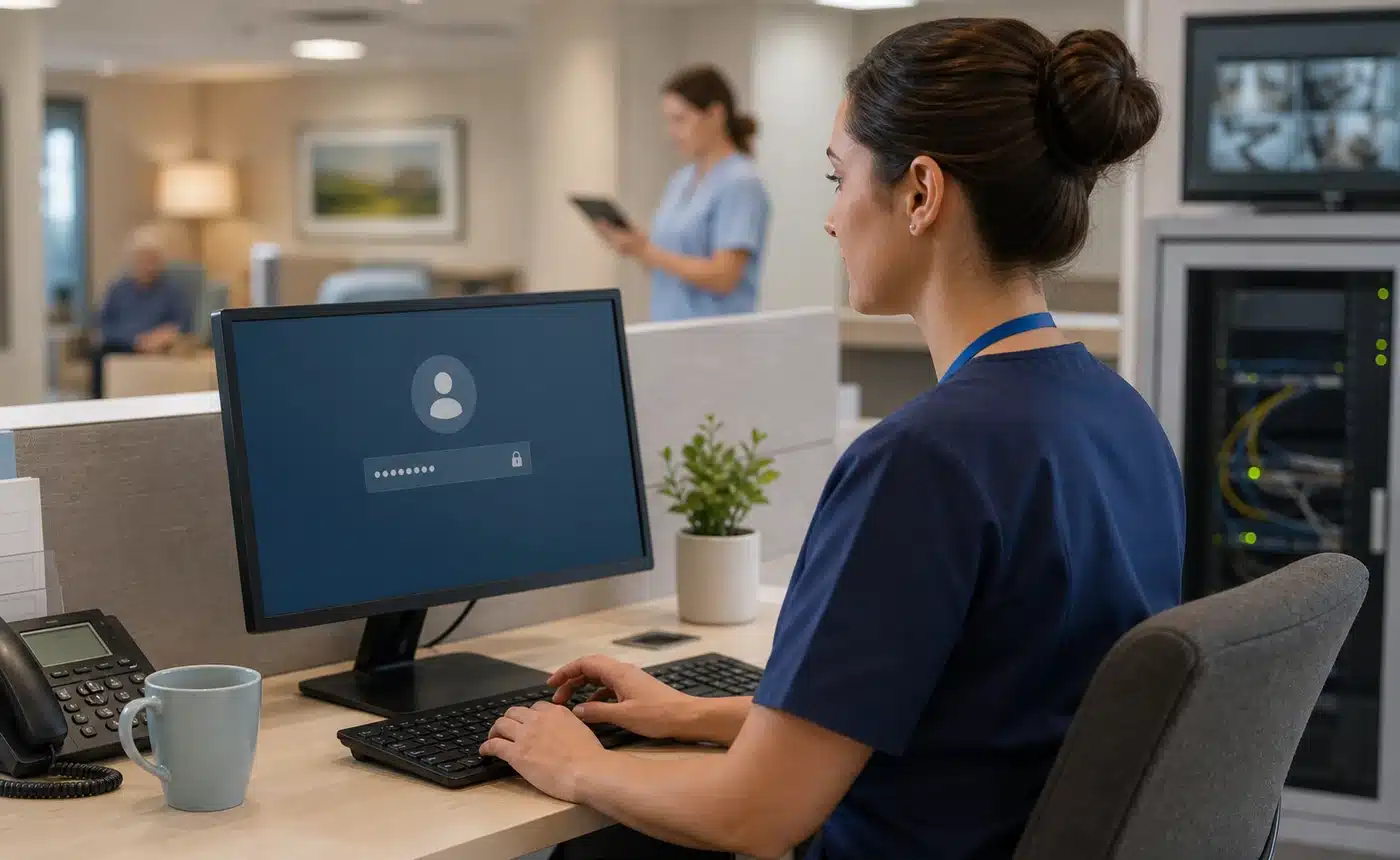
SECURE
Staff, residents, guests and shared devices should have the right access without exposing resident information or admin systems.
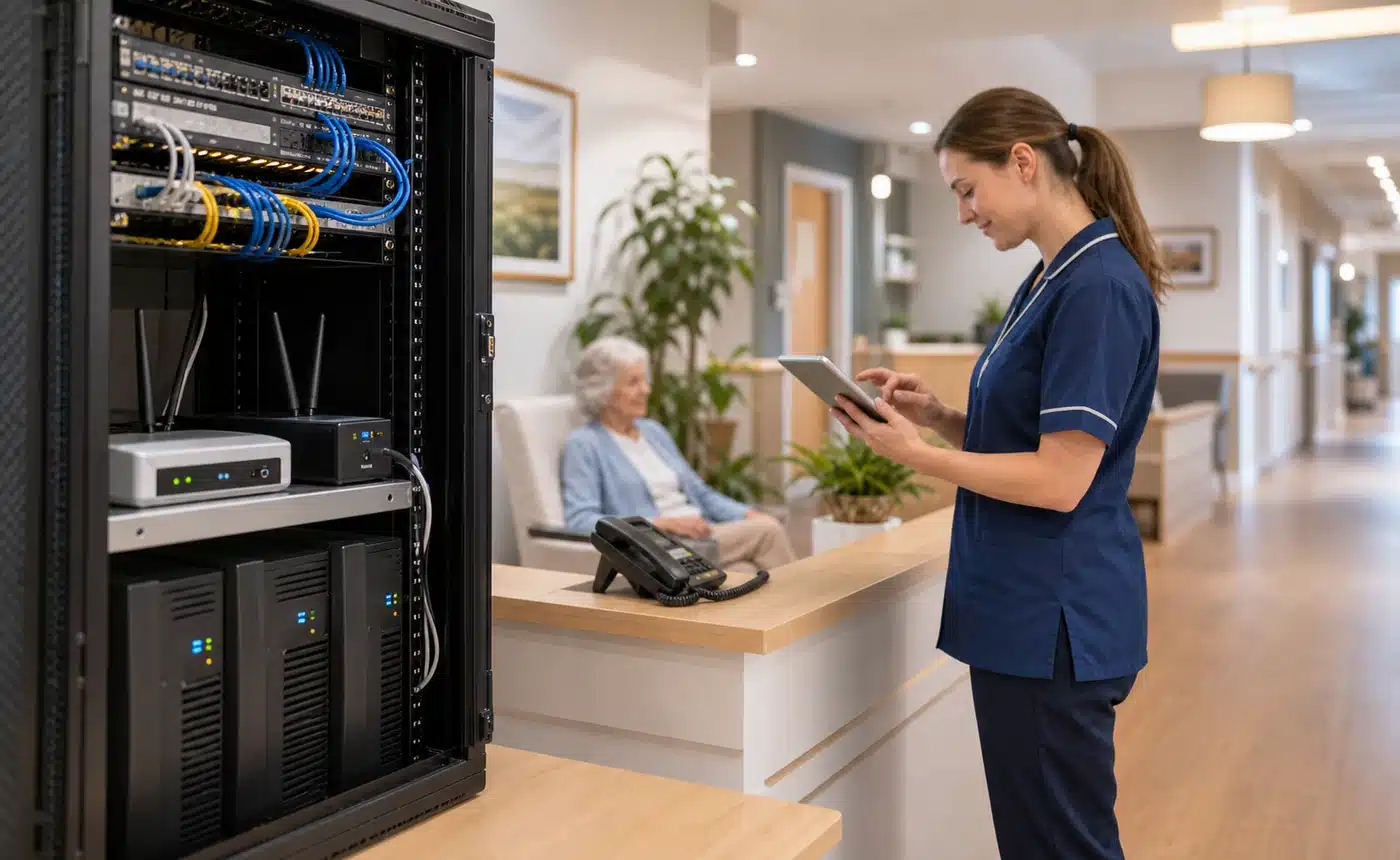
FAILOVER
Backup internet, power protection and documented recovery paths help facilities keep essential systems reachable during outages.
Aged care IT support is about operations, not just resident Wi-Fi
The important work is keeping the facility running: secure Microsoft 365 access, reliable administration devices, separated guest and operational networks, recoverable records, vendor access and a support process staff can follow during busy shifts.
Resident connectivity still matters, but it should not be mixed with clinical, administration or building systems. Compuloop can help map those boundaries so management gets a cleaner, safer technology environment without turning care staff into network technicians.

Outlook, Teams, SharePoint, OneDrive, MFA, permissions and account lifecycle support for staff and administration.
Secure facility Wi-Fi
Coverage planning, UniFi networks, guest access and segmentation for staff, residents, visitors and connected systems.
Policy, updates, app deployment and offboarding for shared and assigned Windows, Apple and Android devices.
Aged care IT support FAQs
Compuloop supports the underlying IT environment and can coordinate with specialist application vendors. We do not replace clinical software vendors or clinical governance processes.
Yes. Separate networks and access policies can reduce unnecessary exposure while keeping resident connectivity practical and supportable.
Yes. Central management, standard policies and site-specific documentation can improve consistency while preserving the details each facility needs.
Yes. We can review access points, switching, cabling, guest access, coverage gaps and support processes so connectivity is easier to diagnose and maintain.
Yes. We can help with approved device setup, identity, updates, security baselines, app access and practical support for shared or role-based devices.
We focus on sensible controls: MFA, endpoint protection, email security, network separation, backup readiness, admin access and clear documentation.
Yes. We can review internet links, backup connectivity, power dependencies, recovery expectations and the support path when systems become resident-facing problems.
Yes. We help with Outlook, Teams, SharePoint, OneDrive, permissions, mailbox access, onboarding and account cleanup for administration and care teams.
No. It can be useful in some locations or as part of a resilience plan, but availability, building access, obstructions and support requirements need review first.
Call 1300 007 613 or send an enquiry. Tell us where technology is interrupting staff, residents or administration and we will map practical next steps.