


Remote working solutions Australia
Secure Staff Access for Remote Working Solutions Australia
For Australian teams, remote working solutions support Microsoft 365, VPN, SD-WAN, firewalls, MFA, endpoint protection, backups and practical staff access.
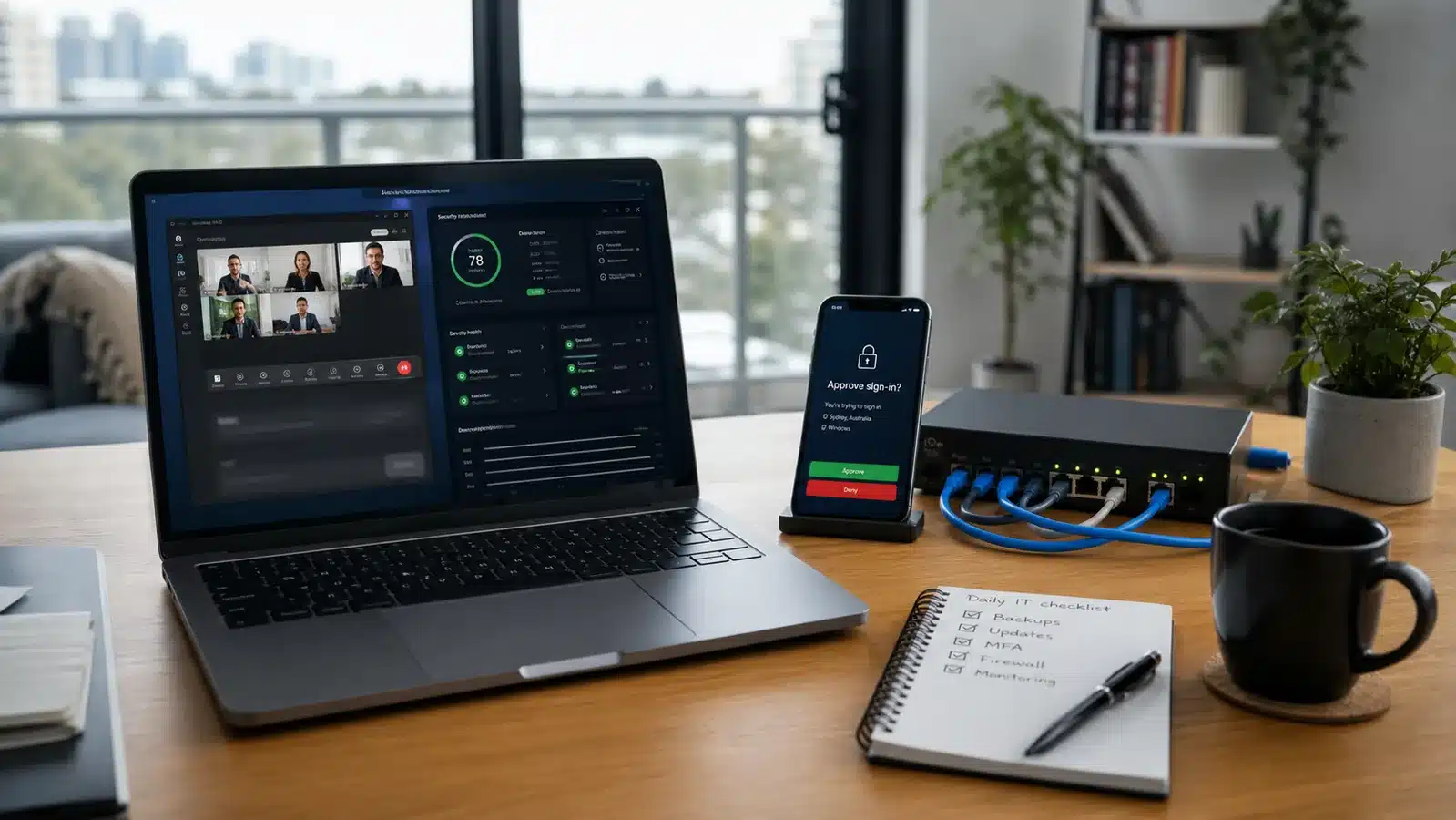
Remote working solutions that keep access useful and controlled
However, secure remote access starts with identity, known devices and support rules, not just a password and a VPN tunnel. Compuloop can help design the Microsoft 365, network, firewall and backup controls that let people work safely away from the office.
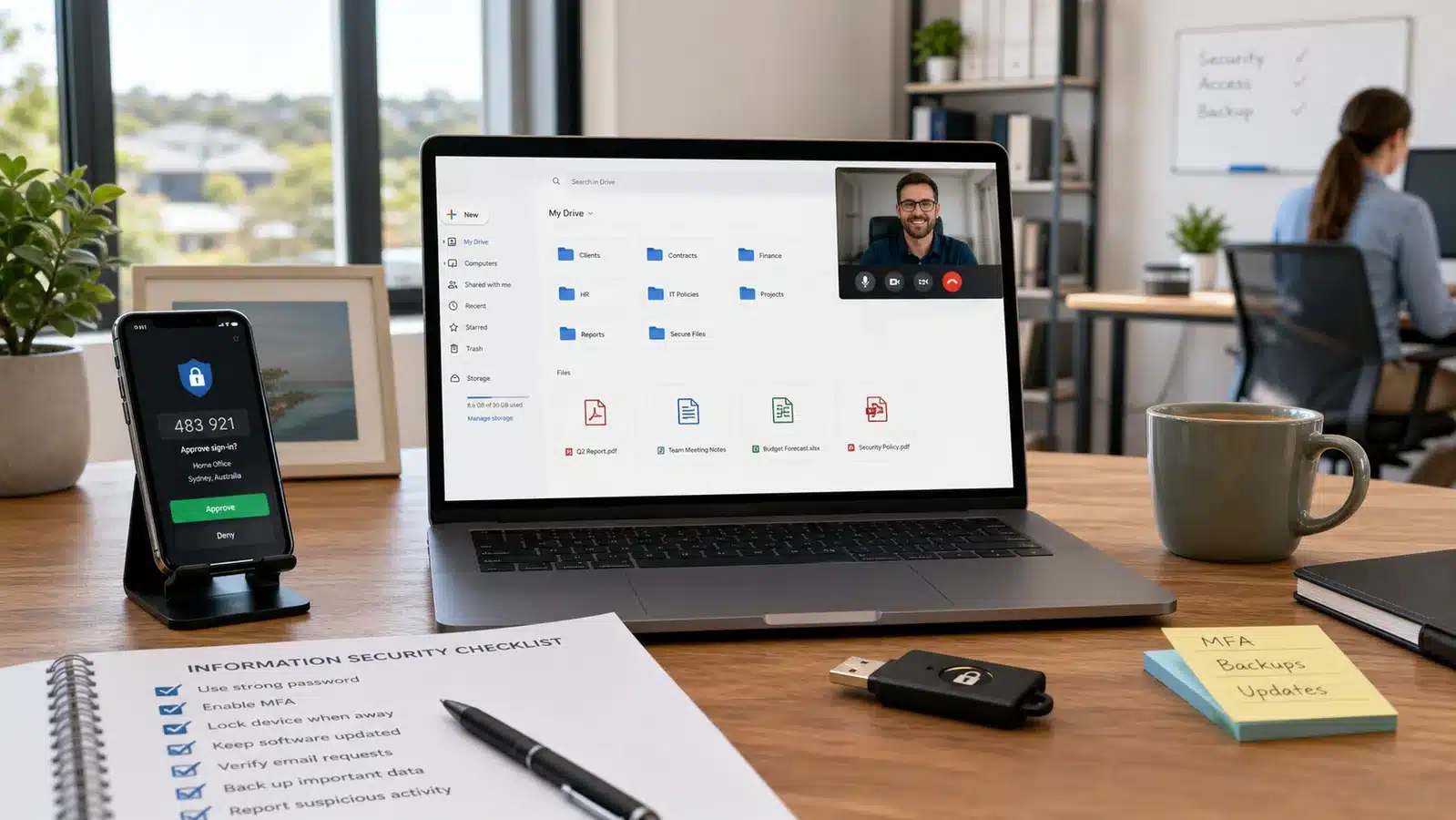
Remote working solutions for files, apps and printers
Also, move the everyday workflow into Microsoft 365 and documented support paths: SharePoint, OneDrive, Teams, Outlook, cloud printing options, app access and clear rules for what still belongs on the office network.
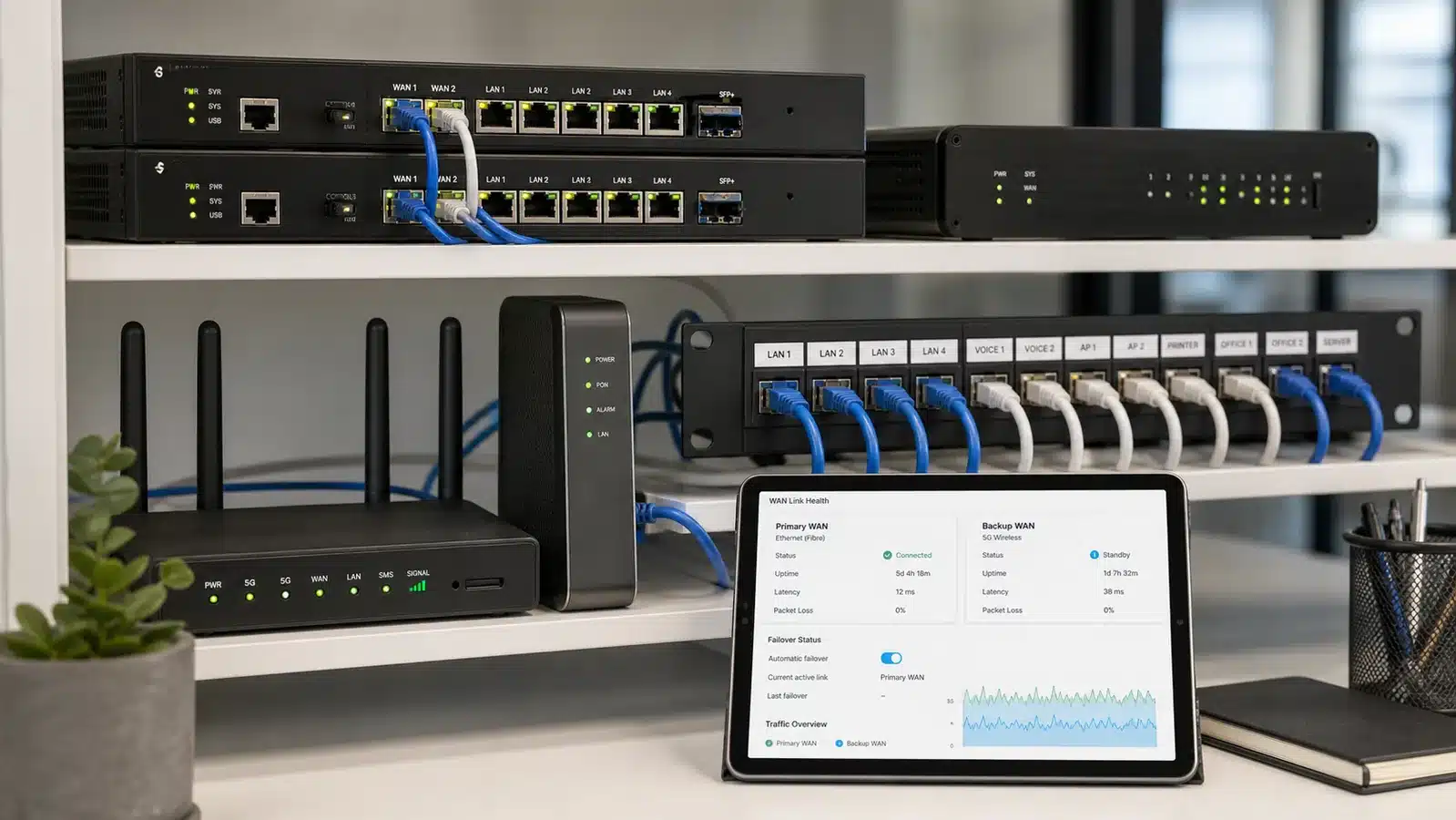
Business VPN support, SD-WAN and firewall access where it makes sense
However, some legacy apps, servers and office printers still need controlled network access. We can design VPN, Fortinet firewall policy, SD-WAN and failover around the real workflow instead of leaving staff to improvise.
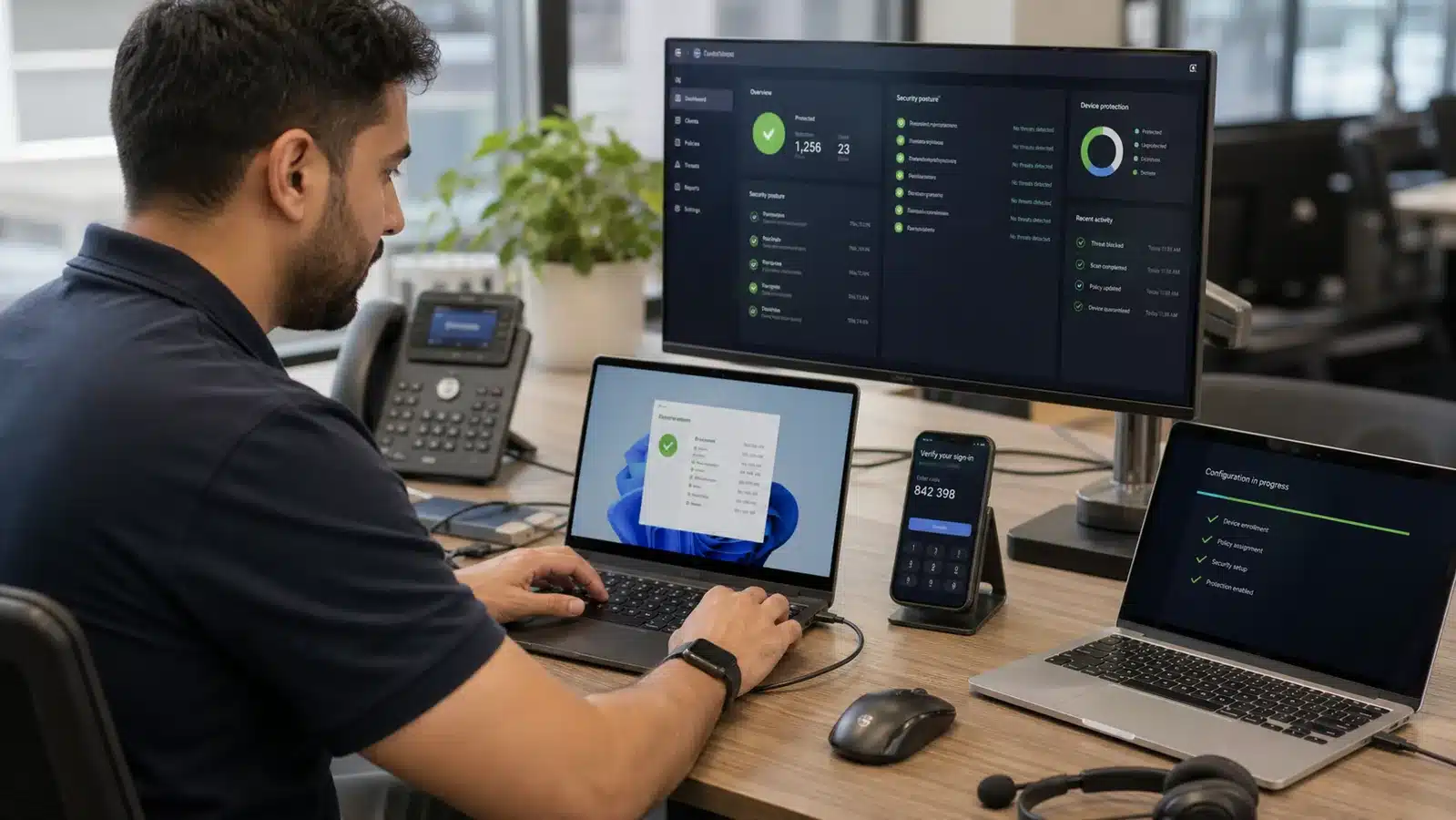
Managed laptop access away from the office
Intune, Windows 11, MFA, SentinelOne-style endpoint protection, patching and device health checks help keep company data safer when laptops move between home, office, client sites and travel.
Staff work from home?
Give staff a clean way to use files, printers, Teams, Outlook and business apps without office-only shortcuts or unmanaged devices.
- Microsoft 365 access
- MFA and device checks
- Cloud printing and app access
- Backup and offboarding controls
Microsoft 365 remote work support for hybrid teams
First, use SharePoint and OneDrive libraries so files can be found, shared and protected without staff copying versions between personal folders, USB drives and email attachments.
MFA, identity and conditional access
Before the VPN comes into play, remote access starts with identity, MFA, device health and clear access rules. VPN, SD-WAN and firewall access then become part of a controlled design, not the whole strategy.
Remote working solutions for printing, files and app access
Next, we look at cloud printing, hosted applications, browser access, line-of-business systems and practical support paths so staff know how to get help when something does not work.
Hybrid work systems need a practical Modern Workplace layer
Older remote access projects often stopped at a VPN tunnel. However, that is not enough for modern work. Staff still need files, Teams, Outlook, printers, business apps and support to work from home, from a client site or from the office without creating five different ways to do the same job.
Compuloop can help connect Microsoft Modern Workplace, business cloud hosting and business IT support into one clear setup. As a result, owners, managers and staff know what is protected, what is allowed and how to get help.
What the plan should make clear
- Who can sign in, from which devices, and when MFA should challenge them.
- Which files, printers, apps and cloud systems staff can use away from the office.
- How backups, endpoint protection and account offboarding protect company data.
- Who staff contact when VPN, Teams, Outlook or cloud access stops working.


FIFO work
Meanwhile, remote teams need access that survives distance, travel days and rough connectivity. We design the cloud, security and support process around the way site crews actually work.
- Cloud files, forms and rosters
- MFA and managed devices
- VPN, SD-WAN or satellite-aware access
- Support for camp, site and head office
FIFO workers, remote sites and office staff need systems that travel with them
Mining crews, oil and gas teams, forestry staff, remote office workers and mobile operators still need controlled access to documents, forms, maps, rosters, emails, Teams calls and company systems. The setup has to work across camps, site offices, field vehicles, home offices, satellite links and patchy mobile coverage.

Mining and FIFO site access
For example, give mining teams secure access to cloud files, site documents, Teams calls, MFA and support while they move between mine site, camp and head office.

Oil and gas remote operations
Also, support rig and platform workers with controlled access to documents, approvals, communication tools, identity checks and secure network paths.

Forestry and field crews
In addition, keep forestry workers connected to maps, jobs, safety documents and cloud apps from field vehicles and remote worksites without loose file copies.

Remote work support for professional office workers
Finally, give office staff secure access to Microsoft 365, Teams meetings, cloud files, MFA and support from home offices or quiet professional workspaces.
Technology Compuloop can bring into a hybrid work stack
The tools depend on the current environment. For hybrid work systems, these are common building blocks for safer access, Modern Workplace adoption and business operations. However, the final stack should always match the way staff actually work, not just the products that happen to be available.
Microsoft 365
Microsoft 365 brings Teams, SharePoint, OneDrive, Outlook, Entra ID, MFA, Intune and conditional access together for remote staff access.

Fortinet
Meanwhile, firewalls, VPN, SD-WAN, secure access and policy visibility keep hybrid workplaces controlled.

SentinelOne
Endpoint detection and response for laptops used outside the office network.

Cisco
Also, networking and secure connectivity options support branch and hybrid environments.

UniFi
Managed Wi-Fi, gateways and practical network visibility for suitable sites.
Need hybrid work systems that do not send everyone back to the office?
Compuloop can review your Microsoft 365, files, printers, VPN, firewall, SD-WAN, MFA, SentinelOne endpoint protection, backups and support process.
Secure remote working solutions products and controls Compuloop can support
Therefore, start with the workflow, then choose the right mix of Microsoft 365, identity, device management, endpoint security and backup controls. These building blocks keep safer remote work practical instead of messy.

Microsoft 365 for remote working solutions
For many teams, Business Premium brings email, Teams, SharePoint, OneDrive, device management, MFA and security controls together in one Microsoft 365 licensing bundle.

Entra ID + MFA
For identity control, Microsoft Entra ID and multi-factor authentication confirm who is signing in, what device they are using and whether the access request should be allowed.

Intune for remote working solutions
Next, Microsoft Intune helps enrol, secure and manage Windows laptops, mobile devices and compliance settings so remote staff are not working from unmanaged machines.
Endpoint protection for remote working solutions
SentinelOne protection gives laptops stronger endpoint detection and response when they leave the office network and connect from home, hotels or remote sites.

Secure remote access for SharePoint
Therefore, SharePoint gives teams structured document libraries, permissions and shared file access so business documents are not trapped on one office server or desktop.

OneDrive
Likewise, OneDrive gives each staff member secure cloud file access, sync and recovery options, while keeping company data inside managed Microsoft 365 accounts.

Teams
As a result, Microsoft Teams keeps chat, meetings, calls and collaboration in one managed workspace so remote workers can stay close to the business without being in the office.
Backups for hybrid work systems
Finally, Veeam backup planning helps protect Microsoft 365 and server data with retention, restore testing and documented recovery decisions.
A practical remote working solutions rollout path
To keep the rollout sensible, Compuloop makes secure remote access part of the normal working day instead of a disruptive side project. Then we document what changed, who owns it and how staff should ask for help.
1. Map remote working solutions needs
Start by identifying which staff, contractors and administrators need access. Then separate everyday access from privileged access.
2. Move remote work into Microsoft 365
After that, prioritise MFA, device compliance, endpoint protection, BitLocker and update status before allowing access to business data.
3. Secure remote working solutions and support
To finish the rollout, set firewall and VPN rules around business roles, known devices and support needs instead of leaving remote access open-ended.
Remote working solutions FAQs for hybrid teams
In practice, remote working solutions cover the systems and processes that let staff access files, printers, apps, email, meetings and support without needing to be in the office. Usually, the setup combines Microsoft 365, identity, device management, network access, security and backup controls.
However, VPNs are still useful for selected legacy systems, servers or printer access. Many Microsoft 365 and cloud workloads can be secured through identity, conditional access and managed devices instead of sending every action through a VPN.
In addition, Microsoft Modern Workplace is the practical layer for remote and hybrid work: Teams, SharePoint, OneDrive, Outlook, Entra ID, Intune, MFA and permissions working together so staff are not tied to one office computer or one shared drive.
For example, the right answer might be cloud printing, app publishing, hosted systems, VPN access or a cleaner Microsoft 365 workflow. We look at what staff actually need instead of forcing every task through one old method.
First, start with MFA, strong identity controls, managed devices, SentinelOne-style endpoint protection, permission cleanup, secure cloud file access, backup coverage and a clear offboarding process. However, the exact setup depends on your systems.
Yes. Then we can review current Microsoft 365, files, printers, VPN, firewall, MFA, devices, backups and admin access, and give practical priorities before making changes.