



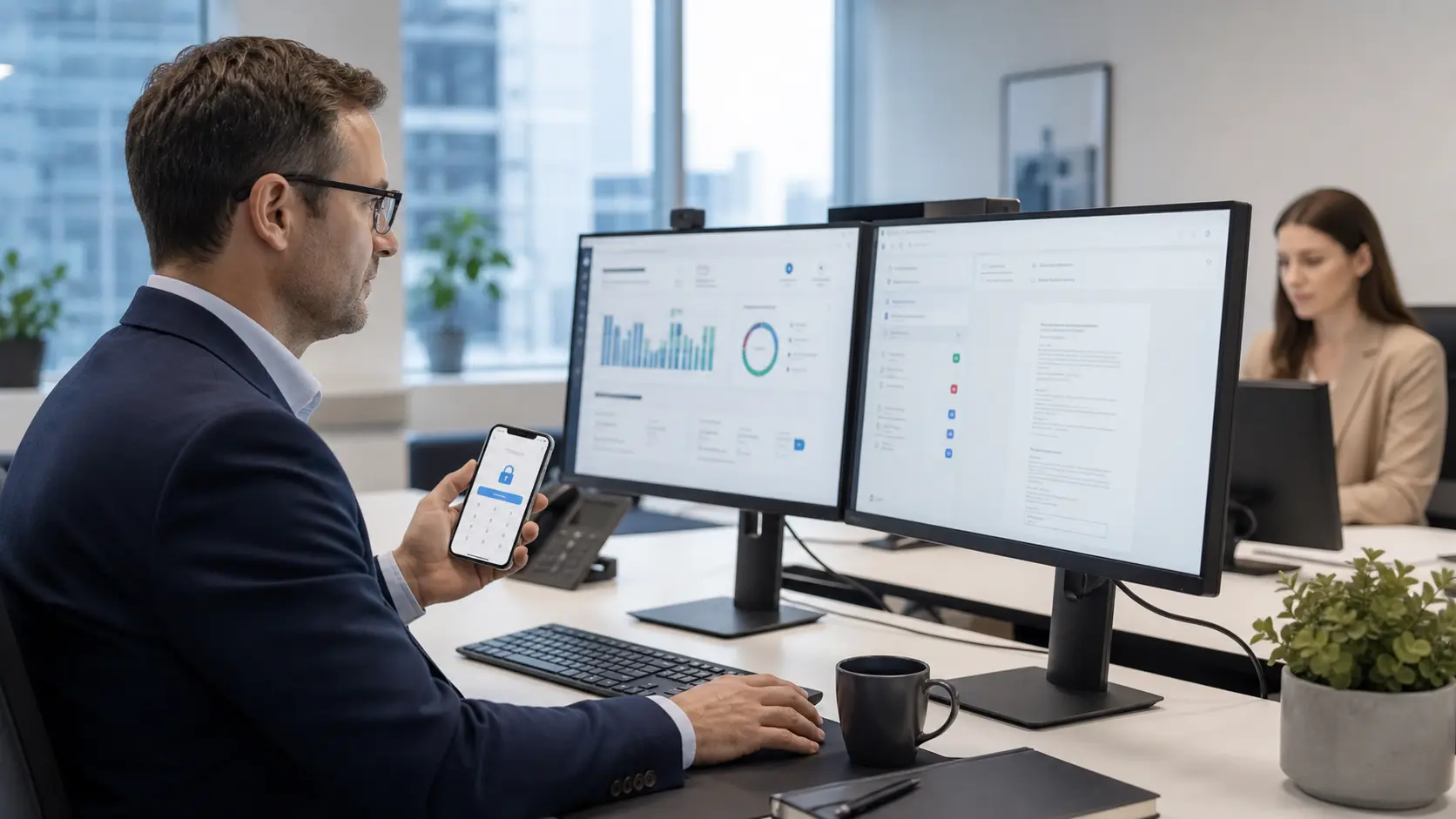

AI automation services for small business
Compuloop helps small businesses use AI in practical, controlled ways: fewer repeated admin tasks, cleaner reporting, safer data handling and Microsoft 365 workflows that support real work instead of creating another disconnected tool.
Remove repeat admin
Turn routine intake, triage, reminders, approvals and reporting into cleaner workflows with fewer manual handoffs.
Connect Microsoft 365
Make AI useful around Outlook, Teams, SharePoint, OneDrive and the files your team already uses.
Protect sensitive data
Use policies, permissions and human approval points so AI adoption does not create privacy or security problems.
Measure first
Start with one business problem, check the result, then decide what is worth automating next.
AI automation services for small business workflows
Most small businesses do not need a giant AI program. They need a clear look at where staff lose time: copying information between systems, searching for answers, chasing approvals, rewriting the same emails or trying to turn messy spreadsheets into decisions.
Compuloop keeps the rollout grounded. We map the workflow, check the data and access permissions, choose the safest automation path, and keep people in control where judgement matters.
AI automation for small business: start safely
Talk to Compuloop about AI automation for small business workflows, Microsoft 365 readiness, secure data handling and practical implementation.
Where small business AI automation helps first
These are common starting points because they are visible, measurable and close to everyday operations.
Customer service and intake
Capture common enquiries, route requests and help staff respond faster while keeping sensitive decisions in human hands.
Reporting and summaries
Summarise meetings, emails, documents and operational notes so managers can see useful context without digging through every system.
Microsoft Copilot readiness
Prepare identity, permissions, SharePoint structure and data access before rolling out Microsoft Copilot or similar assistants.
Choose the right AI model for the job
Different AI tools suit different small-business tasks. Compuloop helps teams pick practical, supported options instead of forcing every workflow through one model.

ChatGPT
The well-rounded model
Great for organisation, templating and delivering clear, straightforward answers.

Gemini
The well-read model
Excels at distilling complex topics using deep, research-backed knowledge.
Claude
The QA model
Ideal for coding and safety, with current versions of Opus, Sonnet and Haiku.

Copilot
The Microsoft 365 model
Useful for Teams, Word, Excel, Outlook and everyday Microsoft 365 workflow support.
AI automation FAQs for small business
Common questions before using AI tools, Microsoft Copilot or workflow automation in a small business environment.
AI automation uses approved AI tools, workflows and business rules to reduce repeated admin work. For a small business, that might mean intake triage, meeting summaries, document handling, reporting, customer response drafts or Microsoft 365 workflow support.
Start with one visible workflow that wastes time every week. Good first candidates are customer enquiries, inbox handling, quoting notes, meeting actions, reporting summaries, approvals or searching internal documents.
Yes. We can help review Microsoft 365 identity, permissions, Teams, SharePoint, OneDrive, data access and security settings before Copilot or similar AI assistants are rolled out to staff.
It can be, but only with the right controls. Compuloop looks at approved tools, user access, sensitive data, logging, MFA, document permissions and human approval points so AI does not create privacy or security problems.
Not every team needs every model. Different tools suit different jobs, so the right choice depends on your workflow, Microsoft 365 setup, privacy requirements, staff skills and the kind of answers or outputs you need.
For most small businesses, the best use of AI is to remove repetitive admin around good people. It helps staff find information, prepare drafts, summarise work and reduce manual handling while people keep control of decisions.
Cost depends on the workflow, data sources, security requirements and systems involved. Many businesses start with a small proof-of-value project before expanding to larger automation or Copilot readiness work.


