The ACSC CMS hacking alert warns that attackers are actively scanning websites, exploiting known content management system vulnerabilities and deploying webshells. The Australian Cyber Security Centre says the global campaign includes Australian targets and has already affected many small and medium businesses.
This is not one disclosed company breach. It is an ongoing exploitation campaign against internet-facing websites. For Australian businesses using WordPress, Joomla, Craft CMS and other platforms, the immediate question is whether the site is patched, monitored and still trustworthy.
By Compuloop | Cybersecurity reporting and practical website guidance | 11 July 2026
What the ACSC CMS hacking alert says
ACSC published its critical alert on 9 July 2026. It says malicious actors are exploiting public and known vulnerabilities in CMS software and plugins. The attackers seek opportunities to upload webshells and gain remote control of web servers.
The reported vulnerability classes include unauthenticated file upload, remote code execution, server-side request forgery and insecure deserialisation. Those labels sound technical, but the business outcome is straightforward: an attacker may gain a hidden foothold inside the website without first obtaining a normal administrator login.
Key reporting point: ACSC says many Australian small and medium businesses have been impacted. Website owners should not wait for a defacement or customer complaint before checking their systems.
- Unauthenticated file upload: an attacker may place a malicious file on the server without signing in.
- Remote code execution: vulnerable software may let an attacker run commands on the web server.
- Server-side request forgery: the website may be abused to reach systems or services that an external user should not access.
- Insecure deserialisation: crafted input may trigger unintended code or object behaviour inside the application.
CMS security Australia: which platforms and plugins are named?
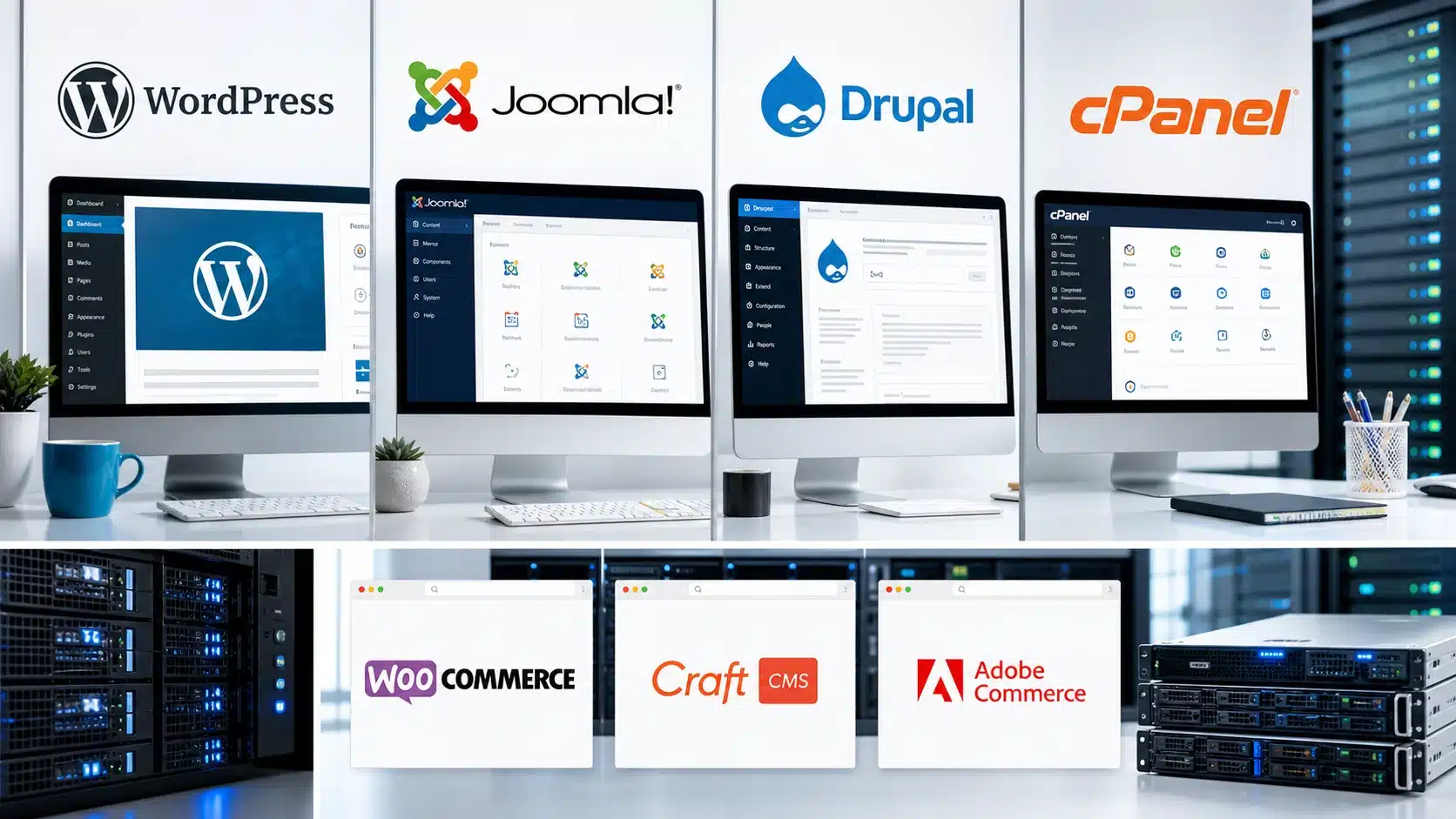
The ACSC CMS hacking alert is heavily weighted toward WordPress plugins, but the campaign reaches beyond WordPress. It also names Joomla JCE, Craft CMS, MaxSite CMS and MetInfo CMS. The common factor is exposed, vulnerable web software that attackers can find automatically.
| Platform or component | Examples named by ACSC | Business meaning |
|---|---|---|
| WordPress plugins and frameworks | Simple File List, WavePlayer, BerqWP, WPBookit, Ninja Forms, ThemeREX Addons, Breeze Cache, pay-uz, ACF Extended, Sneeit Framework, WPvivid Backup, Gravity Forms and GutenKit/Hunk Companion. | A website can run current WordPress core and still remain exposed through one vulnerable extension. |
| Joomla | Joomla JCE, associated with CVE-2026-48907. | Extensions need the same ownership, patching and removal discipline as the CMS itself. |
| Other CMS products | Craft CMS, MaxSite CMS and MetInfo CMS. | The campaign is not a WordPress-only problem. Attackers scan internet-facing software at scale. |
| Drupal | Not named in ACSC’s 9 July 2026 exploited-software table. | Drupal sites still need prompt security advisories, supported modules, access control, logging and tested recovery. |
Drupal clarification: Drupal does not appear in the ACSC exploited-software table published on 9 July. We include it because Australian organisations use Drupal and the same security principles apply. This article does not claim the current campaign is exploiting Drupal.
WordPress security Australia: why plugins create a large attack surface
WordPress remains useful because businesses can add forms, ecommerce, caching, backups, page builders and integrations quickly. However, each extension adds code, permissions and a maintenance decision. A plugin that nobody owns can quietly become the easiest route into the website.
The ACSC alert names well-known categories of WordPress functionality, including forms, caching, backups, file management and page-building frameworks. Therefore, simply checking the WordPress core version is not enough. Site owners need a complete inventory of active and inactive plugins, themes, custom code, administrator accounts, PHP versions and hosting controls.
A plugin does not become harmless because the business has forgotten why it was installed. Unused software still needs removal, and required software still needs an owner.

Joomla, Drupal and other CMS systems need the same ownership
Joomla extensions and templates can create the same maintenance gap as WordPress plugins. In this campaign, ACSC specifically lists Joomla JCE. A Joomla site should run a supported release, current extensions and a supported PHP stack. Administrators should also remove abandoned templates, extensions and accounts.
Drupal uses a strong security advisory process, but organisations still need to act on those advisories. Unsupported modules, old major versions and custom integrations can extend the exposure window. Meanwhile, Craft CMS and other platforms need the same basics: prompt patches, least privilege, secure deployment, central logs and recovery that someone has tested.
Custom-built CMS platforms do not automatically solve the problem. They may reduce commodity plugin exposure, but they also place more responsibility on the business to maintain code, dependencies, authentication, logs and hosting. Security depends on ownership and execution, not the logo in the admin screen.
What is a webshell and why does it matter?
A webshell is malicious code placed on a web server so an attacker can send commands through web requests. It can look like an ordinary PHP or application file, sit inside a plugin directory, or use a misleading filename. Because it operates through the website, it may survive after a vulnerable plugin receives an update.
From that foothold, an attacker may alter pages, steal credentials entered by users, access information stored on the server, upload more malware, redirect visitors to scams or use the web host as a path toward other systems. That is why ACSC tells organisations to treat a server with an identified webshell as compromised.
Patching stops re-exploitation; it does not prove the server is clean. If compromise is suspected, preserve evidence, isolate affected systems and investigate before returning the website to normal service.
How to respond to the ACSC CMS hacking alert
The safest response to the ACSC CMS hacking alert depends on what you find. Nevertheless, every business can begin with a controlled review. Do not start deleting suspicious files at random because that may destroy evidence while leaving another access path behind.
- Inventory the CMS: record core, plugins, modules, themes, PHP, database and hosting versions.
- Check the ACSC list: identify named components and verify the fixed versions from vendors.
- Review file changes: inspect web directories and plugin folders for unexplained additions or modifications.
- Search access logs: look for suspicious GET or POST requests, unusual upload paths and repeated exploit attempts.
- Review identities: inspect administrators, API keys, database credentials, hosting access and unexpected accounts.
- Patch or disable: update vulnerable software, or disable it until a tested fix is available.
- Restore carefully: use a known-good backup only after closing the entry point and checking adjacent systems.
- Report impact: contact ACSC when compromise is confirmed, suspected or requires assistance.

Backups matter, but a backup plugin is not the whole strategy
The ACSC CMS hacking alert recommends restoring compromised websites from a recent known-good backup. That requires more than a backup button inside the same CMS. The alert itself lists a vulnerability in WPvivid Backup, which is a useful reminder that a backup tool also forms part of the attack surface.
Business website backups should include files and databases, use encryption in transit and at rest, and keep protected copies away from the production server. Retention matters because the newest backup may already contain the webshell. Restore testing also matters because an archive that has never been opened is only a hope.
Compuloop can review website and server recovery alongside broader business backup solutions. The goal is a known recovery point, documented ownership and a restore process that does not reintroduce the original vulnerability.
What secure web hosting in Australia should include
Cheap hosting and secure hosting are not the same product. Therefore, a managed environment should make patching, logging, isolation and recovery easier. It should also give the business a clear answer when something changes unexpectedly.
- Supported software: current operating system, web server, PHP or runtime, database and CMS versions.
- Web application firewall: managed rules that reduce common exploit traffic without replacing patching.
- Separated access: MFA, least-privilege accounts and no shared administrator credentials.
- Useful logging: retained web, authentication, hosting and security logs that support investigation.
- Offsite recovery: encrypted backups with enough retention to reach a known-good version.
- Monitoring and ownership: uptime, file changes, certificates, malware indicators and a person responsible for action.
Compuloop website hosting and security support
Compuloop can review an existing WordPress, Joomla, Drupal or other CMS website; repair broken layouts and integrations; remove obsolete components; improve performance; migrate hosting; configure backups, DNS, SSL, CDN and WAF controls; and build a clearer ongoing maintenance process.
Review web, email and SQL hosting | Explore business cloud hosting | Review cybersecurity services
Website design should reduce security debt
A redesign is not only a visual exercise. It is an opportunity to remove abandoned plugins, retire unsupported code, simplify forms, reduce administrator access and rebuild integrations on supported components. Fewer moving parts can mean fewer emergency updates and clearer accountability.
Compuloop can fix an existing business website when a complete rebuild would create unnecessary cost. Where the platform has become fragile, we can instead plan a staged migration. That may include a development copy, content clean-up, updated templates, performance work, secure forms, DNS planning, redirect mapping and a tested launch process.
Most importantly, the project needs an owner after launch. A polished website that nobody maintains will gradually become a security problem again.
A practical CMS security checklist
- Patch quickly: update CMS core, plugins, modules, themes and server software through a controlled process.
- Remove what you do not use: inactive code still creates inventory and maintenance risk.
- Protect administrators: use MFA, named accounts, strong passwords and minimum required access.
- Separate website risk: do not give an internet-facing web server unnecessary access to the corporate network.
- Monitor change: retain logs and alert on unexpected files, users, processes, DNS changes and certificates.
- Test recovery: prove that encrypted, offsite backups can restore both files and the database.
The ACSC CMS hacking alert should prompt action, not panic. Start with evidence, close known vulnerabilities and make sure someone owns the website after the immediate alert passes.
Not sure whether your website is exposed?
Book a practical CMS security and hosting review. Compuloop can check versions, plugins, access, backups, hosting, DNS and recovery options, then help repair or rebuild what needs attention.
Request a website security review | Call 1300 007 613 | Email sales@compuloop.com.au
Sources and official guidance
- ASD ACSC: Large-scale exploitation campaign targeting website CMS platforms, 9 July 2026
- ASD ACSC: Securing Content Management Systems
- WordPress.org security releases
- Joomla Security Centre
- Drupal security advisories
- Report a cyber security incident to ACSC
This article provides general information, not incident-specific forensic or legal advice. The ACSC alert may change as the campaign develops; check the official alert for updates.