Managed IT vs internal IT analysis | 14 July 2026

Managed IT vs internal IT is not simply a choice between a provider and an employee. Instead, it is a choice between the capability the business can build alone and the broader team, tools, continuity and escalation structure available through a well-run managed service.

In practice, managed IT provides stronger overall coverage for most small and growing organisations because one internal generalist cannot reasonably maintain deep expertise across every modern technology and security discipline.

Managed IT vs internal IT comparison between one internal specialist and a coordinated support team
A Compuloop original visual: one internal specialist compared with a broader managed team working alongside the business.

Managed IT vs internal IT: the short answer

Managed IT is usually the better fit for small and mid-sized businesses that need dependable support across Microsoft 365, cybersecurity, networks, cloud, devices and backups. However, internal IT offers valuable business context, but a single employee or small internal team can struggle to provide the same breadth, leave coverage, monitoring stack and specialist escalation capacity.
Internal IT fits whenThe organisation is large enough to employ several specialists and needs permanent on-site ownership.
Co-managed IT fits whenAn internal lead needs a specialist bench, monitoring, projects or after-hours escalation behind them.

In other words, the important comparison is not one MSP technician against one internal employee. A genuine managed service should provide a coordinated operating model: a helpdesk, documented escalation, specialist engineers, security and monitoring tools, account review, project capability and continuity when individual staff are unavailable.

Comparison: managed IT vs internal IT

Decision factorInternal ITManaged ITWhat the business gains
Business knowledgeDeep day-to-day context and direct access to leadership.Documented knowledge built through onboarding, service reviews and support history.A good MSP turns business context into shared documentation rather than leaving it in one person’s head.
Technical breadthUsually strongest in the systems the employee works with most often.A team covering helpdesk, Microsoft 365, identity, security, networks, cloud, backups and projects.Problems can be escalated to the right discipline instead of expecting one generalist to solve everything.
ContinuityLeave, illness and resignation can create a single point of failure.Support is delivered through a team, queue, documentation and escalation path.The service continues when one technician is unavailable.
SecurityCan be strong, but daily support pressure often competes with hardening and review work.Security checks, patching, endpoint visibility, identity reviews and recovery can be built into the service rhythm.Important controls receive owners, evidence and follow-up.
Tools and monitoringThe business must select, license, configure and maintain its own stack.Established MSP tooling can cover remote support, monitoring, documentation, alerting and reporting.The business buys an operating capability, not only labour hours.
Cost modelSalary plus superannuation, recruitment, leave, training, tools and specialist contractors.Agreed recurring service scope with project or out-of-scope work defined separately.Costs become easier to plan and compare against service outcomes.

Why managed IT vs internal IT is wider than one person's role

Modern business technology is too broad for one person to master in equal depth. For example, Microsoft 365 alone spans Exchange Online, Teams, SharePoint, OneDrive, Entra identity, Intune device management, Defender security, licensing, compliance, automation and service health. In addition, firewalls, Wi-Fi, internet, servers, backups, phones, line-of-business applications and vendor management make the role wider again.

Microsoft itself separates administration into specialist roles. Its Microsoft 365 administrator role guidance distinguishes responsibilities such as Exchange, SharePoint, Teams, security, compliance, licensing and service support. Therefore, if a global platform requires many distinct roles, a growing business should not expect one internal generalist to be equally deep in all of them.

An internal employee may be excellent at understanding staff, applications and daily priorities. However, the limitation is capacity, not commitment. Meanwhile, routine tickets consume the same hours needed for security reviews, documentation, recovery testing, vendor management and improvement projects.

Typical capability coverage

User support
Strong daily context
Helpdesk + escalation
Microsoft 365
Depends on individual depth
Identity, mail, Teams, SharePoint
Cybersecurity
Competes with daily workload
Specialists, tools and review cycle
Networks and cloud
Broad generalist coverage
Network and cloud escalation
Backup and recovery
Owner-dependent testing
Scheduled checks and restore planning
Projects and change
Limited by daily support demand
Additional project capacity

This is a decision framework, not a claim that every MSP or every internal team performs the same way. Service quality, scope and governance still matter.

Managed IT vs internal IT helpdesk team coordinating user support network and security expertise
A Compuloop original visual: coordinated helpdesk, network and security specialists resolving an issue together.

The Australian skills market makes breadth expensive to build internally

Jobs and Skills Australia reported that about 70,900 people were employed as Database and Systems Administrators and ICT Security Specialists in August 2025. Furthermore, employment in that group was projected to grow 14.2% from May 2024 to 2029, more than twice the projected national average of 6.6%.

14.2%Projected employment growth for database, systems administration and ICT security specialists to 2029.
Multiple disciplinesIdentity, endpoints, cloud, networking, security, backups and business applications all need different experience.

As a result, building that breadth internally means recruiting multiple people or repeatedly engaging external specialists. When comparing managed IT vs internal IT, a managed service can spread specialist capability, platforms and operating processes across a customer base, making a broader support bench commercially practical.

Six advantages managed IT brings to a growing business

  1. A broader technical bench: helpdesk technicians, cloud and Microsoft specialists, network engineers, security capability and project resources can work as one service.
  2. Continuity beyond one person: documented systems, shared queues and escalation paths reduce dependence on an individual employee.
  3. Proactive operating rhythm: patching, alerts, account reviews, backup checks and recurring risks can be scheduled instead of waiting for spare time.
  4. Established tools: remote support, monitoring, documentation, ticketing, endpoint visibility and reporting are part of the delivery platform.
  5. Faster specialist escalation: difficult identity, network, cloud or security issues can move to someone who works in that field regularly.
  6. Capacity for change: migrations, office moves, security uplift and cloud projects do not have to stop the daily support function.

However, managed does not mean uncontrolled. The customer should retain ownership of its domains, tenants, data, documentation and key administrative relationships. Ultimately, a good MSP makes responsibility clearer, not more dependent.

Why managed security needs specialist attention

Cybersecurity is one of the clearest arguments for broader coverage. The Microsoft Digital Defense Report 2025 describes threats increasing in speed, scale and sophistication, with identity, cloud resilience, ransomware and AI-assisted attacks all demanding attention.

In addition, the Australian Cyber Security Centre tells small businesses to prioritise MFA, software updates and backups, and to seek help from an IT professional or trusted adviser when needed. See the ASD small-business cyber guidance.

However, daily IT support and security are connected, but they are not the same job. Resetting passwords is not an identity strategy. Likewise, installing antivirus is not an incident response plan. Seeing a backup job complete is not proof that the business can recover. Managed IT creates room for those controls to be reviewed, documented and escalated.
Co-managed IT services workshop covering cloud identity devices collaboration and security
A Compuloop original visual: cloud, identity, device and security planning brought into one business workshop.

Microsoft 365 is a platform, not a single support task

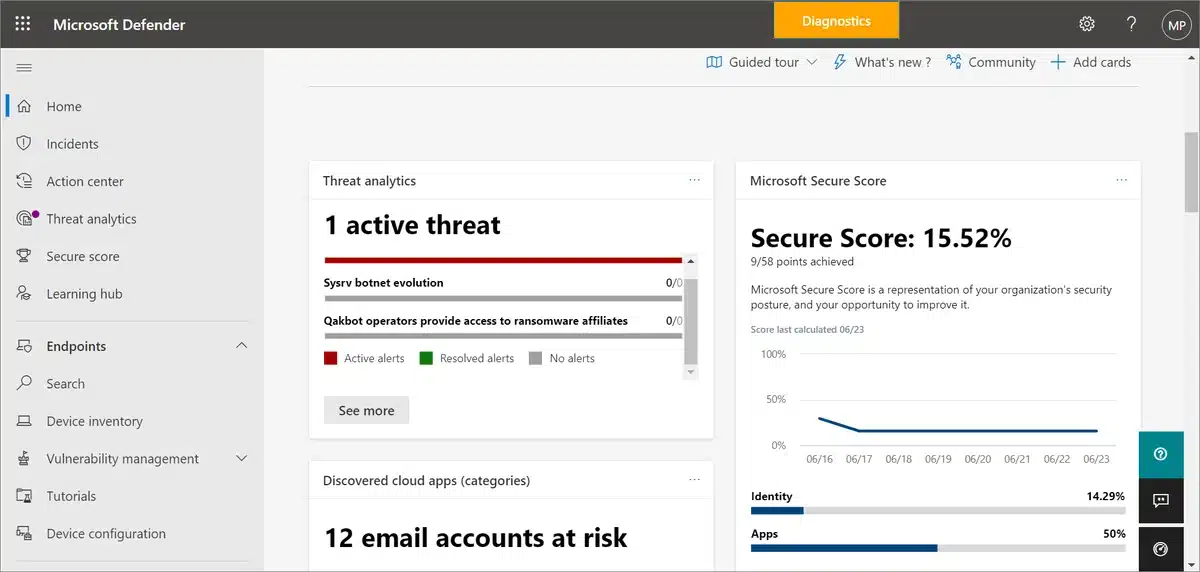
For example, Microsoft designed Microsoft 365 Lighthouse specifically to help managed service providers standardise configurations, manage risk, apply security baselines and work across customer environments from one portal. That operating model gives an MSP visibility and repeatable processes that an isolated internal generalist would need to build independently.

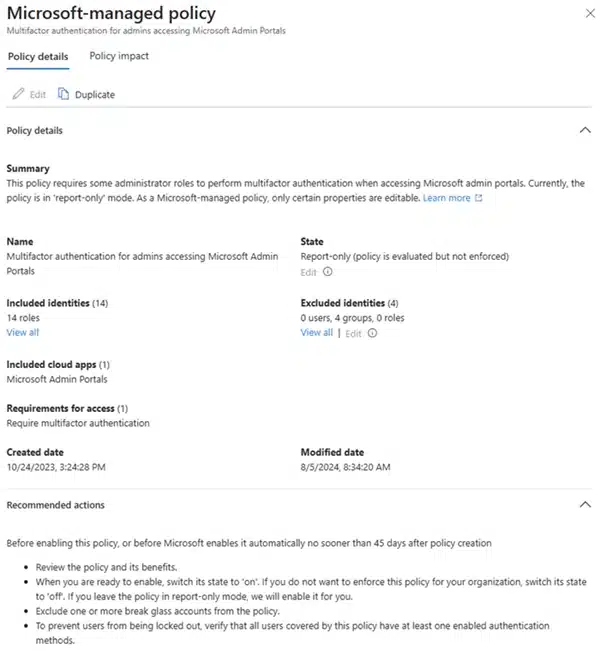
In addition, Microsoft imposes mandatory security requirements on partners using Partner Center and delegated administration, including MFA and secure application practices. Those controls matter because a provider may hold privileged access to customer environments.

Compuloop combines Microsoft 365 support with identity, device, security, network, cloud and backup services. Consequently, the value is not just knowing where a setting is. It is understanding how a change to one layer affects the rest of the business.
Managed IT specialist bench connecting helpdesk cloud cybersecurity projects and network expertise
A Compuloop original graphic: specialist capability connects around the customer instead of depending on one person.
Managed IT continuity compared with single-person internal IT dependency and competing support demands
A Compuloop original graphic: shared queues, monitoring and recovery processes provide continuity beyond one individual.

Managed IT vs internal IT: when is internal IT the better choice?

Yes. A sufficiently large organisation may need permanent on-site engineers, application owners, enterprise architects, security specialists and technology leadership. In addition, internal teams hold valuable operational context and can work closely with business units every day.

However, the weak model is not internal IT itself. The weak model is expecting one or two people to be the helpdesk, security team, cloud architect, network engineer, backup operator, project manager and strategic adviser at the same time.

Therefore, co-managed IT is often the strongest design for larger organisations. The internal team keeps ownership and business context while Compuloop provides monitoring, specialist escalation, project capacity, documentation, Microsoft expertise or coverage during leave and peak periods.

Not every managed service provider is equal

However, outsourcing does not remove responsibility. For example, the ASD publishes questions businesses should ask managed service providers, including how the provider secures its own systems, administers customer environments, manages staff access, handles incidents and supports the Essential Eight.

  • Confirm who owns the tenant, domains and documentation. These should remain under the customer’s control.
  • Check how privileged access is protected. Named accounts, MFA and least privilege should be standard.
  • Define what is actually included. Monitoring, patching, backups, projects and after-hours support need clear scope.
  • Verify how recovery is tested. A backup report is not the same as a successful restore.
  • Review how service quality is measured. Tickets, recurring issues, risks and improvement actions should be visible.
  • Plan how you can leave. A professional provider supports documented handover without holding the business hostage.

Why businesses choose Compuloop managed IT

One accountable support relationship across the systems that keep work moving

Compuloop supports everyday users while connecting the deeper layers: Microsoft 365, identity, devices, cybersecurity, networks, Wi-Fi, cloud hosting, backups, business continuity and technical projects.

That breadth matters because real incidents rarely stay inside one product. For example, a sign-in problem can involve identity, licensing, device compliance or security policy. Likewise, slow cloud access can involve the application, internet circuit, DNS, Wi-Fi or endpoint. Finally, a recovery problem can involve retention, permissions, infrastructure and business priorities.

Explore managed business IT support   |   Compare IT support packages   |   Plan a managed provider switch

Frequently asked questions

Is managed IT cheaper than hiring internal IT?

For example, it can be when a business compares the full internal cost: salary, superannuation, recruitment, leave, training, tools and specialist contractors. Ultimately, the better question is which model delivers the required coverage and outcomes at an acceptable total cost.

Does managed IT replace every internal technology role?

No. However, larger organisations may still need internal technology leadership, application ownership or on-site staff. Managed IT can replace a small generalist function or work beside an internal team through a co-managed arrangement.

Will an MSP understand our business?

For example, a good provider builds that understanding through structured onboarding, documentation, service reviews, named contacts and support history. If the provider cannot explain your critical systems, owners and recovery priorities, the onboarding is incomplete.

What should remain under our control?

Your business should retain ownership and visibility of domains, cloud tenants, data, key licences, administrative relationships and current documentation. Therefore, provider access should be delegated, protected and removable.

What is the biggest advantage of managed IT?

In short, the biggest advantage is access to a repeatable support operation and a broader team. The business is no longer relying on one person to cover every technology, security and continuity requirement.

Compare your current IT model with a managed alternative

Compuloop can review your support workload, Microsoft 365 environment, cybersecurity, backups, networks, documentation and key-person dependencies. The result is a practical managed IT vs internal IT assessment showing what should stay internal and what should be managed.

Request an IT support model review   |   Call 1300 007 613   |   Email sales@compuloop.com.au

Sources and editorial note

This article presents a decision framework, not a universal claim that every managed service is better than every internal team. Therefore, outcomes depend on provider quality, internal capability, service scope, governance and the organisation’s needs. Compuloop provides managed IT services and therefore has a commercial interest in the topic; sources are included so readers can assess the supporting evidence.