The Australian Government released the Industry Data Classification Framework Australia in partnership with CSIRO on 2 September 2026. It is designed for organisations of all sizes, including small and medium businesses, and can be adopted gradually rather than as an all-or-nothing programme.
For Australian businesses, the important question is not simply “Which label applies?” It is whether the label changes who can access information, where it can be stored, how it can be shared, what happens when a device is lost, and whether recovery has been tested.
What is the Industry Data Classification Framework?
The IDCF provides a consistent approach for identifying, assessing, classifying and communicating the value of data. The Department of Home Affairs says it supports safer storage and sharing while allowing organisations to choose the parts that suit their maturity and operating environment.
Explains the framework, its terminology, expectations, labelling approach and code of conduct.
Helps an organisation consider its data, possible adverse events, consequences and potential impact.
Provides the six DSL labels used to communicate the protection and handling requirements selected by the data owner.
Adds optional secondary information such as privacy, confidentiality or dissemination restrictions.
The framework concentrates on confidentiality, integrity and availability. In practical terms: who should see the data, whether it remains accurate and trustworthy, and whether authorised people can access it when needed.
The IDCF is not a new law and the government says it is general guidance, not legal advice. However, customers, insurers, boards and supply-chain partners may increasingly ask businesses to explain what data they hold and how the protection level was chosen.

What do DSL-0 to DSL-5+ mean?
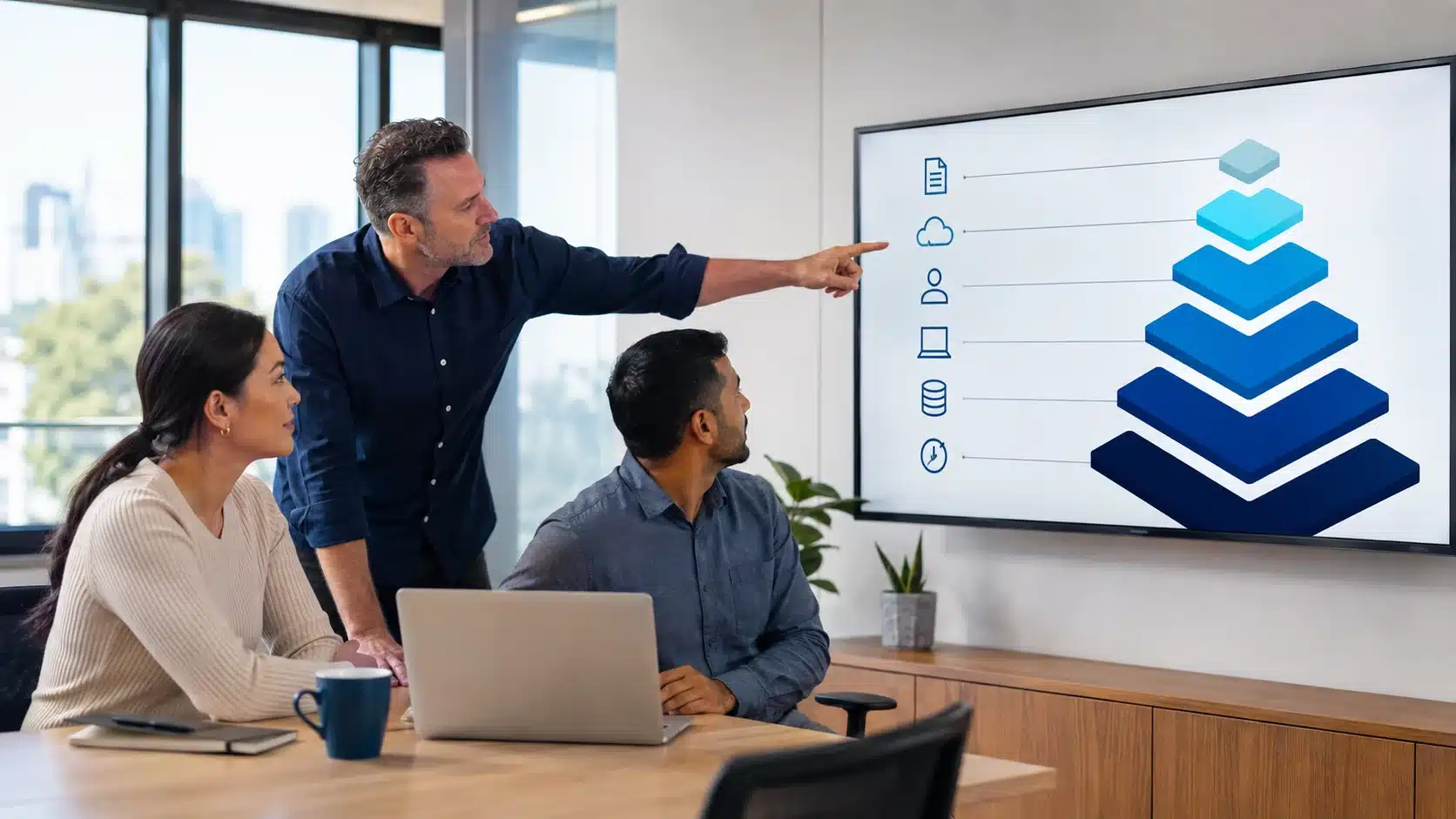
There are six Data Security Levels. A higher number indicates stronger protection is needed. The correct level is selected after considering the data’s value, possible harm, likelihood of an adverse event and the organisation’s risk tolerance.
| Level | Plain-English interpretation | Possible business examples | Practical caution |
|---|---|---|---|
| DSL-0 | Very low protection requirements after assessment. | Published brochures, public website material or public service information. | DSL-0 is not automatic permission to publish information. The data owner still decides whether release is appropriate. |
| DSL-1 | Minimal protection, with a strong emphasis on physical handling. | Limited low-sensitivity material or an encrypted copy without its key, depending on the organisation’s assessment. | The official framework says DSL-1 is generally unsuitable for ordinary day-to-day business data. |
| DSL-2 | Low-to-medium protection against common and opportunistic events. | Routine correspondence, meeting agendas, general drafts or low-impact internal information. | Regular access reviews, supported systems and basic cyber controls are still required. |
| DSL-3 | Medium security for sensitive information and material with meaningful business or personal impact. | Personal information, sensitive operational records, payroll, customer datasets or commercially sensitive documents where the risk assessment supports this level. | The IDCF identifies Essential Eight Maturity Level 2 as an example of cyber controls that can meet DSL-3 cyber requirements; physical and authorised-person controls are additional. |
| DSL-4 | High security for highly sensitive information with potential for significant harm. | High-impact datasets, specialised research, critical operational information or tightly restricted commercial material. | Usually beyond normal day-to-day environments. Strong need-to-know access, monitoring, physical protection and specialist design may be necessary. |
| DSL-5+ | Very high security for extremely sensitive data. | Rare, exceptional datasets requiring specially designed environments and agreed protections. | The framework does not prescribe a standard control set for DSL-5+. Requirements must be determined by the data owner and agreed between parties. |
Examples are indicative only. A business must assess its own data, likely consequences, risk tolerance and obligations before assigning a level.

A practical seven-step starting plan for Australian businesses
Assign an accountable person for each important dataset or system. IT can advise on controls, but the business owner must understand the value, purpose, users and consequences of loss or misuse.
Start with customer records, staff files, financial information, contracts, project documents, health information, credentials and operational data. Record where each dataset lives, who uses it and which suppliers receive it.
Ask what happens if information is exposed, changed without authority or unavailable during a critical period. Consider harm to people as well as legal, financial, reputational and operational consequences.
Use the official risk-assessment guidance and document why the chosen level is proportionate. Avoid classifying everything at the highest level: unnecessary restrictions can make legitimate work harder and encourage unsafe workarounds.
Translate the DSL into specific requirements for identity, MFA, devices, encryption, sharing, email, backups, retention, monitoring and physical access. A label without operating rules is decorative rather than protective.
Confirm that accountants, software providers, subcontractors, cloud platforms and other recipients can provide protection at or above the required level. Put responsibilities, breach notification and deletion expectations into agreements where appropriate.
Review access after role changes, test recovery, sample shared links and confirm labels remain accurate. Reassess when the data changes, a new system is introduced or threat conditions materially change.
How the framework can translate into Microsoft 365
Many Australian businesses already store important data in Exchange Online, SharePoint, OneDrive and Teams. Microsoft Purview sensitivity labels can help communicate and enforce handling rules, but an IDCF label and a Microsoft sensitivity label are not automatically equivalent. The organisation must design the mapping and verify the resulting controls.

Apply understandable business labels in Office applications and, where required, add headers, footers or watermarks that communicate handling expectations.
Use Entra ID groups, least-privilege permissions, MFA, Conditional Access and controlled external sharing to limit who can reach higher-risk information.
Apply managed-device requirements, encryption, patching, endpoint protection and remote response to laptops and mobiles that download or synchronise protected data.
Separate retention obligations from operational backup. Confirm what is recoverable, how long copies remain available and when restoration was last tested.
Collect useful identity, sharing, administrator and endpoint signals so unusual access or data movement can be reviewed.
Remove access promptly when people leave or change roles, and review guest users, shared links, service accounts and privileged administrators.
Not every Purview, Conditional Access, endpoint-management or audit capability is present in every licence. Confirm the required features and operating responsibilities before promising that a technical design meets a particular DSL.
Australian industry examples
Separate public project information from contracts, employee records, tender pricing, building-access details and restricted drawings. Pay particular attention to subcontractor access and project close-out.
Resident, health, identity and payment information can create serious personal harm if exposed. Classification should connect with privacy, My Health Record and aged-care obligations where applicable.
Tax records, identity documents, payroll, bank details and client correspondence need differentiated access, secure sharing and a clear retention approach.
Customer information, payment environments, staff records, supplier pricing and operational documentation have different risk profiles and availability needs.
Connectivity limitations, shared field devices, operational data, contractor access and delayed onsite support should be included in the risk assessment—not treated as afterthoughts.
A simple three-label operating model may be easier to sustain than six labels on day one, provided each internal label is mapped carefully to the appropriate IDCF level and controls.
Businesses in higher-risk sectors should also review specialist regulation, contracts and professional advice. The IDCF does not replace the Privacy Act, sector obligations, the Notifiable Data Breaches scheme or contractual security requirements.
Common implementation mistakes to avoid
- Labelling without controls: changing a document label while leaving public links and unmanaged devices untouched.
- Starting with every file: attempting to classify years of low-value content before identifying the critical datasets.
- Calling everything sensitive: applying excessive restrictions that employees cannot understand or sustain.
- Ignoring integrity and availability: focusing only on confidentiality while overlooking tampering, deletion and recovery.
- Trusting supplier claims: accepting a platform’s marketing statement without confirming configuration and shared responsibility.
- Forgetting local copies: protecting cloud storage but overlooking synchronised laptops, exported spreadsheets and email attachments.
- Skipping ownership: asking IT to classify data without a business owner who understands its purpose and consequences.
- Treating classification as permanent: failing to reassess when information, systems, contracts or risks change.
Turn the IDCF into a practical security baseline
Compuloop can help an Australian business identify its priority datasets, document access and sharing paths, review Microsoft 365 controls, check backup and recovery coverage, and produce a staged remediation plan. The assessment does not provide legal certification or guarantee compliance.
Frequently asked questions
Is the Industry Data Classification Framework mandatory?
No. Home Affairs describes the IDCF as voluntary. Other laws, regulations and contractual obligations may still apply to the organisation and its data.
Is IDCF the same as a government security classification?
No. The framework explicitly distinguishes an IDCF classification from an Australian Government security classification. Some levels have useful parallels, but they should not be represented as identical.
Does every Australian business need all six levels?
No. The IDCF is modular, and organisations can choose the levels and markers relevant to their environment. A smaller internal label set can be mapped to the framework if the mapping and controls are clear.
Can Microsoft 365 support IDCF-labelled data?
Potentially, when the tenant, licences, identities, endpoints, sharing and operating processes are configured to provide the required protection. A standard Microsoft 365 subscription should not be assumed to meet a DSL without assessment.
Where should a small business begin?
Begin with five to ten important datasets, identify their owners and locations, assess confidentiality, integrity and availability, then document the first control gaps. This is more manageable than attempting to classify every historical file immediately.
Does implementing the IDCF guarantee compliance?
No. The IDCF is general guidance and does not replace legal, privacy, regulatory or contractual advice. Implementation quality and the organisation’s other obligations still matter.
Primary sources
- Australian Government Department of Home Affairs: Industry Data Classification Framework.
- Industry Data Classification Framework, full official PDF.
- Home Affairs: IDCF risk assessment.
- Home Affairs: Data Security Levels.
- CSIRO: Introducing the Industry Data Classification Framework, 2 September 2026.
- Microsoft Learn: Sensitivity labels in Microsoft Purview.
Editorial method: This article uses Australian Government, CSIRO and Microsoft primary sources checked on 7 September 2026. Compuloop’s implementation guidance is clearly separated from the government framework. Industry examples are illustrative, not prescribed classifications. No client outcomes, compliance guarantees, government endorsements or fabricated credentials are claimed. The article should receive a final human technical review before publication.