Construction IT support costs in Australia depend on more than the number of people calling a helpdesk. A construction business may also need temporary site connectivity, secure access to project files, supported tablets and laptops, Microsoft 365 administration, subcontractor offboarding, backups and a clear response path when a deadline-critical system fails.
This guide separates recurring managed support from project and site costs, uses Compuloop’s published Australian package prices for worked examples, and provides a scope checklist builders can use when comparing providers.
Why construction IT support is not ordinary office support
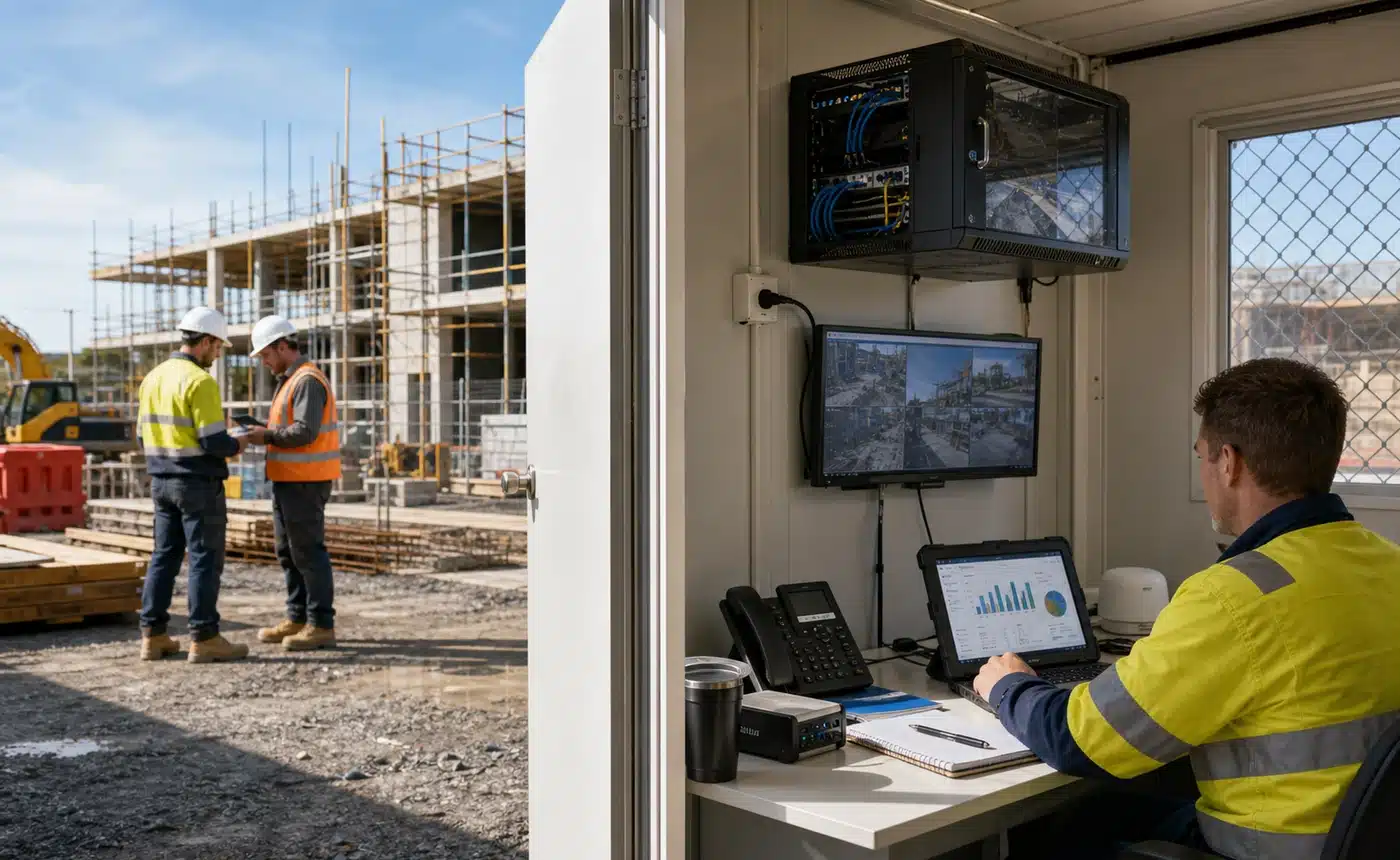
Australian construction teams work across head office, live projects, temporary site sheds, client premises and the road. The systems may be familiar—email, Teams, SharePoint, OneDrive, accounting, job management and PDF markup—but the operating environment is not.
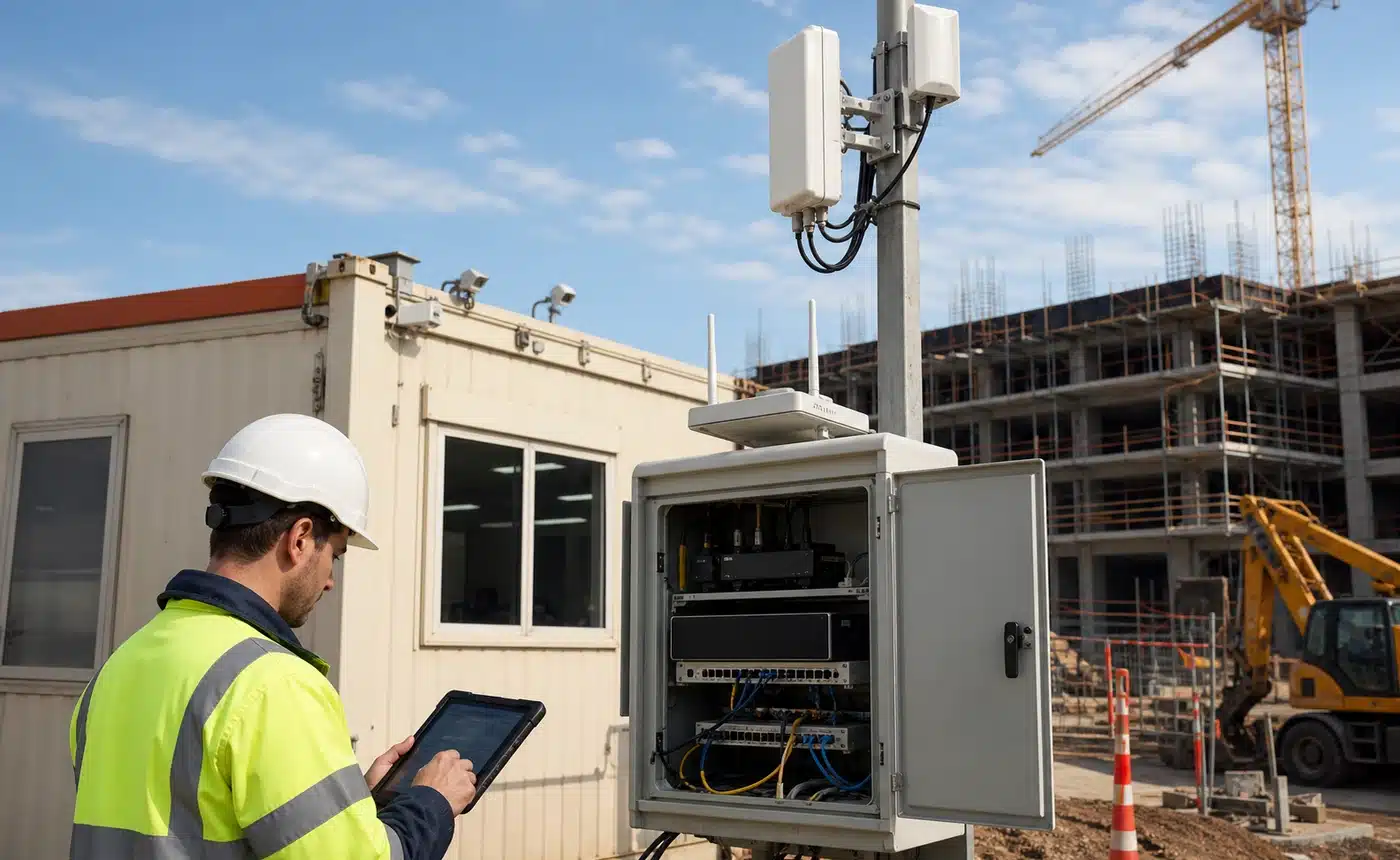
Internet services, firewalls, switches, Wi-Fi and equipment need an owner from mobilisation through handover or decommissioning.
Employees, labour hire, consultants and subcontractors may need different project access for different periods.
Drawings, RFIs, contracts, variations, photos and payment instructions need to be current and available when decisions are being made.
Laptops, tablets and phones face travel, dust, damage, loss, variable networks and shared-use pressure.
The Australian Bureau of Statistics reported that construction recorded 76,414 new businesses in 2024–25, the highest number across all industries. That does not mean every builder needs a large managed service, but it reinforces how varied the sector is: a five-person contractor and a forty-person multi-site builder should not be sold the same scope.

Compuloop’s published construction IT support pricing
The prices below come from Compuloop’s live managed IT support packages, checked on 19 August 2026. They are presented transparently in both ex-GST and inc-GST terms. Final scope depends on the supported users, devices, locations, service hours and risk.
| Package | Ex GST | Inc GST | Construction buyer interpretation |
|---|---|---|---|
| Essentials | $149/user/month | $163.90/user/month | Core remote support and standard user-device needs. Confirm the exact security, Microsoft 365, backup and site-network boundaries. |
| ManagedPreferred | $189/user/month | $207.90/user/month | Broader management and priority response for teams that depend on shared cloud systems and managed devices. |
| Secure+ | $299/user/month | $328.90/user/month | Stronger security and escalation for higher-risk environments. The name does not remove the need for a written control and recovery scope. |
Pricing is a guide only and may change. Check the package page and obtain a written proposal for current scope, terms and exclusions.
Worked monthly budgets by supported-user count
The table below is simple arithmetic—not a quote. It helps a construction business establish the recurring support baseline before adding site or project work.
| Supported users | Essentials ex GST | Managed ex GST | Secure+ ex GST |
|---|---|---|---|
| 5 | $745/month | $945/month | $1,495/month |
| 10 | $1,490/month | $1,890/month | $2,990/month |
| 20 | $2,980/month | $3,780/month | $5,980/month |
| 40 | $5,960/month | $7,560/month | $11,960/month |
A lower figure may exclude security tools, Microsoft 365 administration, backup monitoring, onsite work, after-hours support, project-platform liaison or site networking. A higher figure may include some or all of them. Normalise the scope first; compare the price second.
Seven factors that change a construction IT quote
Count office staff, estimators, project managers, supervisors, executives and any shared or seasonal users. Decide whether subcontractors receive support or only controlled access.
Record laptops, desktops, tablets, mobiles, shared site devices, printers and scanners. Personally owned devices need a clear access and support policy.
Head office is only one location. Each site may need mobilisation, connectivity, equipment, monitoring, changes, fault response and clean closure.
Business-hours remote support costs differently from after-hours incident response, guaranteed onsite attendance or coverage across multiple states and time zones.
Platforms such as Procore, Aconex, Autodesk Construction Cloud, Bluebeam, Buildxact, Simpro or Jobpac may involve vendor liaison, integration, identity or device work. Confirm what the provider actually supports.
MFA, privileged-access controls, device hardening, email security, monitoring, backup coverage and restoration tests are separate responsibilities that need named owners.
Migrations, server replacement, SharePoint clean-up, new-site fit-outs, cabling and remediation of an undocumented environment may be separately quoted.
What a construction-ready managed IT plan should include
- Helpdesk: request channels, priorities, supported hours, response targets and escalation.
- Microsoft 365: user administration, Teams, SharePoint, OneDrive, email and permissions where included.
- Joiners and leavers: an approved process for employees, project changes and subcontractor access.
- Device management: inventory, patch visibility, endpoint protection, encryption and remote action where supported.
- Site networks: ownership boundaries for firewalls, switches, Wi-Fi, cellular equipment and carrier faults.
- Backup and recovery: what is backed up, retention, monitoring, restore testing and recovery contacts.
- Security incidents: who contains, investigates, communicates, preserves evidence and coordinates external assistance.
- Applications: the difference between basic device access, vendor liaison and specialist application administration.
- Reporting: recurring issues, risks, lifecycle items, unresolved actions and ownership decisions.
- Exit process: tenant ownership, domains, credentials, documentation, licences, backups and transition assistance.
A construction IT provider does not need to own every specialist platform. It does need to say where its responsibility stops, who contacts the software vendor and how the issue remains owned until the right party responds.
Costs commonly outside the recurring monthly plan
Carrier service, 4G/5G equipment, antennas, firewall, switching, Wi-Fi design, installation and fallback paths.
Laptops, tablets, printers, network equipment, Microsoft 365, security products, backup storage and project software.
Travel, minimum attendance charges, inductions, access requirements, accommodation and after-hours site windows.
Migrations, fit-outs, server or network replacement, cabling, SharePoint redesign and fixing undocumented inherited systems.
Ask each provider to label these items as included, allowance-based, unit-priced or separately quoted. That one discipline prevents a cheap-looking proposal from becoming an expensive operating model.
Security should be specific—not a vague premium add-on
ASD’s Australian Cyber Security Centre advises small businesses to start with MFA, software updates and backups. Its contractor guidance also highlights socially engineered email, unpatched systems, reused passwords, personal devices and compromised suppliers or subcontractors as risks.
For a construction company, translate that guidance into operating questions:
- Is MFA enforced for email, remote access, administrators and important project repositories?
- Are laptops and shared site devices patched, encrypted and visible in a central inventory?
- Can changed payment details be independently verified outside the original email thread?
- Are departing employees and subcontractors removed promptly from every relevant project?
- Do backups cover the actual locations holding contracts, drawings, email and business records?
- Has restoration been tested, with the result documented?
The Essential Eight is an Australian baseline, not a product badge. A provider should be able to explain the assessed scope, current maturity, evidence, gaps and improvement priorities rather than simply claiming that a business is compliant.

Construction IT provider comparison worksheet
Give every shortlisted provider the same inventory and ask for the same written answers.
- Who is supported? List users, shared accounts, subcontractors and any unsupported roles.
- Which devices and locations are covered? Include head office, active sites, shared equipment and mobile users.
- What are the support hours and priority definitions? Ask for examples involving a locked-out supervisor, failed site link and suspected account compromise.
- What Microsoft 365 work is included? Separate user administration from SharePoint projects, migrations and security remediation.
- Who owns site connectivity faults? Identify the carrier, network provider, onsite contact and escalation pathway.
- What security controls and licences are included? Request product names, operational responsibility and reporting—not labels alone.
- What is backed up and how is recovery tested? Include cloud data, servers, project records and configuration.
- Which applications receive vendor liaison? Confirm whether the provider coordinates, administers or only supports the endpoint.
- Which work is always extra? Ask about onsite attendance, travel, projects, after-hours response, hardware and setup fees.
- How does transition work? Confirm documentation, access, domains, tenants, licences, backups and exit assistance.
Recurring support + required subscriptions + average onsite allowance + expected project allowance + site-connectivity costs.
Use the same GST basis and the same twelve-month assumptions for every provider.
Best value is the clearest support model—not the smallest number
A credible construction IT proposal should reduce ambiguity. Your team should know who can call, what is monitored, which devices and sites are covered, who approves access, how priority is decided, what recovery looks like and which work needs a separate quote.
That clarity is what allows a builder to compare value and quality without buying unnecessary complexity. It also gives the provider a fair operating boundary, which is essential when multiple projects, vendors and subcontractors are involved.
Get a construction IT support baseline
Compuloop can review your users, devices, Microsoft 365 environment, active locations, recurring support problems, security responsibilities and backup position. The outcome is a prioritised baseline and a written path for support, remediation or migration.
Frequently asked questions
How much does construction IT support cost in Australia?
There is no universal construction-industry price. Compuloop currently publishes guide prices of $149, $189 and $299 per supported user per month ex GST. Site connectivity, equipment, subscriptions, onsite projects, travel and after-hours work may sit outside the recurring plan.
Should a builder pay per user or by the hour?
Per-user managed support can make responsibility and recurring spend more predictable. Hourly support may suit a small business with limited needs and enough internal ownership. Compare risk, response needs and total scope rather than the billing unit alone.
Are construction platforms included in managed IT support?
Not automatically. A provider may support the device, identity, network and vendor escalation without administering the construction platform itself. Name every application and record the exact responsibility.
Is temporary site internet part of the monthly fee?
Usually it needs separate scoping. Carrier services, mobile routers, antennas, firewalls, switches, Wi-Fi equipment, installation, travel and decommissioning can vary substantially by site.
What should we prepare before requesting quotes?
Prepare counts of users, devices and sites; list Microsoft 365 and project platforms; identify critical deadlines and service hours; record current security and backup tools; and describe recurring problems. Give the same inventory to every provider.
Sources and editorial method
- Compuloop managed IT support packages, public prices checked 19 August 2026.
- Compuloop construction IT support, used to keep the guide aligned with services Compuloop actually offers.
- Australian Bureau of Statistics: 7 facts about Australian businesses, released 26 August 2025.
- ASD’s ACSC: Small business cyber security guidance.
- ASD’s ACSC: Essential Eight.
- ASD’s ACSC: Cyber Security for Contractors, last updated October 2021.
- business.gov.au: Digital tools for business.
Editorial note: Google Search Console showed 448 Australian non-brand impressions across Compuloop’s construction IT query cluster in the 90 days to 16 August 2026. Compuloop used that first-party evidence to select the topic. Public prices, internal links and Australian primary sources were checked on 19 August 2026. The worked budgets are arithmetic examples, not quotes or market averages. The five visuals are illustrative and are not evidence of client work. No fabricated reviews, client outcomes, response times or compliance claims are included.