How can aged care facilities protect resident data from cyber threats? Start by treating cyber security as a resident-safety and care-continuity issue, not simply an IT task. The strongest protection combines clear data ownership, tightly controlled access, patched systems, separated networks, protected devices, tested backups, trained staff and a response plan people can follow during a busy shift.
That matters because aged care providers hold health information, medication histories, identity documents, financial details, contact records, care notes and family information. A breach can expose residents to identity fraud and distress while also interrupting the systems staff need to deliver safe care.
By the Compuloop Editorial Team | Australian aged care technology guidance | Draft prepared for technical and compliance review
The highest annual total since mandatory reporting began.
Health was the most commonly affected sector, accounting for 19%.
ASD says incidents doubled in FY2024–25 compared with the previous year.
Malicious actors succeeded in 95% of healthcare and social-assistance incidents to which ASD responded.
Sources: OAIC 2025 Notifiable Data Breach statistics and ASD’s Annual Cyber Threat Report 2024–25. The ASD figure describes incidents to which ASD’s ACSC responded, not every incident in the sector.
Why resident data attracts cybercriminals
Healthcare information can support identity crime, fraud and targeted extortion. It is also difficult to replace: a resident can cancel a bank card, but cannot change their medical history. At the same time, residential and community care depend on time-sensitive access to rosters, medication information, communications and clinical systems. Attackers exploit that pressure.
Australian providers have already experienced this combination of data and operational risk. Regis Healthcare confirmed in 2020 that an overseas attacker copied data and publicly released some personal information. UnitingCare Queensland later confirmed that a 2021 cyber incident took systems offline and required forensic investigation, containment and strengthened controls. These are documented reminders that care delivery, privacy and cyber resilience are linked.
What Australian aged care providers are expected to protect
The legal and regulatory picture depends on the provider, the records involved and the systems it participates in. The practical direction is consistent: know the information you hold, limit access, secure it with technical and organisational controls, keep accurate records and prepare for incidents.
APP entities must take reasonable steps to protect personal information from misuse, interference, loss and unauthorised access, modification or disclosure. The OAIC says those steps include both technical and organisational measures. Information that is no longer needed should be destroyed or de-identified unless retention is legally required.
The strengthened standards have applied since 1 November 2025. Outcome 2.7 expects an appropriate information-management system that securely manages records, preserves confidentiality and is regularly reviewed and improved. The Commission’s guidance also points providers to cyber-risk management under Outcome 2.4.
Organisations registered with My Health Record must maintain, communicate and enforce a security and access policy. The 2026 Rules commenced on 1 April 2026; transitional arrangements mean the updated policy requirements apply from 1 October 2026 to specified organisations that were already registered immediately before 1 April.
If an entity has reasonable grounds to suspect an eligible data breach, it must carry out a reasonable and expeditious assessment and take all reasonable steps to complete it within 30 calendar days. Eligible breaches require notification to the OAIC and affected people as soon as practicable.
Scope note: this is general technology and risk information, not legal advice. Providers should confirm their Privacy Act, state or territory, My Health Record, contractual and aged-care obligations with appropriate advisers.
10 practical steps to protect resident data
Map resident data, systems and owners
Create an information register that answers five questions: what resident information is held, why it is needed, where it lives, who can access it and when it should be deleted or de-identified. Include email, shared drives, clinical platforms, scanned documents, paper records, mobile devices, backups and vendor-hosted systems.
Link each critical system to a business owner and a care-continuity requirement. An asset list that names servers but not resident impact is incomplete. Review the register when services, vendors or locations change.
Use unique accounts, least privilege and strong MFA
Every worker, administrator and vendor should have an individual account. Remove shared administrator logins, separate privileged accounts from everyday email use and give people only the access required for their role. Joiner, mover and leaver procedures should change access promptly when responsibilities or employment change.
Enable multi-factor authentication first for email, remote access, cloud platforms, clinical systems and administrator accounts. Prefer phishing-resistant options such as passkeys or security keys where systems support them. Treat SMS codes as a fallback where stronger methods are not available, and train staff never to approve an unexpected sign-in prompt.
Patch and harden systems according to exposure
Maintain supported operating systems, browsers, productivity applications, firewalls, VPNs, remote-access gateways and clinical platforms. Prioritise internet-facing and actively exploited vulnerabilities rather than relying on a calendar alone. Automatic updates can reduce delay for standard endpoints, while critical infrastructure needs a documented emergency process and change controls.
Use the ASD Essential Eight as a practical starting point. It covers application and operating-system patching, MFA, restricted administrator privileges, application control, macro restrictions, application hardening and backups. Choose a maturity target based on risk and verify controls with evidence, not screenshots of settings alone.
Separate clinical, administration, resident, guest and building networks
A resident or guest device should not be able to reach care records. Segment networks for clinical systems, staff devices, resident and visitor Wi-Fi, building-management systems and connected care equipment. Apply firewall rules between them and document any approved exceptions.
Segmentation limits lateral movement after one device or account is compromised. It also makes vendor access easier to govern and helps isolate a problem without switching off an entire facility.
Inventory and protect every connected care device
Include nurse-call platforms, fall-detection sensors, monitoring equipment, tablets, shared workstations, printers, door systems, cameras and environmental controls. Record the device owner, firmware or software version, support status, network segment, default-credential status and the data it transmits.
Replace unsupported devices where practical. If replacement must wait, isolate the device, restrict its communications, monitor it and record the accepted risk and review date. Shared tablets and laptops should use encryption, automatic locking, managed applications and remote-wipe capability appropriate to the use case.
Protect data in transit, at rest and at the end of its life
Use secure, encrypted connections for approved systems and full-disk encryption on devices that store or access resident information. Protect encryption keys and backup credentials separately from everyday administrator accounts. Do not send health information through personal email, consumer file-sharing accounts or unapproved messaging applications.
Security also means keeping less. Apply documented retention schedules and securely destroy or de-identify personal information that is no longer needed, subject to legal record-keeping duties. Reducing old copies can reduce harm if an account, device or vendor is compromised.
Control vendors and remote support
Know which software providers, payroll services, telehealth platforms, support companies and equipment vendors can access resident data or facility systems. Contracts should set security responsibilities, access rules, incident-notification expectations, cooperation and evidence requirements, subcontractor controls, data location, return or deletion obligations and a clear exit process.
Vendor remote access should be approved, time-limited, MFA-protected and logged. Disable dormant accounts and do not leave permanent remote tools running simply because maintenance may be needed later.
Train staff around real aged-care workflows
Short, regular training is easier to retain than a single annual presentation. Use realistic examples: a fake roster change, supplier invoice, pathology notification, password reset, family complaint or urgent document share. Teach one simple reporting action and reinforce that quick reporting is more important than embarrassment about a click.
Include privacy, secure record handling, unexpected MFA prompts, shared devices, paper records and the process for escalating suspected incidents. Track completion, but also measure reporting speed and whether teams know the first action to take.
Keep protected backups and prove recovery works
Back up critical data, software and configurations. Keep at least one copy offline, disconnected or otherwise protected from alteration by compromised production credentials. Encrypt backups, apply MFA to cloud backup administration and protect backup devices physically.
Test representative restores on a defined schedule, including the systems needed for resident care. Record recovery time, missing dependencies and manual workarounds. A successful backup job is not the same as a successful restore.
Prepare an incident runbook and offline care-continuity plan
The runbook should name decision-makers, technical responders, privacy and legal contacts, insurers, key vendors and communication owners. Cover containment, evidence preservation, risk assessment, resident and family communication, regulatory notifications and safe restoration. Keep an offline copy that is accessible when normal systems are not.
Pair the cyber plan with care-continuity procedures: how staff access critical resident information, document care, manage medications, reach on-call contacts and later reconcile records during a system outage. Run a tabletop exercise at least annually and after major system or organisational changes.
If a breach is suspected: the first four actions
Contain. Isolate affected accounts, devices or connections without destroying evidence. Do not wipe systems unless the incident lead authorises it.
Assess. Establish what happened, what information and people may be affected, the likely harm and whether remediation can reduce that harm.
Notify where required. Follow the NDB scheme, My Health Record obligations, aged-care requirements, contracts and other applicable laws. Contact ASD’s ACSC through ReportCyber or 1300 CYBER1 for assistance with cyber incidents.
Review and improve. Close the entry point, monitor for misuse, support affected people, document decisions and update controls and training.
A 30-day improvement plan for facility leaders
Confirm critical systems, privileged accounts, remote access, unsupported devices, backup status and incident contacts.
Enable MFA, remove shared admin access, disable dormant accounts and validate staff and vendor offboarding.
Prioritise urgent patches, separate risky networks, test a restore and document offline access to critical resident information.
Run a tabletop scenario with care, operations, IT, privacy and communications leaders; record owners and due dates.
Questions boards and executives should ask
- Which systems and vendors hold the most sensitive resident information?
- Can we prove MFA, unique accounts and least privilege are enforced?
- Which devices or applications are unsupported or cannot be patched?
- Can resident, guest and building networks reach operational or clinical systems?
- When was the last representative backup restored successfully?
- How will care continue if email, internet or clinical systems are unavailable?
- Who assesses privacy harm and owns required notifications?
- What evidence does the governing body receive that controls are working?
Turn the checklist into an aged-care cyber security plan
Compuloop can review identity, Microsoft 365, devices, networks, backups, vendor access and response readiness across residential care and retirement-living environments. The output is a prioritised gap review with owners and next actions—written for facility leaders as well as technical teams.
Frequently asked questions
What resident data should an aged care facility protect?
Protect health and care records, medication information, identity documents, financial and billing data, contact details, family information, staff records, access logs and any other information that could identify a resident or reveal sensitive circumstances.
What is the best first cyber security control for aged care?
Start by identifying critical systems and enforcing MFA with unique accounts for email, remote access, administrators and clinical platforms. In parallel, confirm that protected backups can actually be restored. These controls address common entry and recovery risks, but they do not replace patching, segmentation, training and response planning.
Does the Privacy Act apply to small aged care providers?
Private-sector health service providers can be covered regardless of turnover. Coverage can also arise through other activities and records. Confirm the organisation’s status and obligations with a privacy professional rather than relying only on the general small-business threshold.
How often should incident plans and backups be tested?
Set a risk-based schedule and test after material changes. An annual cross-functional incident exercise is a sensible minimum for many providers, while critical restores may need testing more often. The correct frequency depends on care-critical systems, change rate and recovery objectives.
Sources and editorial method
- OAIC: 2025 Notifiable Data Breach statistics, published 6 July 2026.
- ASD’s ACSC: Annual Cyber Threat Report 2024–25, healthcare sector findings.
- OAIC: APP 11 — security of personal information, updated 3 October 2025.
- OAIC: Quick reference guide for responding to data breaches, published 29 June 2026.
- Aged Care Quality and Safety Commission: Outcome 2.7 information management.
- Australian Digital Health Agency: My Health Record participation obligations, updated 7 July 2026.
- Federal Register of Legislation: My Health Records Rules 2026.
- ASD’s ACSC: Essential Eight explained.
- Regis Healthcare: response to 2020 cyber incident.
- UnitingCare Queensland: 2021 cyber incident update.
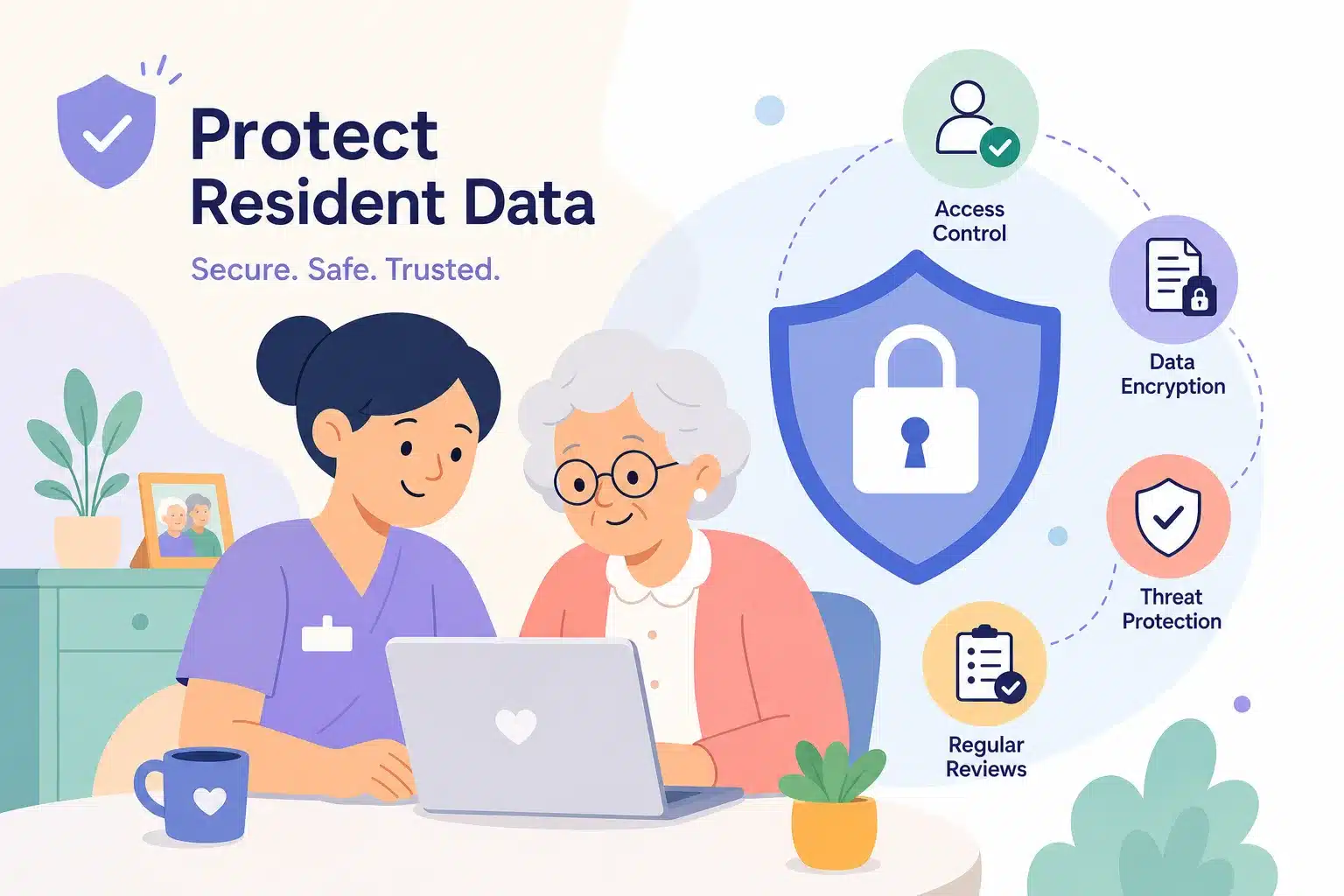
Editorial note: AnswerThePublic supplied the target question, an AI-assisted source draft and the featured illustration. Compuloop restructured and substantially rewrote the article, removed unsupported claims, and checked legal dates, statistics and incident examples against the cited primary sources on 10 August 2026. AI-assisted tools supported research, drafting and layout. Final Compuloop technical and compliance review is required before publication.