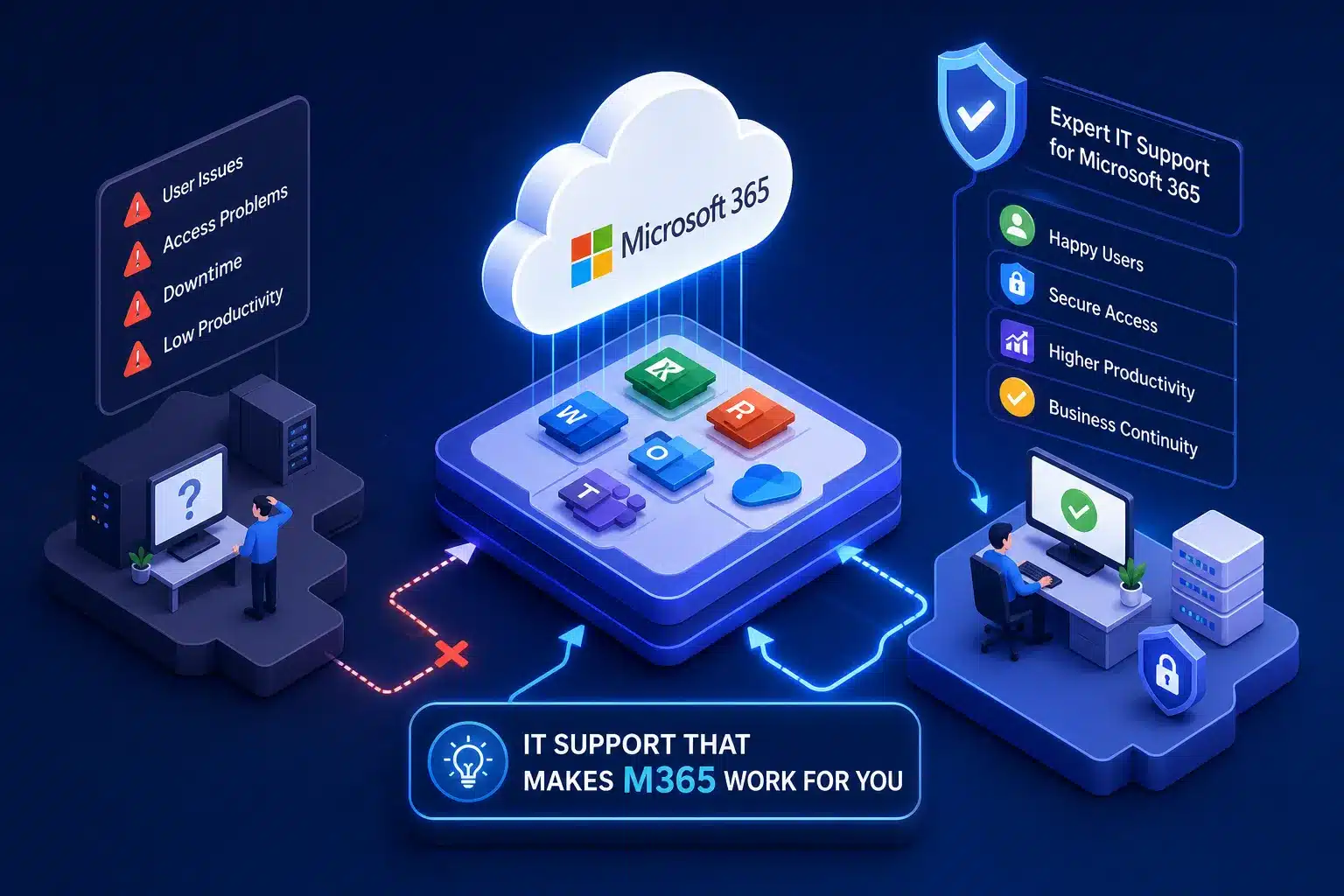
Microsoft 365 IT support should do more than reset passwords. It should connect everyday user help with the tenant settings behind Exchange Online, Teams, SharePoint, OneDrive, Microsoft Entra ID, security policies, devices and licensing.
When those responsibilities are fragmented, a simple problem can bounce between a helpdesk, a software vendor and an internal manager. The result is longer downtime and no clear owner.
Three support roles—and why businesses confuse them
Handles eligible product, account, billing and service cases. Business administrators normally start in the Microsoft 365 admin centre. If every subscription was bought through a partner, Microsoft directs the customer to that partner.
Can sell and provision subscriptions and may provide support, billing and managed services under its agreement. CSP participation is a commercial relationship; it is not, by itself, proof of broad Microsoft 365 technical expertise.
Supports users and administers the environment: identities, permissions, devices, security, documentation and vendor escalation. The actual scope depends on the contract and service level.
One provider may fill more than one role. The important point is to document who owns each responsibility, who can open a vendor case and who keeps the business updated until the problem is resolved.

Why a general helpdesk is not enough
A generic technician may solve a local Outlook or Windows problem. Microsoft 365 expertise becomes critical when the visible symptom is produced by a setting elsewhere in the cloud environment.
The cause may be delegation, licence assignment, sign-in state, group membership, automapping or cached credentials—not the mailbox itself.
Files shared in Teams channels are stored in connected SharePoint sites. A support provider needs to understand the relationship between Teams membership, SharePoint permissions and retention.
The issue may sit in password state, MFA registration, Conditional Access, device compliance, location rules or a risky-sign-in policy in Microsoft Entra.
Guest access spans Entra, Teams and SharePoint controls. Fixing one invitation without reviewing wider sharing settings can leave the underlying exposure in place.
What Microsoft 365 IT support should cover
User lifecycle, separate admin accounts, MFA, least privilege, Entra groups, guest access, sign-in investigation and Conditional Access where licensed.
Exchange Online, Outlook, shared mailboxes, aliases, mail flow, Teams, SharePoint, OneDrive ownership, permissions and external sharing.
Desktop and mobile app deployment, supported versions, Windows sign-in, Intune policy and endpoint security when included in the chosen plan.
Correct plans, unused licences, joiners and leavers, add-ons, renewal decisions, migration planning and changes communicated before they affect users.
Audit logs, alerts, secure defaults or Conditional Access design, Defender capabilities, mailbox protection and a documented response path.
Check Microsoft’s service health, distinguish tenant configuration from a platform incident, open a vendor case when eligible and keep ownership of business communication.
The original AnswerThePublic draft described Business Premium as roughly AU$30–35 per user each month. Microsoft’s Australian page showed Business Premium with Copilot at AU$47.90 per user/month, paid yearly and excluding GST on 10 August 2026. Business Standard with Copilot was AU$35.20 and Business Basic AU$10.50 on the same terms. Pricing and inclusions can change, so use the current vendor page rather than an old rule of thumb.
Check current Microsoft Australia pricingHow to get direct support from Microsoft 365
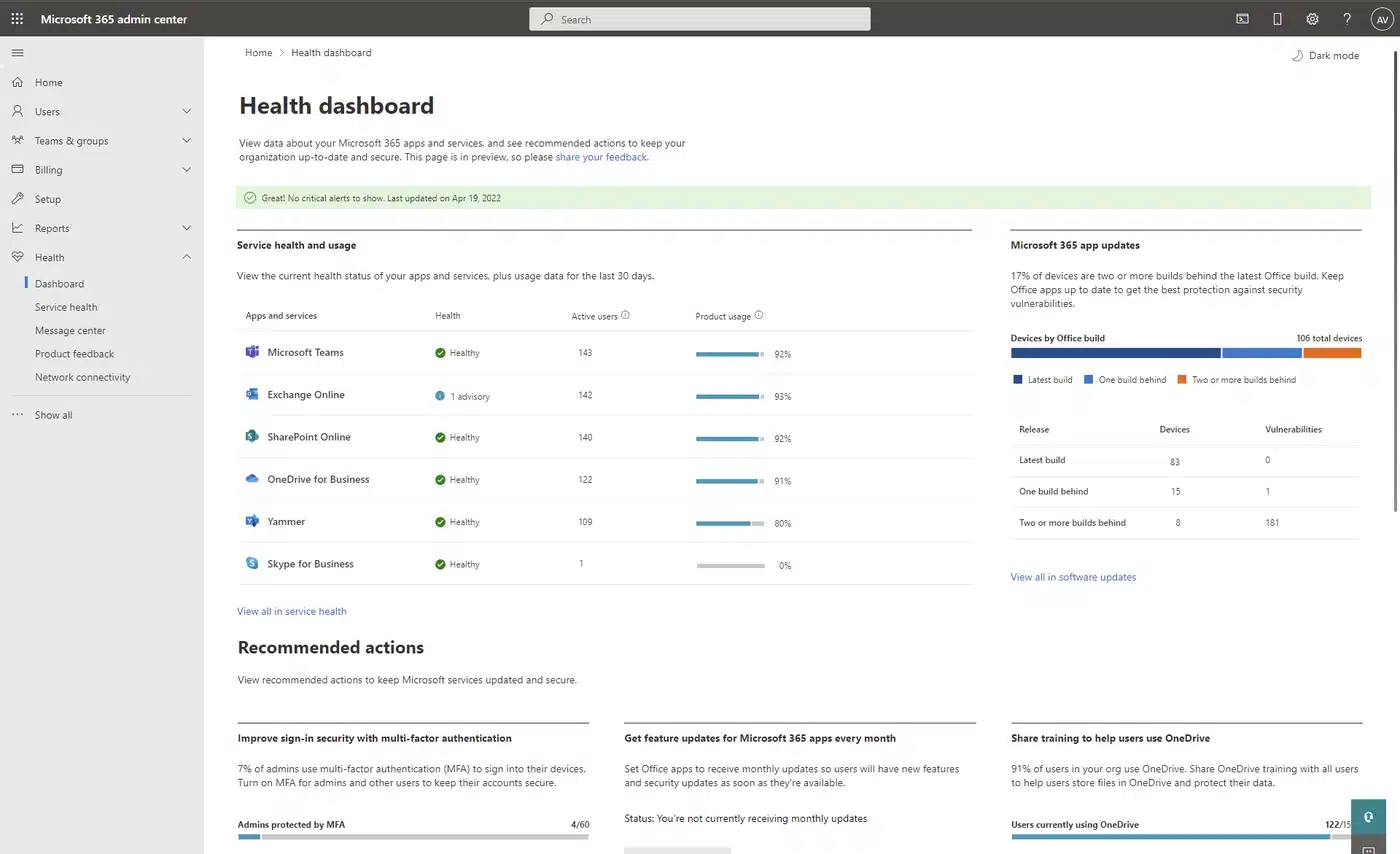
Microsoft’s current guidance says an administrator should first check service health, then start an online request in the Microsoft 365 admin centre. Microsoft also notes that an organisation buying all subscriptions through a partner should contact that partner.
- 1Check the service health dashboard.
Confirm whether Microsoft has already identified an incident or advisory affecting the service.
- 2Open Help & support in the admin centre.
Describe one issue per request. If self-help results do not resolve it, choose the contact-support option available to the tenant.
- 3Provide evidence, not only symptoms.
Include affected users, exact error text, time and timezone, device and app versions, reproduction steps, screenshots, recent changes and business impact. Never place passwords or MFA codes in a ticket.
- 4Record the case and owner.
Keep the Microsoft case number, current status, next update time, workaround and the person responsible for testing the resolution.
Compare the support model, not just the hourly rate
| Question | What a useful answer looks like | Warning sign |
|---|---|---|
| Who owns the ticket? | One named service owns it through diagnosis, escalation, testing and closure. | “Call Microsoft” with no handover or follow-up. |
| What is covered? | User support, tenant administration, security, devices and projects are clearly included or excluded. | “Everything is included” without a service schedule. |
| What are the service levels? | Priority definitions, acknowledgement targets, service hours, update frequency and escalation contacts are written down. | A promised resolution time for every problem, regardless of vendor dependency. |
| How is access controlled? | Separate named admin accounts, MFA, least privilege, approval and auditability. | Shared global-admin credentials or technicians using an everyday account. |
| What happens if we leave? | The customer retains its tenant and data; access, documentation and licences have a defined handover process. | The provider cannot explain tenant ownership or offboarding. |
Ten questions to ask a Microsoft 365 support provider
- Can you show how you document tenants, administrator roles, domains, mail flow and integrations?
- How do you protect your own delegated access into customer tenants?
- What is your joiner, mover and leaver process, and how quickly are former staff disabled?
- How do you review licence use without removing a feature the business depends on?
- How do you separate personal OneDrive files from team-owned SharePoint content?
- Who approves external sharing, guest access and changes to Conditional Access?
- How do you investigate suspicious sign-ins, mailbox rules and compromised accounts?
- What is backed up beyond Microsoft’s native retention, and how are restores tested?
- Who opens a Microsoft case, and who keeps our managers informed during an outage?
- What documentation and access do we receive if the support relationship ends?
How to read Microsoft partner credentials correctly
CSP authorisation allows a partner to transact Microsoft cloud services under a defined sales model. Many CSP partners also deliver strong managed support, but the label alone does not prove that every technician can design SharePoint permissions, secure Entra access or investigate Exchange Online.
A Microsoft Solutions Partner designation in Modern Work is a more relevant capability signal because Microsoft ties it to performance, skilling and customer success. It is still only one input. Ask for qualified people, comparable experience, documented operating practices and a practical example of how the provider resolved a complex tenant issue.
A practical 30-day support review
Record who owns the tenant, subscriptions, domains, admin accounts, support cases and business communication.
Review global admins, MFA, guests, former staff, delegated partner access and emergency accounts.
Check licence fit, Teams and SharePoint structure, device coverage, backups, alerts and service health processes.
Prioritise changes, assign owners, test escalation and agree how results will be reported to management.
Make Microsoft 365 support accountable
Compuloop can review your Microsoft 365 tenant, support model and security administration, then provide a prioritised migration or improvement plan. The review focuses on ownership, identity, licensing, collaboration, devices, recovery and escalation—not a generic sales checklist.
Request a Microsoft 365 support and tenant reviewFrequently asked questions
Is Microsoft 365 support included with a business subscription?
Microsoft’s Australian plan page lists phone and web support, but the route depends on how the subscription was purchased. Microsoft says business admins can start in the admin centre, while customers who bought all subscriptions through a partner should contact that partner.
What is the difference between Microsoft support and an MSP?
Microsoft supports its product and eligible account or service cases. An MSP typically supports your users and owns configuration across Microsoft 365, devices, networks, third-party applications and business processes, subject to contract.
Does being a Microsoft CSP prove technical expertise?
No. CSP is primarily a Microsoft cloud sales and service model. Some CSP partners are highly capable support providers, but buyers should also examine relevant designations, staff skills, security practices, references and the written support scope.
What should be documented before changing providers?
Confirm tenant ownership, domains, subscriptions, admin roles, delegated access, conditional-access policies, mail flow, integrations, devices, backups, open support cases and the offboarding sequence.
Sources and editorial method
- Microsoft Learn: Get support for Microsoft 365 for business, updated 26 January 2026.
- Microsoft Learn: How to check Microsoft 365 service health.
- Microsoft Australia: Microsoft 365 business plans and pricing, checked 10 August 2026.
- Microsoft Learn: Cloud Solution Provider programme overview.
- Microsoft: Solutions Partner for Modern Work.
- Microsoft Learn: Teams-connected SharePoint sites.
Editorial note: AnswerThePublic supplied the target phrase, search snapshot, AI-assisted source draft and featured illustration. Compuloop substantially rewrote and restructured the article, corrected outdated pricing, removed unsupported market-rate claims and checked product and partner-program claims against Microsoft primary sources on 10 August 2026. AI-assisted tools supported research, drafting and layout. Final Compuloop technical review is required before publication.