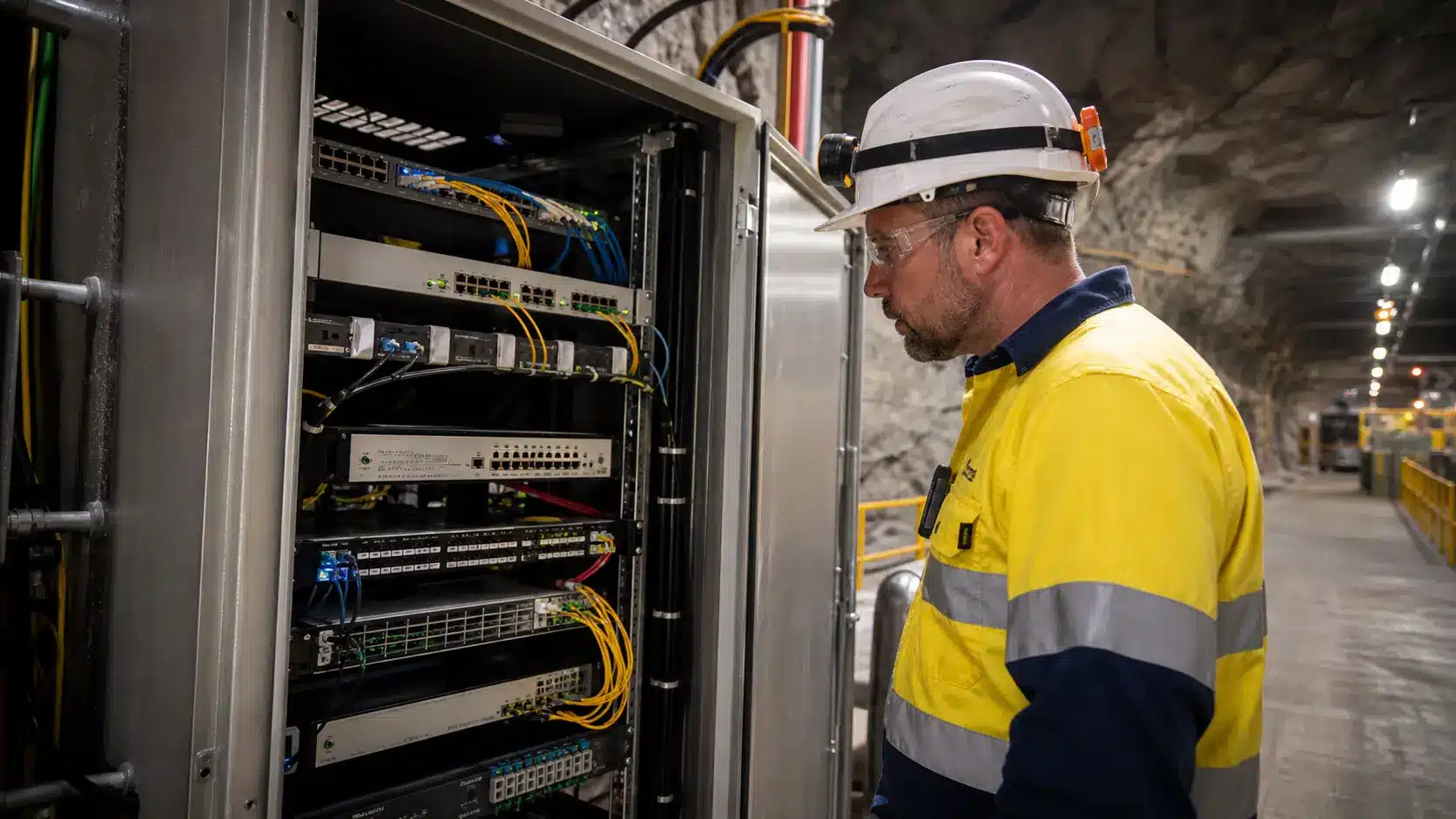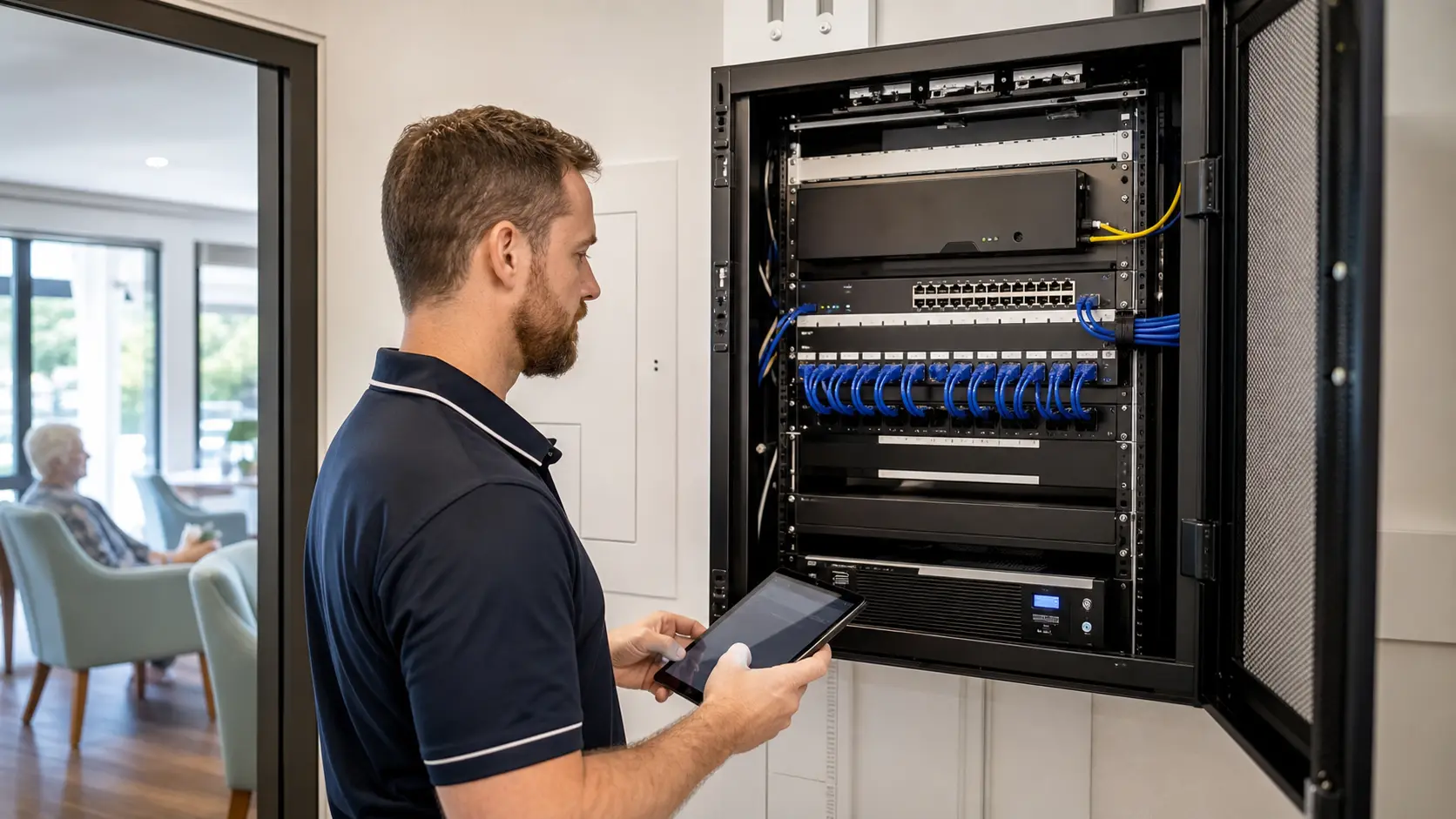



Technology support shaped around how your industry actually works
Different sectors carry different operational, regulatory and security risks. Explore practical industry IT support guides for Australian organisations, then speak with Compuloop about a support plan matched to your people, systems and locations.
Secure, productive work for modern teams
Support for firms that depend on trusted access, Microsoft 365, business applications, secure collaboration and responsive help.
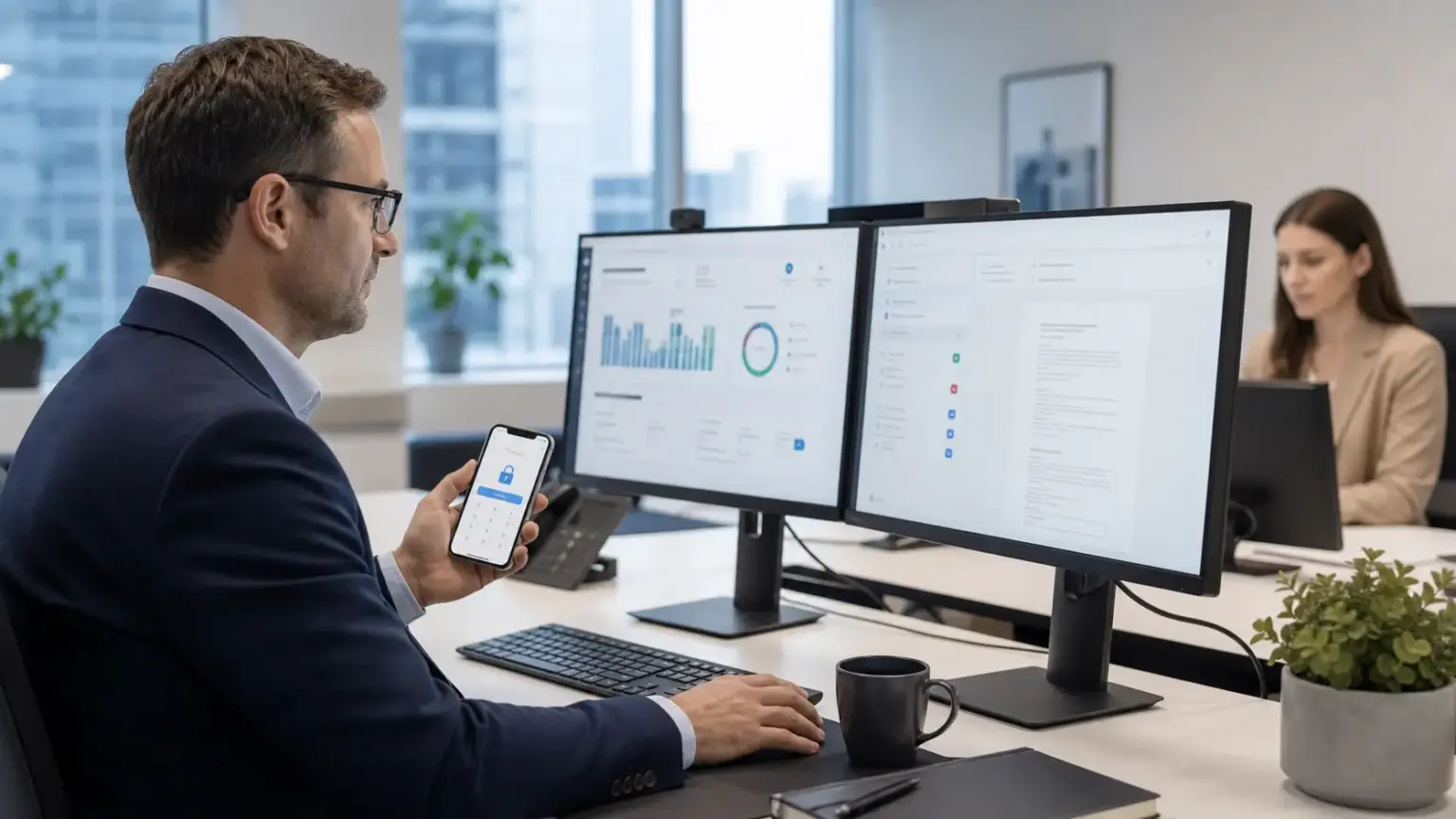
Accounting Firm IT Support
Protect client data, tax workflows and cloud access with dependable support designed for accounting practices.
Open guide
Small Business IT Support
Managed support, Microsoft 365, cybersecurity and cloud services without the overhead of a full internal IT team.
Open guide
Construction IT Support
Keep site teams, project platforms, devices and office systems connected across changing locations.
Open guideNeed dependable IT support for your industry?
Talk through your users, sites, systems and priorities with a Compuloop specialist.
Resilient systems for distributed operations
Practical support for remote sites, depots, vessels, field crews and regional offices where connectivity and recovery planning matter.
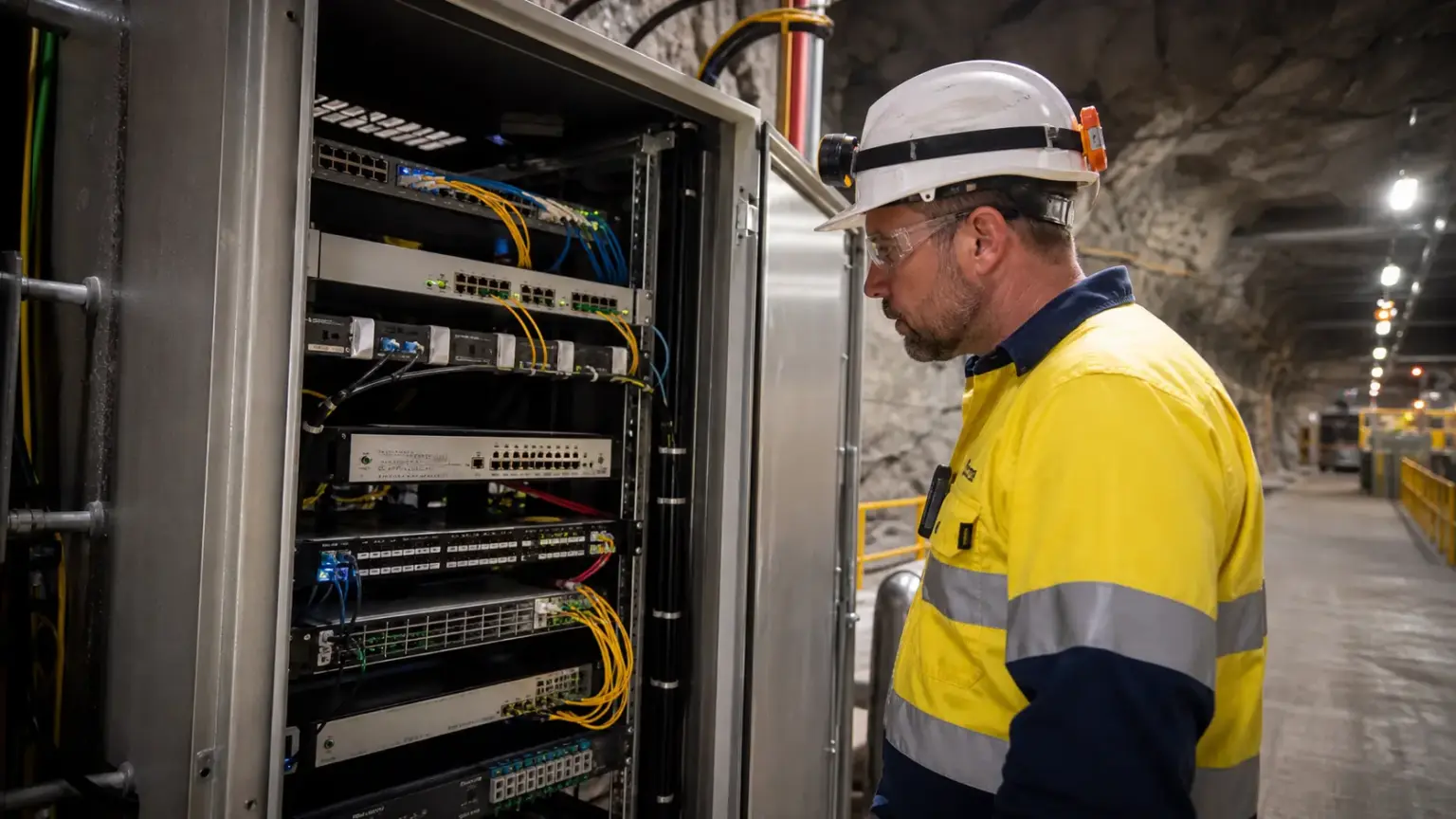
Mining IT Support
Remote-site connectivity, secure access, field hardware and continuity planning for Australian mining operations.
Open guide
Marine IT Support
Onboard Wi-Fi, secure remote access and technology support for yachts, boats and marine operators.
Open guide
Transport & Logistics IT Support
Keep depots, mobile teams, scanners, warehouse systems and office operations securely connected.
Open guideReliable technology where trust is essential
Security-aware managed IT services for teams handling sensitive information, identity, specialised applications and compliance obligations.
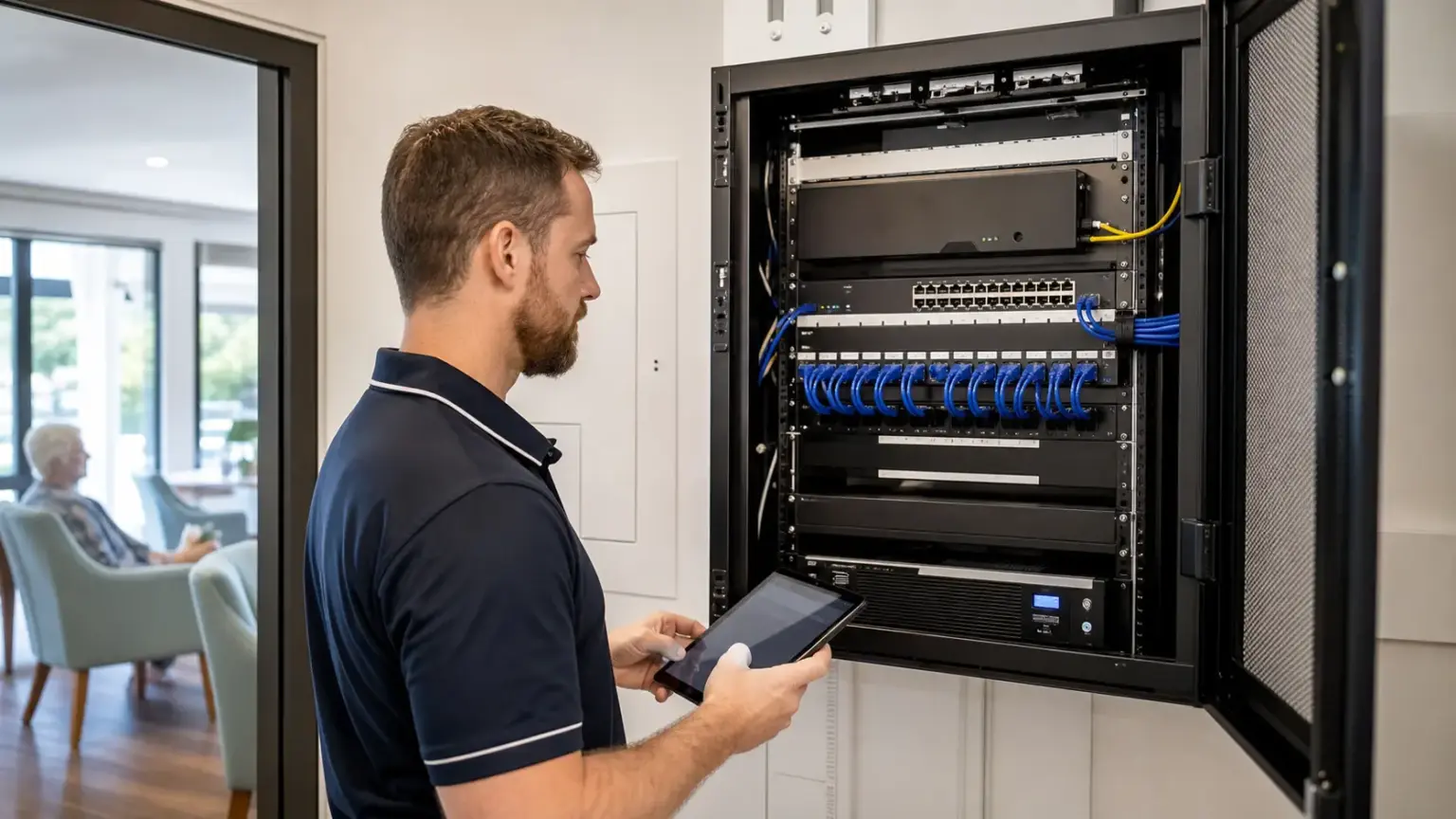
Aged Care IT Support
Support for care teams, shared devices, resident systems, secure access and dependable communications.
Open guide
Agribusiness IT Support
Support for regional offices, farms and suppliers across connectivity, Microsoft 365, cybersecurity and backup.
Open guide
Medical Practice IT Support
Reliable devices, secure identity and vendor coordination for doctors, dentists, dispensaries and allied-health clinics.
Open guide
IT support for franchises
Support for Australian franchisors, multi-site owners and franchisees. Connect head-office standards, site networks, Microsoft 365 and new-location rollouts with clear responsibilities and an agreed support plan.
Explore franchise IT supportMore industry expertise is coming
These guides are being developed. You do not need to wait: tell us about your organisation and we will scope the right support approach now.

Financial Services IT Support
Security-conscious support for advisers, brokers and finance teams handling sensitive client information.
Discuss your requirements
Legal & Professional Services IT Support
Secure collaboration, document access, identity controls and continuity planning for professional firms.
Discuss your requirements
Real Estate & Property Management IT Support
Reliable systems for property teams, commercial portfolios, mobile staff and connected office operations.
Discuss your requirementsNot seeing your industry listed?
We can scope a practical support plan around your organisation, applications and operating environment.
Built around real operating environments—not generic packages
Compuloop starts by understanding how your staff work, which systems matter, where access is granted and how the organisation would recover from disruption.
- Document users, devices, applications, sites and key vendors.
- Prioritise identity, cybersecurity, backup and connectivity risks.
- Define responsibilities, escalation paths and recovery expectations.
- Build a support plan that can change as your organisation grows.
Industry IT support FAQs
Does Compuloop only support the industries listed here?
No. These guides explain some of the environments we commonly support. If your industry is not listed, contact us and describe your users, locations, applications and support requirements.
Can you work with our existing software and specialist vendors?
Yes. Compuloop can coordinate the identity, device, network, Microsoft 365, backup and security foundations around specialist applications, while clearly documenting vendor responsibilities.
Do you provide remote and onsite support?
Support is remote-first, with planned onsite work available where practical. The right mix depends on locations, operating hours, systems and the agreed service scope.
Can you take over our existing IT without replacing everything?
Yes. We start by reviewing your accounts, devices, network, backups and supplier arrangements. Equipment and software that still meet your needs can stay. We identify urgent risks, document access and plan any handover with your current provider before recommending changes.
Can you fix recurring Wi-Fi or firewall faults without disrupting daily work?
We can investigate recurring network and firewall problems, including existing Fortinet environments. We agree access, diagnostic steps and any change window around your operations. Where a restart or outage is necessary, we explain the likely impact and rollback plan first; no provider can promise that every repair will involve zero interruption.
Can one team manage our Microsoft 365, website hosting and domains?
Yes. Compuloop supports Microsoft 365, business hosting, domains and DNS alongside everyday IT. We document who owns each account and how the services connect, so an email or website problem does not leave you chasing several suppliers. Your existing specialist vendors can remain involved where needed.
Will you explain the work clearly and help our staff use the systems?
Yes. We explain the issue, recommended action and any business impact in plain English. Staff guidance and handover notes can be included in the agreed work, helping your team understand access, everyday tasks and when to ask for support. Formal training or larger documentation projects are scoped separately.
Does managed IT support include proactive checks, or only break-fix help?
Managed support can include monitoring, patching, account reviews, backup checks and planned improvements, depending on the service agreement. A one-off repair addresses an immediate issue; an ongoing plan also defines checks, responsibilities and escalation. We confirm what is included rather than assuming every task is covered.
How do you support businesses handling patient, client or financial information?
We review named accounts, multi-factor authentication, access permissions, device security, backups and supplier access around your workflows. For medical practices, accounting firms and other sensitive-data environments, we agree who is responsible for each control and what evidence you need. IT support does not by itself certify regulatory compliance.
Can you support several branches, warehouses, regional sites or mobile teams?
Yes. We can plan support around shared business systems and the needs of each site. That may involve warehouse Wi-Fi and scanners, secure access for field staff, regional-office connectivity or Microsoft 365 access across branches. Onsite availability, operating hours and specialist equipment responsibilities are agreed in the scope.
Can you help us recover when an internet connection or business system fails?
We can review backup connectivity, data backups, recovery priorities and the steps needed to get staff working again. A useful plan identifies essential applications, supplier contacts, restore responsibilities and test arrangements. Recovery targets depend on your systems and agreed services; backups and a second internet link need testing, not assumptions.
Can AI and automation reduce repetitive admin in our industry?
We can assess repetitive tasks such as moving information between systems, preparing routine documents or routing enquiries. We first check your software, data access, privacy needs and any vendor API limits. The aim is a useful, controlled workflow with human review where needed, not automation added for its own sake.
What affects the cost of industry IT support?
Cost depends on users, devices, sites, service hours, existing system condition, security needs and specialist applications. Migration, project work, hardware, licences and third-party charges may sit outside an ongoing support fee. We define those boundaries before quoting so you can compare the scope, not just the monthly total.
How do we start an industry IT support review?
Book a consultation or send an enquiry. We will discuss business priorities, current pain points, users, sites, platforms, security and recovery needs before recommending next steps.