


Your public attack surface
Know what your website exposes before it becomes urgent.
Website security monitoring for Australian businesses, with a reviewed $99 snapshot or scheduled checks for agreed public targets. Clear findings first; remediation scoped separately.
Authorised targets onlyReviewed findingsAustralian businesses

Exposure is a business questionWe translate public-facing observations into practical priorities—not an unexplained scanner export.
What is actually examined
See the public exposure, then understand the decision.
A useful website review joins technical evidence to the way the site is operated. The agreed checks can cover transport security, browser-facing controls, cookie attributes, public files, common CMS exposure and scripts loaded from other organisations.
The work stays inside the written boundary. It does not attempt exploitation, log in to private areas or promise that a public website has no vulnerabilities.
01
Confirm the targetRecord the approved domain, page allowance, exclusions and responsible owner.
02
Review the evidenceSeparate an observable issue from a false positive, expected behaviour or configuration choice.
03
Translate the resultExplain why it matters, who should own the change and whether a retest is appropriate.
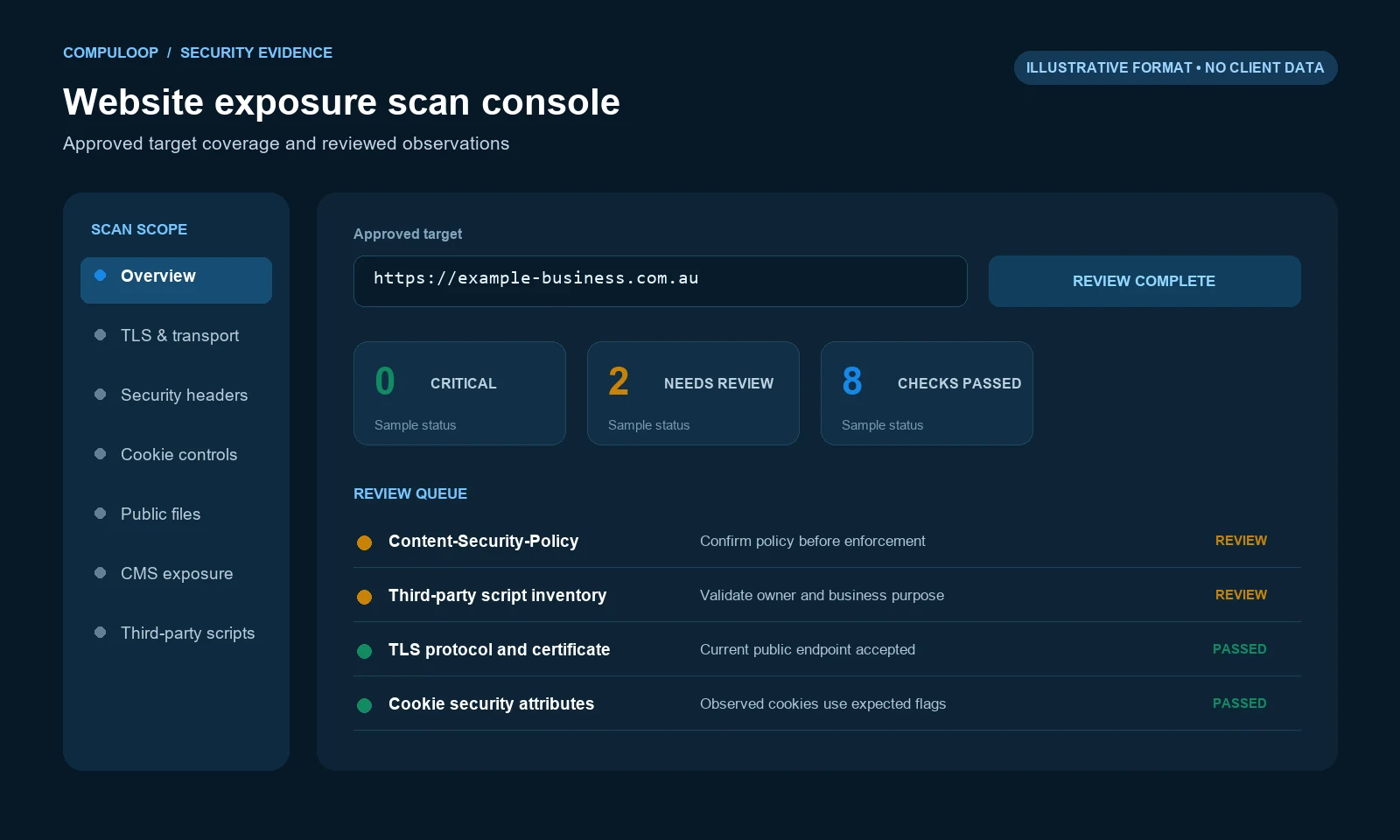
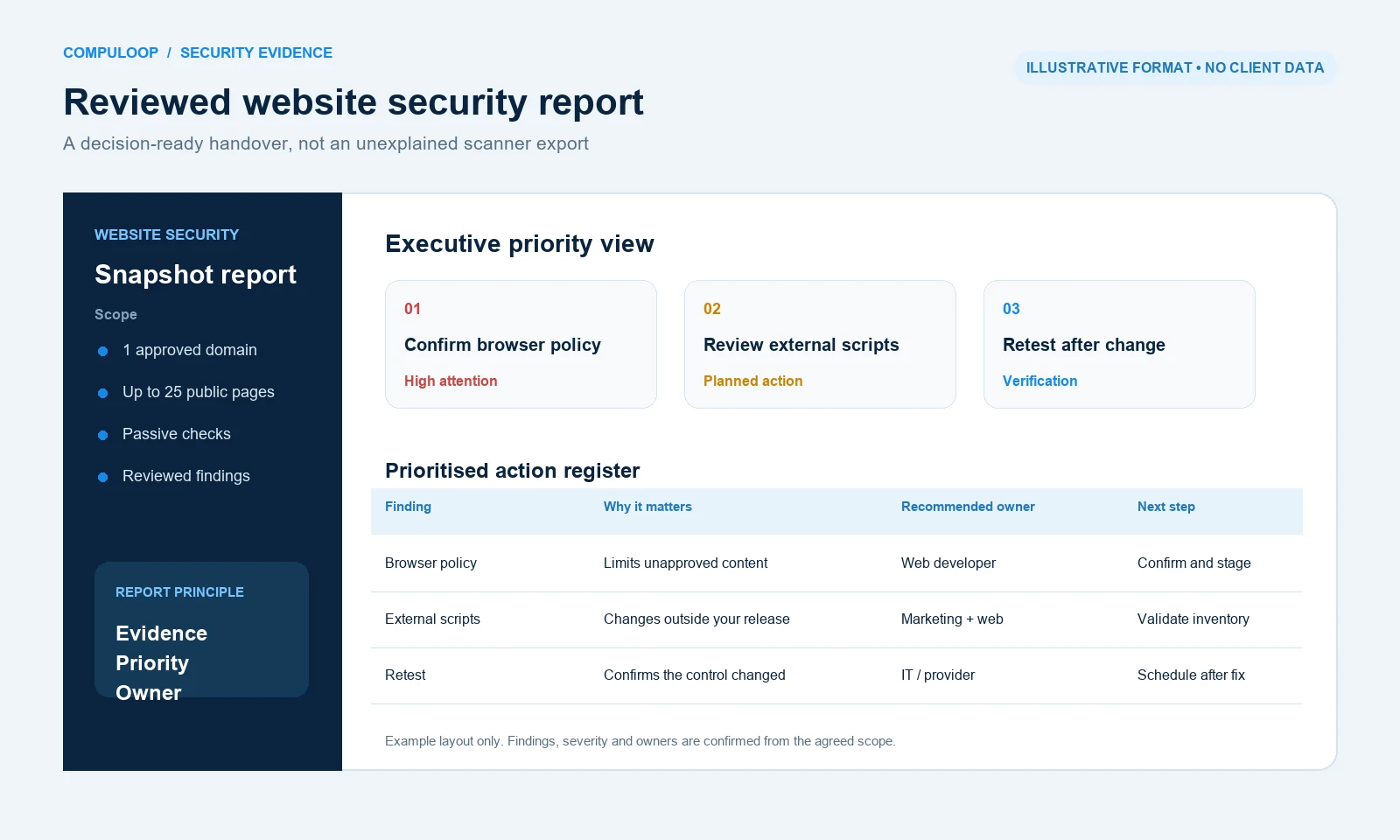
From output to actionEvidence and limitationWhat was observed, what was checked and what remained outside scope. Priority and ownershipWhich issue deserves attention first and whether the web developer, marketing team or IT provider should act. Change and confirmationWhat to change, what not to change blindly, and when a follow-up check should confirm the result.
A reviewed report is more useful than a scanner dump.
Automated tools can produce long lists. The service adds the context needed to decide what should happen next.
Optional technology stack
Turn findings into managed protection.
A scan identifies what is visible. Where the business needs an ongoing control, Compuloop can also quote, licence, configure and manage selected security applications around the website, users and connected systems.
 Find and prioritise
ConnectSecure
Continuous vulnerability discovery can extend a one-off exposure review into an ongoing remediation queue across approved assets.
Ask about ConnectSecure Control web access
Check Point
Web security, secure access and policy controls can reduce risky browsing and help protect users reaching business systems.
Ask about Check Point Block risky destinations
DNSFilter
DNS-layer filtering can stop access to malicious or unwanted destinations before a browser connection is completed.
Ask about DNSFilter Add a managed control layer
Sophos
Firewall, endpoint and web controls can be scoped together where the website review exposes a broader device or access problem.
Ask about Sophos Map public services
Nmap
Authorised host, port and service discovery can help confirm what the approved public target exposes before deeper review.
Ask about Nmap Automate web checks
OWASP ZAP
Scope-controlled web application scanning can identify common security weaknesses across approved public pages and endpoints.
Ask about OWASP ZAP Validate web findings
Burp Suite Professional
Hands-on request inspection and targeted checks can help validate web application findings where the written scope permits.
Ask about Burp Suite Professional Assess known vulnerabilities
Tenable Nessus
Vulnerability scanning can help identify and prioritise known weaknesses on authorised web infrastructure and related public services.
Ask about Tenable NessusHow this works: these are optional technology choices—not products automatically included in every service. Compuloop confirms the operational need, licence eligibility, Australian availability, data region, compatibility and final commercial scope before supply. Using a particular tool does not turn a snapshot or monitoring service into a penetration test.
Choose by decision
What do you need to know?
Start with the smallest scope that answers the question. That keeps cost, access and expectations under control.
“What is publicly visible today?”
Use a Website Security Snapshot for one website and up to 25 public pages.
“Has our exposure changed?”
Use External Exposure Watch for scheduled checks of up to five agreed public targets.
Need login testing, exploitation or assurance?
These services are not penetration tests. Authenticated application testing, production fixes and continuous threat response need a separately agreed scope.
Scope and pricing
Two ways to establish and maintain visibility.
Prices are in AUD excluding GST. Written scope, ownership authorisation, access, availability and commercial terms are confirmed before work begins.
Website Security Snapshot
$99
One-off · excluding GST
- One website and up to 25 public pages
- TLS, security headers, cookies and passive public-page checks
- Reviewed findings with prioritised next actions
- Fixes and retest are not included
External Exposure Watch
$199
Per month + $299 setup · excluding GST
- Up to five agreed public targets
- Monthly vulnerability scan
- Weekly basic exposure checks
- Reviewed report and one targeted recheck each month
Scheduled checks are not continuous monitoring or 24/7 response. Onsite work, travel, extra assets and production fixes are separate.
How it works
A controlled check with a useful handover.
Agree targets
Confirm ownership, public assets and explicit boundaries.
Complete checks
Run the passive or scheduled work defined in writing.
Explain findings
Separate noise from the actions that deserve attention.
Assign next steps
Give your developer or IT provider a workable action list.
Not sure which option fits?
Start with the website and business question.
We will confirm the authorised targets, exclusions and commercial terms before the service begins.
Before you book
Website monitoring questions
Is this a penetration test?
No. The service uses only the passive or scheduled checks described in the written scope. It does not include exploitation, login testing or the assurance provided by a penetration test.
What is actually included in the website scan?
The one-off Website Security Snapshot covers one website and up to 25 public pages, including TLS, security headers, cookies and passive public-page checks. External Exposure Watch covers up to five agreed public targets with the scheduled checks listed in that package.
Will the checks slow down or interrupt our live website?
Checks are limited to the authorised scope and scheduled with production risk in mind. Any active check can create web requests, so timing, rate limits and exclusions are agreed before work begins; zero impact cannot be guaranteed.
Do you test logged-in areas, forms or customer portals?
Not under the standard packages. Authenticated application testing, form workflows and login-protected areas require a separate written scope, suitable test access and approval from the asset owner.
How do you handle false positives from automated scanners?
Compuloop reviews the results and separates likely noise from findings that deserve action. A reviewed assessment reduces scanner noise, but it does not claim that every issue has been proven through exploitation.
Will Compuloop fix the vulnerabilities you find?
Fixes are not included in the standard scan or monitoring price. We can agree a separate remediation scope or provide a prioritised handover for your existing developer or IT provider.
What will the report contain, and can our developer use it?
The report explains what was checked, the limitations, reviewed findings, practical priorities and next actions. It is designed to give a developer or IT provider a workable remediation list rather than an unexplained scanner export.
How often should our website be checked?
A Website Security Snapshot is a point-in-time baseline. External Exposure Watch adds a monthly vulnerability scan and weekly basic exposure checks, but it is not continuous monitoring or 24/7 incident response.
Can you test a website or hosting environment we do not own?
Only with appropriate written authorisation from the asset owner and an agreed testing scope. Compuloop will not scan a third party's systems without permission.
Which security tools may be used?
Depending on the authorised target and written scope, work may use tools such as Nmap, OWASP ZAP, Burp Suite Professional or Tenable Nessus alongside manual review. Tool selection does not expand the agreed scope or turn this service into a penetration test.
Independent guidance: ASD small business cyber security handbook. It complements the service scope; it does not certify this service.