Doctors and specialist medical practices
Support for consulting rooms, reception, practice systems, Microsoft 365, secure access, networks and dependable day-to-day devices across one or several locations.

Medical IT support should keep clinical and administrative workflows reliable while protecting sensitive information. Compuloop provides medical practice IT support and healthcare IT managed services for Australian medical, dental, diagnostic and allied-health teams.
Industries we serve / Medical practices and healthcare
Tell us what interrupts your clinicians or reception team. We’ll follow up with a careful, practical IT plan.
Prefer to talk? Call 1300 007 613
When a workstation, printer, network or account stops working, reception, clinicians and patients can all feel the disruption. A practice may also rely on booking, billing, imaging or clinical software managed by different vendors.
Our healthcare IT support services begin by understanding the practice: locations, roles, opening hours, devices, applications and the systems that cannot fail during patient care. Then we define which parts Compuloop will support and where software vendors, clinical equipment providers or internal practice leads remain responsible.
That boundary matters. We can help with endpoint, identity, network, Microsoft 365, backup and security foundations; we do not claim to provide clinical advice or guarantee compliance by installing a product. A workable healthcare IT support plan is specific to your practice and tested in its real environment.
Compuloop scopes business IT support around each organisation’s size, locations, internal team and specialist vendor responsibilities.
Support for consulting rooms, reception, practice systems, Microsoft 365, secure access, networks and dependable day-to-day devices across one or several locations.

Practical IT foundations for dispensing environments, shared workstations, staff accounts, network-connected systems, backups and coordination with specialist software vendors.
IT support for dental practices that rely on reception systems, imaging, secure staff access, connected treatment-room devices, dependable networks and specialist dental software vendors.
Business IT support for clinics and healthcare facilities, scoped alongside internal IT, clinical engineering and application providers to keep responsibilities and escalation paths clear.
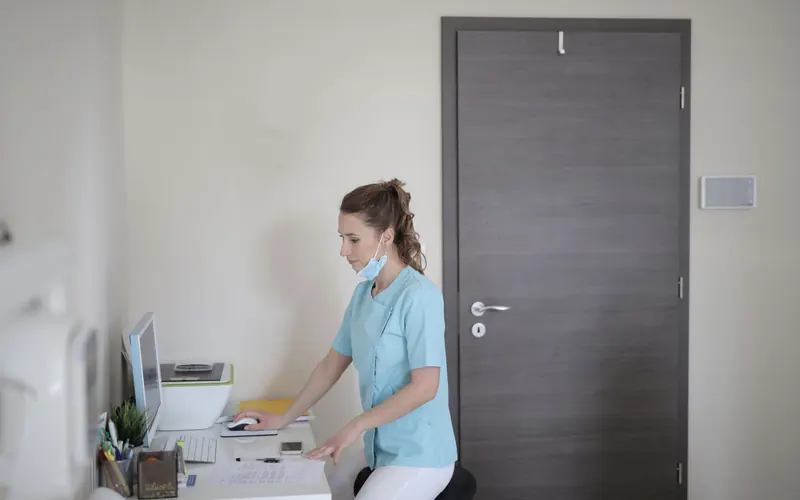
maintain supported workstations, printers, Wi-Fi, switching and internet connectivity. Separate guest access from practice systems where appropriate and document dependencies before making changes.
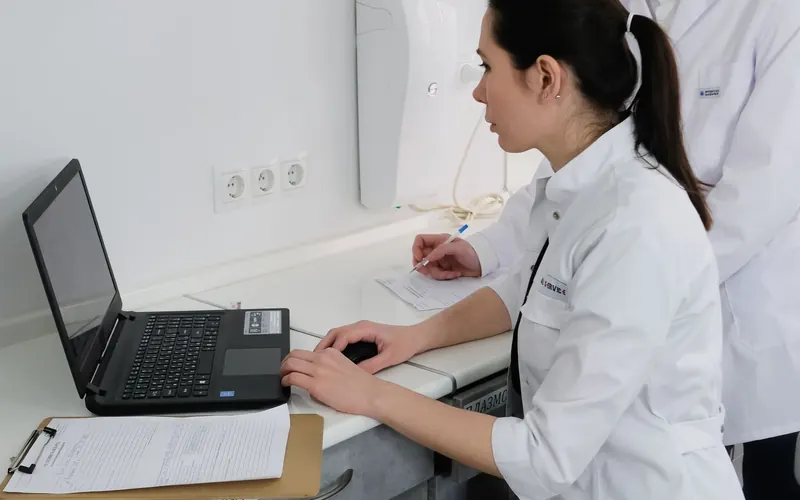
named accounts, MFA and role-based access help reduce shared-password risk. Staff onboarding and offboarding should be prompt and auditable, including access held by contractors and external providers.

identify where clinical and business data actually lives, who owns each backup and how restoration is tested. A practice needs a response plan for both an outage and a suspected security incident.
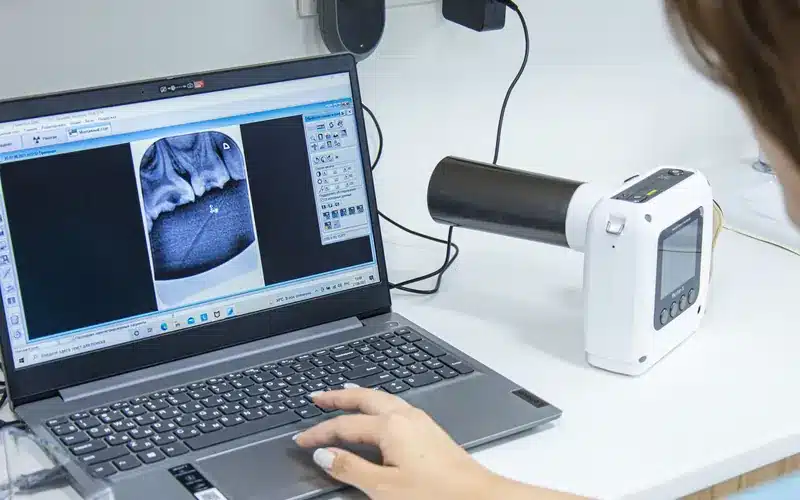
if a practice-management system or imaging application has a problem, we can help isolate whether the cause sits with the endpoint, network, identity, hosting or software provider. Ownership and escalation paths should be written down.
Review the technology behind booking, reception, consultation, billing and follow-up before a small IT fault becomes a patient-facing disruption.
Health information is sensitive, and Australian private-sector health service providers have particular privacy obligations. The OAIC Guide to Health Privacy explains the framework; the RACGP information security resource provides practice-focused guidance. These sources should inform your policies alongside professional and legal advice.
We can help implement technical controls such as MFA, supported software, endpoint protection, least privilege, secure backups and incident procedures. We also help clarify who approves access, where records are held and how a suspected breach is escalated. No checklist or vendor badge replaces practice-level governance.
A practice IT problem often starts small: a receptionist cannot open an appointment system, a consultation room loses a printer, or a clinician cannot sign in to a shared workstation. The effect is felt by patients and staff long before a dashboard flags an outage.
We map the everyday workflow from booking and check-in to consulting, billing and follow-up. That helps prioritise managed workstations, network coverage, identity, patching and support escalation around the systems that genuinely keep the practice moving. Specialist clinical software and connected devices remain under their vendors’ clinical or product responsibilities; our role is to manage the business IT foundations and coordinate the hand-off when a fault crosses those boundaries.
For multi-site practices, repeatable setup matters. Standardised accounts, documented room devices and a change calendar can make a new clinician or location less disruptive. Cutovers should be planned around sessions and confirmed with the practice rather than assumed safe because a change is technically simple.
Medical, dental, diagnostic and allied-health practices handle information that deserves careful access controls and incident planning. Moving files into a cloud service does not by itself establish an appropriate privacy or security posture. Responsibility still depends on configuration, staff practice, contracts, retention and the applicable legal and professional obligations.
We support a risk-based review of who can access records, how privileged accounts are protected, whether devices are encrypted and updated, and which alerts reach an accountable person. Backups should be scoped to the actual systems and tested so that the team knows what can be restored. The plan should also cover what staff do if a clinic network, email system or core application is unavailable during patient hours.
Compuloop provides IT and cybersecurity support, not legal certification or clinical accreditation. We can work alongside your practice manager, privacy adviser and specialist software vendors so technical controls fit the practice’s obligations and workflow.
Tell us the practice type, number of sites, approximate users and the issue you want resolved. We will propose a practical discussion rather than a one-size-fits-all package.
A practice manager should be able to see how a provider will protect patient-facing work during both normal support and planned change. Ask for clear answers to these points:

how are reception, consulting rooms, billing and multiple locations supported when one system fails?

who approves a new clinician account, a locum’s temporary access or an administrator privilege? How is access removed?
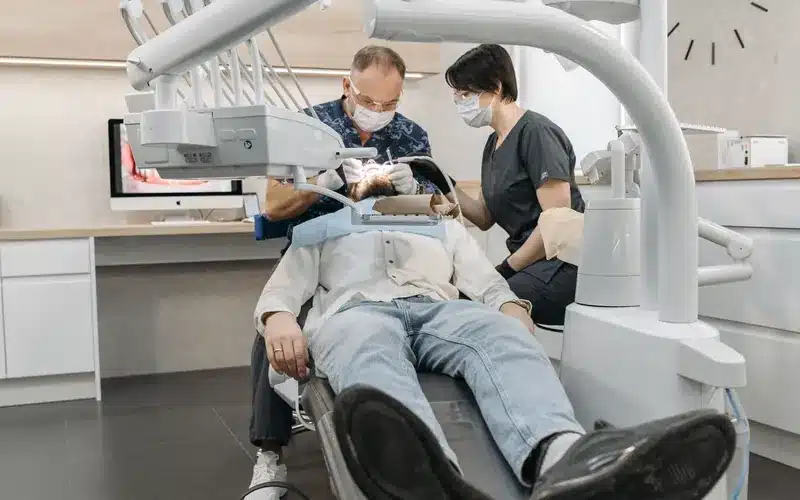
who contacts the clinical application, diagnostic equipment and telecommunications vendors, and what remains outside the IT support scope?
which systems are backed up, how often are restores tested, and what is the documented fallback during patient hours?

how are patches, migrations and room-device replacements scheduled, communicated and rolled back if needed?
Compuloop can scope these questions with your team and propose a practical support arrangement. We do not claim a clinic is compliant merely because a particular product or configuration is installed.
Bring identity, clinical-system dependencies, backup evidence and incident responsibilities into one practical practice-level review.

map sites, users, devices, applications, vendors and data flows. Record the issues that interrupt consultations or administration today.

examine shared logins, unsupported devices, backup gaps, unstable networks and unclear incident ownership. Agree what requires immediate action and what can be staged.

plan around consultation hours, test critical workflows and coordinate with clinical-software or equipment providers before modifying dependencies.

keep systems patched, permissions current and recovery steps documented. Revisit the plan as staff, rooms or practice locations change.
Keep devices, Microsoft 365, networks, backups and vendor hand-offs aligned as clinicians, rooms and practice locations change.
We can support their common business IT foundations: user accounts, workstations, Microsoft 365, networks, security and backups. Specialist clinical software and devices remain subject to vendor agreements and a clearly defined scope.
Not by itself. Configuration, access rules, information handling, backups and staff processes all matter. We can help implement technology controls while the practice retains its governance and legal responsibilities.
That is the aim. We identify patient-facing workflows, plan the cutover with the practice, confirm vendor dependencies and agree communication and rollback steps before work starts.
Yes. We can troubleshoot the surrounding devices, connectivity and access, then coordinate with the application vendor when an issue belongs within their product. We make the handoff visible to your practice manager.
We can help establish an onboarding and offboarding process covering accounts, shared mailboxes, MFA, devices and permissions. The practice decides what information each role is authorised to access.
We can review backup coverage and restore procedures under an agreed, privacy-conscious scope. A restore test should confirm recoverability while limiting access to sensitive information to what is necessary.
Yes, subject to scoping. We can review each site’s connectivity, network, devices and application dependencies, then define central management and site-specific support arrangements.
No. We provide business IT support under an agreed service scope. Clinical decisions, patient care and specialist medical-device support remain with the practice and relevant clinical vendors.
Tell us your practice type, sites, approximate users and current IT problem through the form above, or call 1300 007 613. We will discuss the environment and appropriate next steps.
