Agribusiness IT support for Australian operations

Agribusiness IT support helps Australian farms, processors, suppliers and regional teams keep working across multiple locations. Compuloop supports Microsoft 365, business systems, networks, backups and cybersecurity around the realities of seasonal and regional operations.

Industries we serve / Agribusiness

Get an agribusiness IT plan

Tell us about your sites, connectivity and key business systems. We’ll suggest practical next steps for your operation.


    Prefer to talk? Call 1300 007 613

    Agribusiness IT support beyond the farm office

    Agribusiness operations can span property offices, sheds, packing facilities, suppliers and mobile staff. Internet quality may vary between sites, while essential work still depends on email, finance systems, inventory records and shared documents.

    We map the people, devices, sites and applications behind those workflows before proposing changes. That includes where information is stored, how contractors or seasonal staff receive access, what must keep working during an outage, and which specialist providers own equipment or software.

    Our role is to make the business IT foundation manageable: supported endpoints, clear identity controls, sensible Microsoft 365 use, secure networks and recoverable data. We work alongside agriculture technology vendors rather than claiming to repair every machine or operational system.

    Agribusiness IT support for Australian regional operations
    Real Australian farm scene, Narrandera NSW. Photo: Michael SKOPAL / Unsplash.

    The technology pressure points we help address

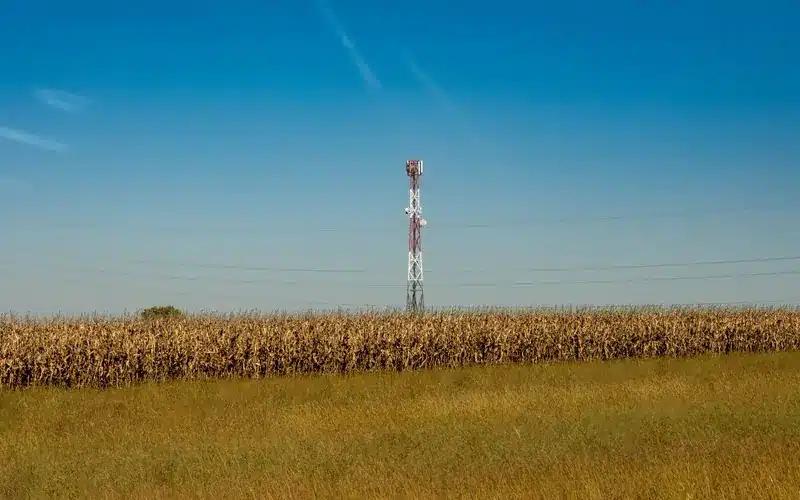
    Communication tower beside a rural agricultural field

    Regional connectivity:

    a single unreliable link can disrupt orders, records and communication. We assess site needs, network layout, Wi-Fi coverage and feasible backup connections, noting that availability varies by location.


    Agribusiness operator using a tablet while working in a crop field

    Access across locations:

    owners, managers, contractors and seasonal workers need the right access for the right period. Named accounts, MFA, device policies and documented offboarding reduce dependence on shared credentials.

    Business team collaborating around a laptop and shared documents

    Files and collaboration:

    agribusinesses need a clear place for contracts, compliance records, invoices and operational documents. We can plan Microsoft 365, SharePoint and OneDrive permissions and retention with the business, avoiding a sprawl of personal folders and email attachments.

    Agricultural technology specialists reviewing crop data on tablets

    Backup and recovery:

    identify critical data, where it lives and how quickly it needs restoring. A backup is only useful when a restore has been tested and someone knows who to call.

    Make regional IT dependable before the busy season

    Review connectivity, access, shared information and recovery across properties, offices and mobile teams before downtime reaches an operational deadline.

    • Regional connectivity
    • Secure identities
    • Shared information
    • Tested recovery
    • Vendor contacts
    • Clear ownership

    Cybersecurity that fits regional operations

    Cyber security in agriculture must account for people, devices and suppliers spread across regional operations. Agriculture cyber security risks include fraudulent invoices, phishing, ransomware and lost devices, not just machinery or sensors. Start with MFA, updates, secure administrator access and tested backups. The Australian Cyber Security Centre’s small-business cyber security handbook outlines practical steps. The Department of Agriculture’s digital foundations strategy also recognises connectivity and digital capability as real issues for agriculture.

    We avoid blanket claims that one product makes a farm secure. A useful plan separates office IT from machinery, sensors or other operational technology, then coordinates with the relevant equipment and software vendors before changes are made.

    Regional connectivity needs a fallback plan

    Farm offices, packing sheds and processing sites often depend on a mix of fixed, mobile and specialist links. Precision agriculture technology and smart agriculture technology can add further connectivity and data dependencies, but cloud tools are only useful if staff can reach them at the point of work. During harvest, dispatch or a stock movement, a short outage can leave orders, supplier communication and records stalled.

    We map the important workflows first: which applications are used at each site, what connectivity they need, and how long the business can tolerate an interruption. That informs network segmentation, resilient Wi-Fi, monitoring and a sensible secondary connection where available. We also document who contacts the carrier, application provider or equipment vendor when the fault sits outside the managed IT environment.

    Not every property needs the same architecture. We distinguish between business IT we can manage remotely and operational technology, machinery systems or specialist agritech that require vendor ownership. That keeps responsibilities clear and avoids a glossy cloud plan that fails in a paddock or shed.

    Explore managed networks and Wi-Fi.

    Farm silos beneath a cloudy sky in regional Victoria
    Photo: You Le / Unsplash. Cooriemungle VIC, Australia.
    Harvester working in a wheat field in Mirrool New South Wales
    Photo: David Maunsell / Unsplash. Mirrool NSW, Australia.

    Protect seasonal work without slowing it down

    Agribusiness teams can change quickly across harvest, packing and distribution periods. Temporary staff, contractors and external advisers need timely access, but shared passwords and forgotten accounts leave lasting risk. A simple, repeatable onboarding and offboarding process can matter more than another dashboard.

    We help make access practical: named accounts, MFA where suitable, limited permissions, managed devices and a documented handover when a person changes role or leaves. Finance and supplier payments deserve separate attention because invoice redirection can affect businesses of any size. Staff should know how to verify a changed bank detail using a trusted channel.

    We also look at the information that cannot be recreated easily—contracts, production records, customer data and key operational documents. Backups need an agreed scope, retention and a demonstrated restore path. Sync tools are not automatically a backup. A recovery plan should identify the people who decide what to restore first and how work continues while systems are unavailable.

    Review business cybersecurity options.

    Build an IT plan around the way your agribusiness operates

    Tell us your locations, approximate user count, key systems and the issue creating the most friction. We will discuss a realistic next step for your Australian operation.

    What to include in an agribusiness IT review

    A useful first conversation covers the operation, not just the office server. We would ask for enough detail to rank work by business impact:
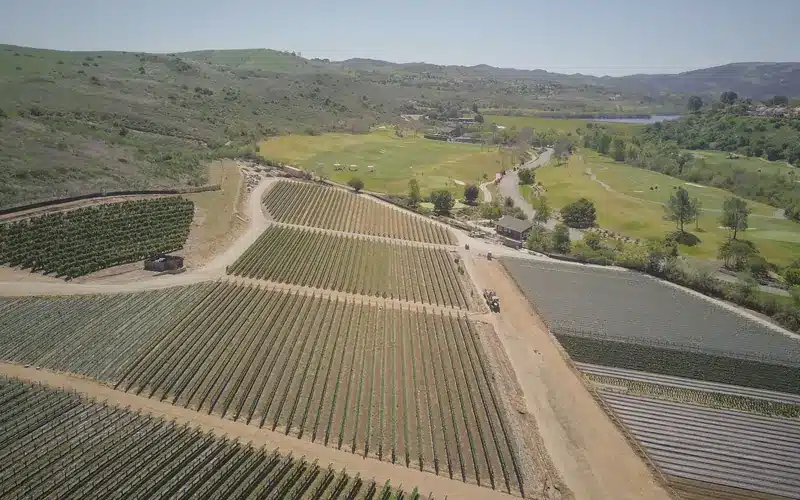
    Aerial view of agricultural properties and fields across a rural landscape

    Properties, sites and seasons:

    which locations, packing periods and dispatch windows are least tolerant of downtime?
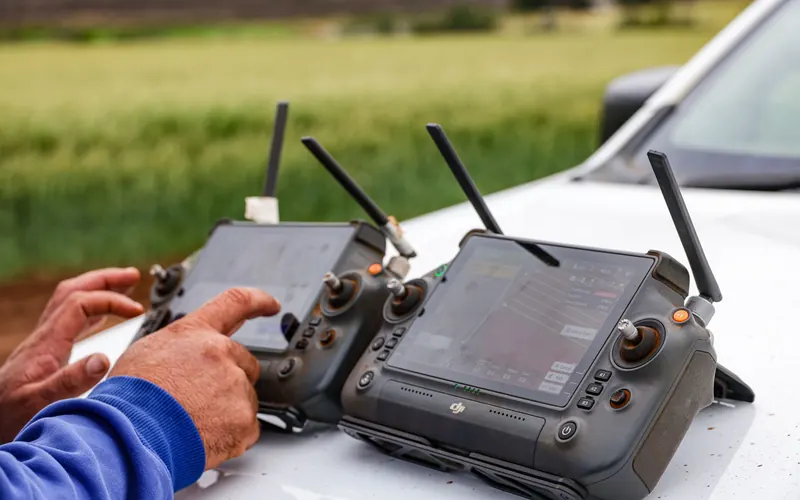
    Farm operators using connected drone controls for precision agriculture

    Connectivity:

    document the primary and backup links, coverage gaps, carrier contacts and whether key workflows can operate offline.
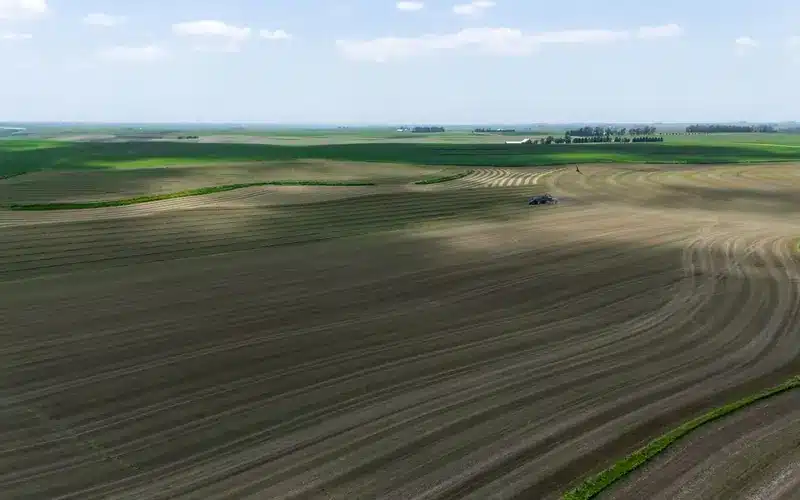
    Agricultural teams and machinery working during the harvest season

    People and access:

    list permanent staff, seasonal workers, contractors, advisers and suppliers who have business-system access.

    Horticulture worker using a tablet to manage agricultural information

    Data and recovery:

    identify finance, production, customer and supplier records; confirm backup ownership, retention and restore testing.

    Agricultural specialists repairing machinery beside a tractor

    Vendor boundaries:

    agree who supports farm-management applications, machinery and operational technology so faults reach the right specialist.

    That information lets us propose a staged plan and a clear support boundary. We will not promise that ordinary business IT support replaces an equipment manufacturer or a specialist agronomy system provider.

    Turn operational detail into a staged agribusiness IT plan

    Bring properties, seasonal work, carriers, access, critical data and specialist-vendor responsibilities into one prioritised plan.

    • Site priorities
    • Seasonal deadlines
    • Coverage gaps
    • Access register
    • Restore evidence
    • Vendor boundaries

    How we would scope an agribusiness engagement

    Farmer mapping crop operations with a drone controller in an agricultural field

    1. Identify the work:

    which sites, users, seasons and applications matter? We ask about busy periods, existing providers and any systems that cannot tolerate disruption.
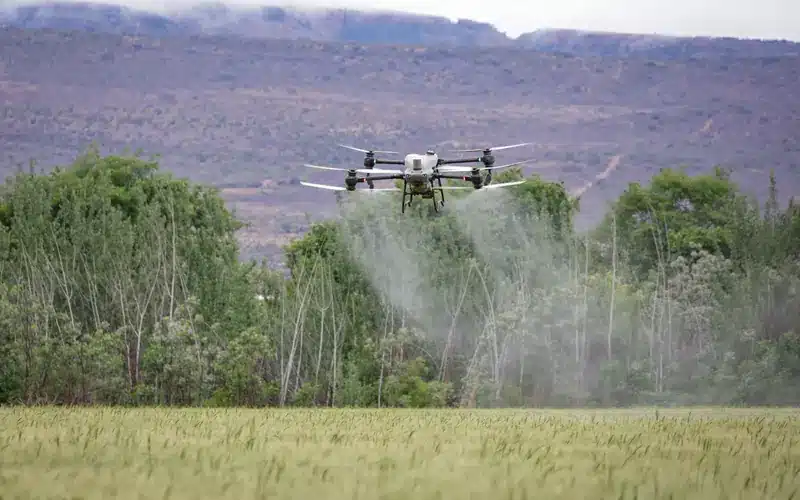
    Agricultural drone operating above a field as part of a technology baseline

    2. Establish a baseline:

    we review accounts, devices, patching, backups, connectivity and support ownership. The result is a prioritised list, not a generic technology shopping list.

    Business advisers agreeing a staged delivery plan using documents and a laptop

    3. Deliver in stages:

    urgent risks come first. Longer-term improvements can include identity management, network upgrades, Microsoft 365 governance and documented recovery procedures.

    Professional team reviewing an ongoing operational plan around a laptop

    4. Keep it current:

    as staff, properties or suppliers change, access and support arrangements should change with them. We can help maintain that discipline over time.

    Support the business from farm office to regional sites

    Keep Microsoft 365, networks, cybersecurity, backups and supplier coordination aligned as people, properties and operating seasons change.

    • Australian business support
    • Regional planning
    • Microsoft 365
    • Cybersecurity
    • Network support
    • Regular reviews

    Agribusiness IT support FAQs

    We can plan remote administration and coordinate on-site work when required. Feasibility, response expectations, travel and connectivity constraints are agreed in the scope rather than assumed.

    We support the underlying users, devices, identities, network and data protection. Where a fault sits inside specialist software, we coordinate with its vendor and make the responsibility boundary clear.

    No. We assess connectivity, workflow, security, cost and recovery needs first. Some systems may remain local or hybrid, especially where reliable internet access is limited.

    We map the tasks that depend on the link, check carrier and mobile coverage, and discuss a suitable backup connection or offline procedure. We do not promise seamless failover where local coverage cannot support it.

    Yes. We can help define temporary accounts, MFA, role-based access and an exit checklist so seasonal staff receive what they need and access is removed when the work ends.

    We review where records are stored, who can access them, how devices are managed, and whether backups are monitored and restorable. The plan should cover lost devices as well as outages and cyber incidents.

    Not without a separate assessment and the relevant equipment vendor. We distinguish office IT from machinery, sensors and other operational systems to avoid disrupting production.

    Yes. We can scope a priority site or business process first, document the findings, then decide together whether a wider project or managed support arrangement makes sense.

    Use the form above or call 1300 007 613. Share your locations, approximate user count, critical systems and the issue you most want to fix.